

InBrowser
Screenshots

|
Developer
|
Private Internet Access, Inc |
|
Category
|
Communication |
|
Installs
|
340,000,000 |
|
Version
|
2.5.9 |
|
Content Rating
|
0 |
|
Price
|
Free |
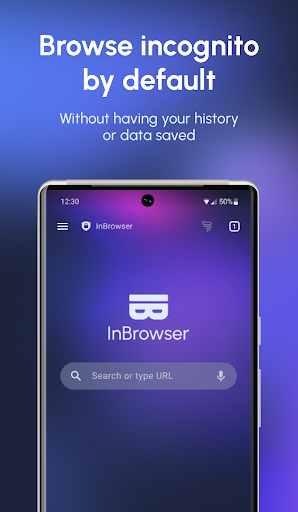
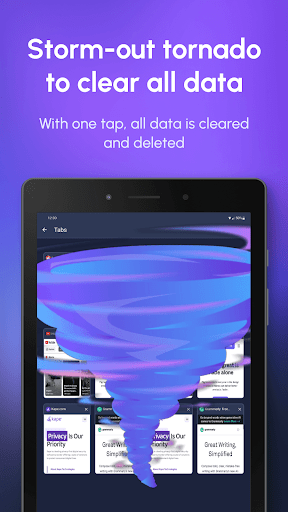
InBrowser is an incognito/private browser for Android with TOR and video support. Each time you exit InBrowser, everything you’ve done in the app will be erased, including history, cookies, and sessions. InBrowser is a feature rich browser, and it’s in permanent private mode.
This is the optimal browser if you want to visit adult websites, dating sites, medical sites, check Facebook on a friends device, watch a video or anything else without anyone finding out!
Features:
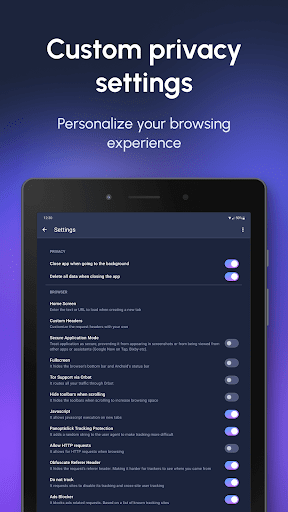
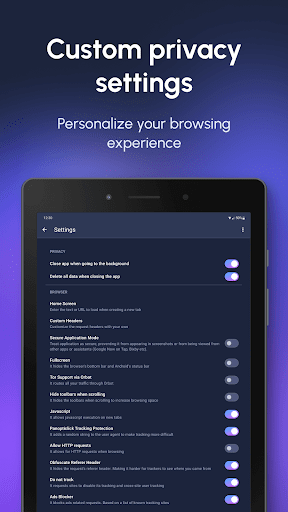
- Absolutely no data is saved.
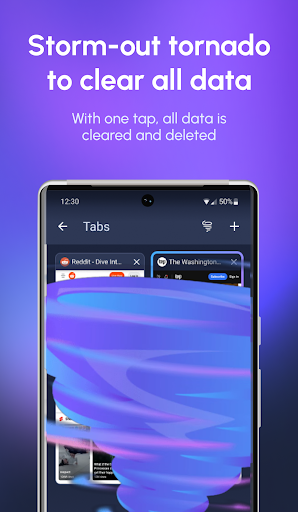
When you exit the app, all data and history is removed. Everything that goes on in the browser is removed when you hit Home, Exit, or Close.
- The Onion Router (TOR) support via Orbot.
Browse the Internet anonymously and encrypted through the TOR network and access content that has been blocked by your ISP, network or government. Requires Orbot to be installed and running.
- Search engines
InBrowser support searching via DuckDuckGo, StartPage (Ixquick), Bing, Google and Yahoo.
- No first or third party ads or trackers are bundled in the app. Your information is secure from leakage.
- Supports agent cloaking (no more mobile-version of sites!)
Make websites think that you're visiting from Google Chrome, Internet Explorer, Firefox, or Android.
- Deep integration with LastPass
LastPass can automatically fill passwords in InBrowser. Stay secure with strong passwords without any hassle.
- In-App video support
Click on a video-link and an in-app video player will play the video. Any trace of this is removed when you exit the app.
- Tabbed Browsing
InBrowser’s tabbed browsing feature has the ability to quickly switch between several open webpages within a single browsing session.
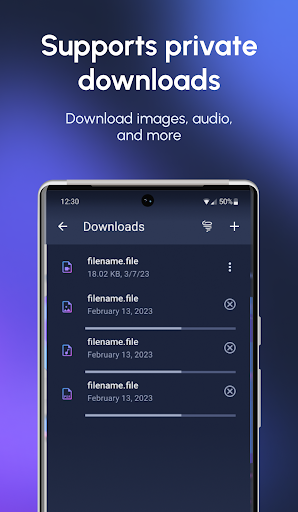
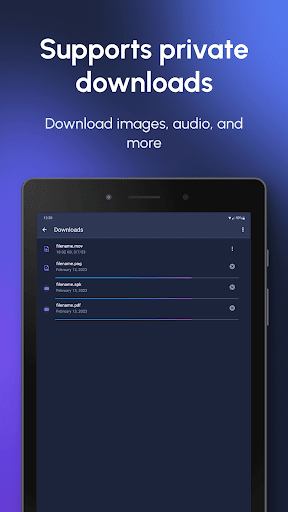
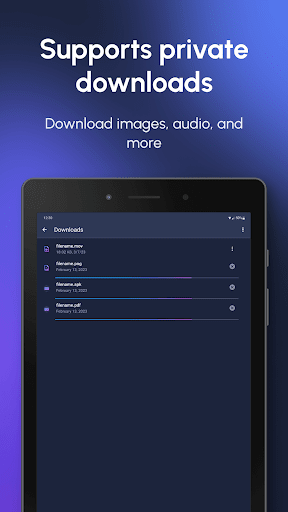
- Download files, images, and video to your SD Card in the InBrowser folder.
Long-press on a link to download a file comfortably to your SD-card.
- Minimalistic, maximum space for browsing
No junk, no ads, no extra bars - just maximum space for your browsing experience
For Adobe Flash-support, ensure that you have the appropriate flash-plugins installed and that your device supports Flash. InBrowser will not provide Flash out of the box, but it does support Flash-content.


