










Introduction to Google Chrome
Google Chrome is one of the most popular web browsers available today, known for its speed, simplicity, and seamless integration with Google services. Whether you're browsing on a desktop or a mobile device, Chrome offers a consistent and user-friendly experience. In this review, we'll explore the key features, advantages, and potential drawbacks of the Google Chrome mobile app.
User-Friendly Interface
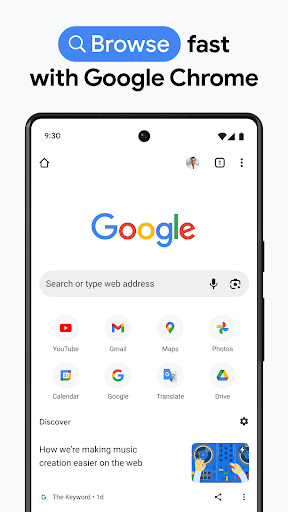
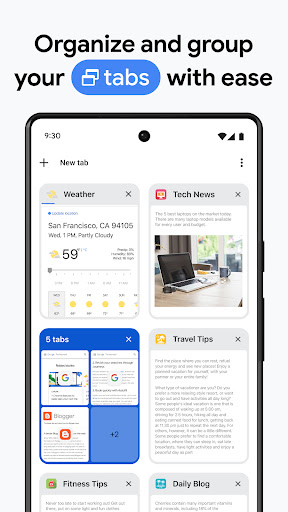
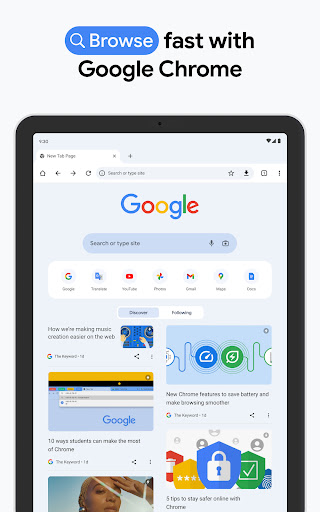
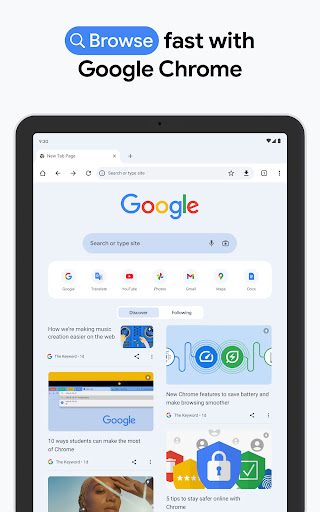
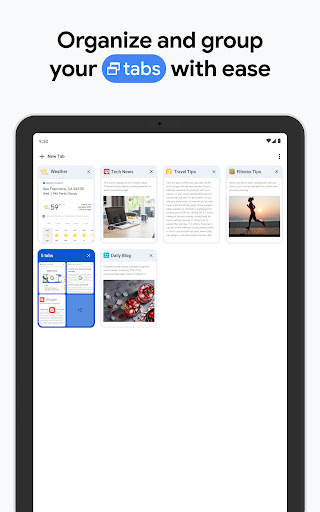
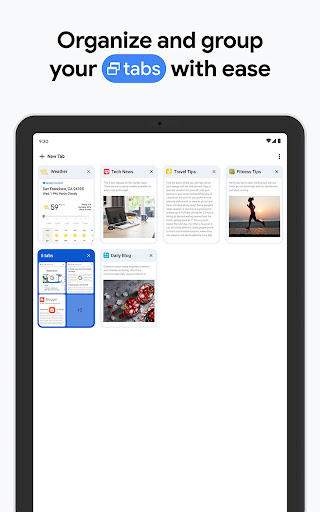
One of the standout features of Google Chrome is its clean and intuitive interface. The mobile app is designed to be easy to navigate, with a minimalist layout that puts the focus on your browsing experience. The address bar, also known as the Omnibox, is conveniently located at the top of the screen, allowing you to quickly search the web or enter a URL. Tabs are displayed in a card-like format, making it easy to switch between different web pages.
Speed and Performance
Google Chrome is renowned for its speed. The mobile app is optimized to load web pages quickly, even on slower internet connections. This is particularly beneficial for users who rely on their mobile devices for browsing on the go. Additionally, Chrome's powerful JavaScript engine ensures that web applications run smoothly, providing a desktop-like experience on your smartphone or tablet.
Sync Across Devices
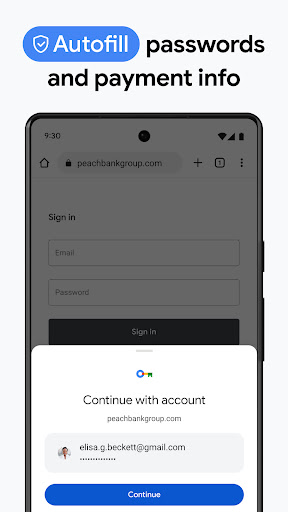
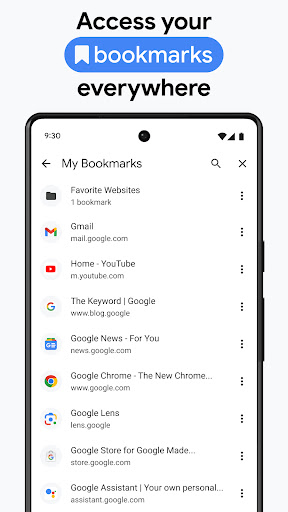
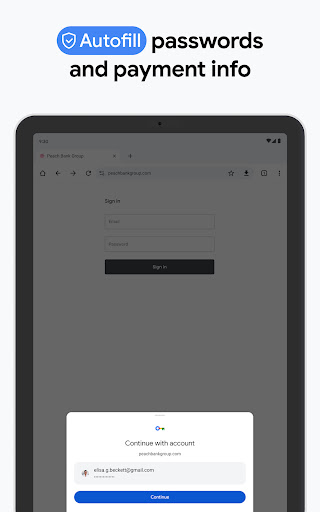
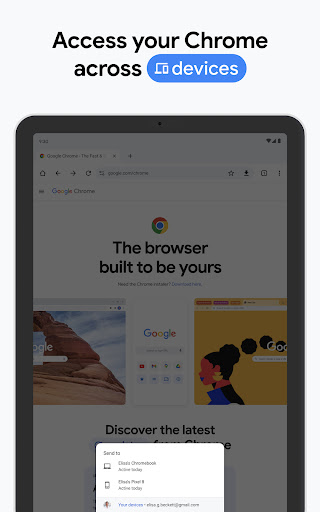
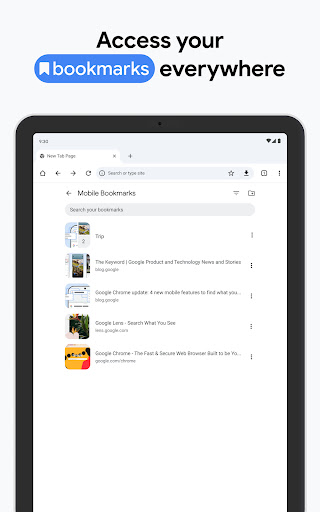
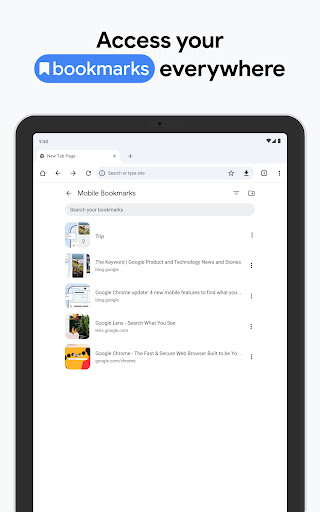
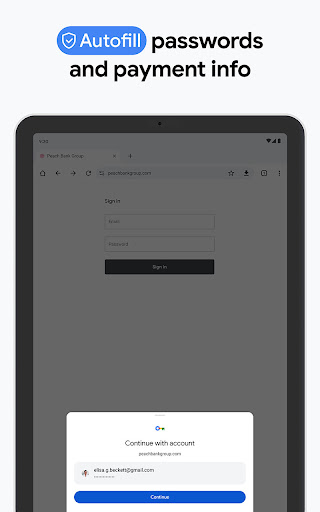
One of the most compelling reasons to use Google Chrome is its ability to sync across multiple devices. By signing in with your Google account, you can access your bookmarks, browsing history, saved passwords, and open tabs from any device. This feature is incredibly useful for users who switch between their phone, tablet, and computer throughout the day. The seamless synchronization ensures that you can pick up right where you left off, no matter which device you're using.
Customization and Extensions
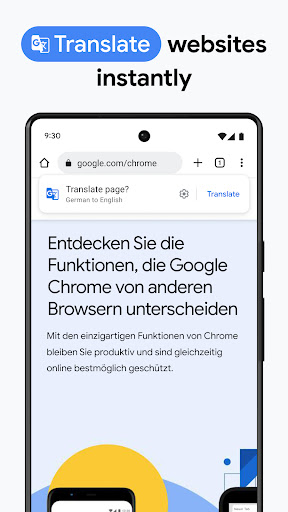
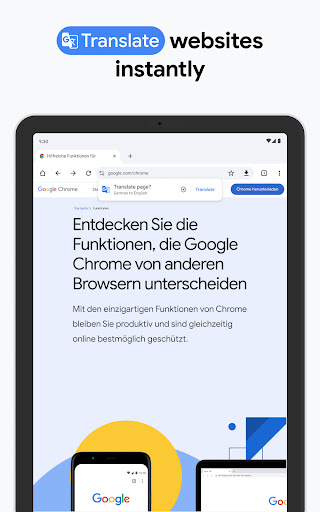
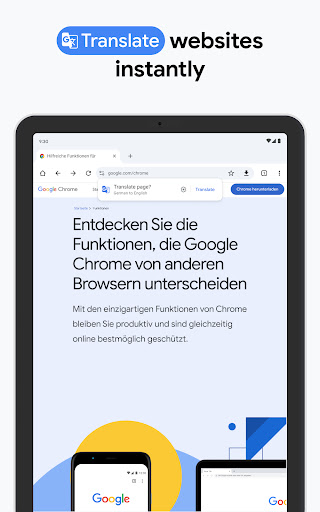
While the mobile version of Chrome doesn't support the full range of extensions available on the desktop version, it still offers a decent level of customization. You can personalize your browsing experience by changing the theme, adjusting settings, and adding shortcuts to your favorite websites on the home screen. Although the extension support is limited, the mobile app does include some built-in features like ad blockers and translation tools.
Privacy and Security
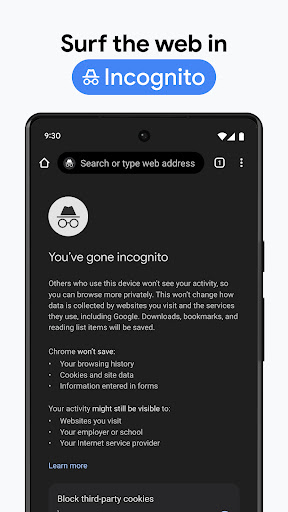
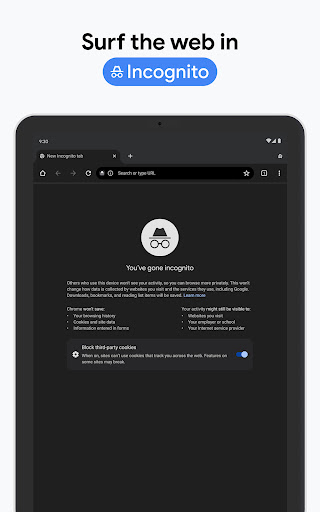
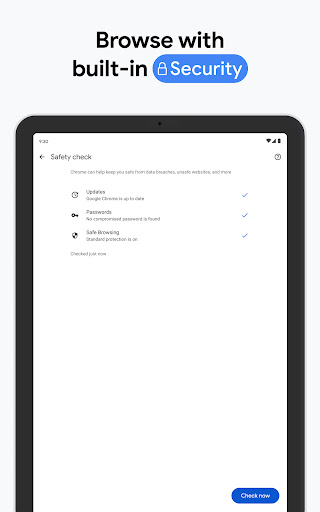
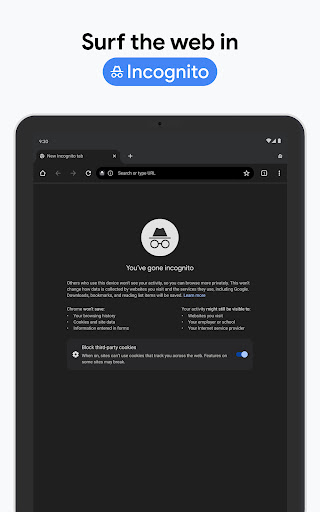
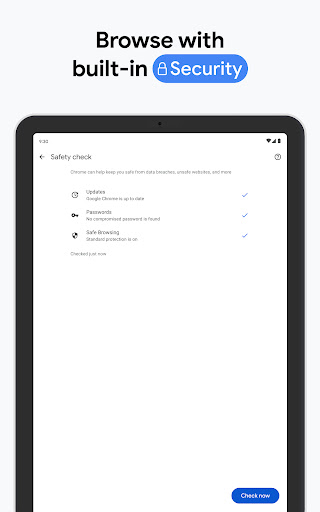
Google Chrome takes privacy and security seriously. The mobile app includes features like Safe Browsing, which warns you about potentially dangerous websites, and Incognito Mode, which allows you to browse without saving your history or cookies. Additionally, Chrome regularly updates its security protocols to protect against new threats. However, it's worth noting that Chrome's data collection practices have been a point of contention for some users, so it's important to review your privacy settings and adjust them as needed.
Battery and Data Usage
One common criticism of Google Chrome is its impact on battery life and data usage. The app can be resource-intensive, especially when multiple tabs are open or when streaming media. To mitigate this, Chrome offers a Data Saver mode, which compresses web pages to reduce data usage. There's also a feature called Lite Mode, which further optimizes performance for slower connections. While these features can help, users with older devices or limited data plans may still find Chrome to be a bit demanding.
Conclusion
Overall, Google Chrome is a powerful and versatile web browser that offers a wide range of features designed to enhance your mobile browsing experience. Its speed, synchronization capabilities, and user-friendly interface make it a top choice for many users. However, it's important to be mindful of its impact on battery life and data usage, especially if you're using an older device or have a limited data plan. With regular updates and a strong focus on security, Google Chrome remains a reliable option for anyone looking for a robust mobile browser.


