



Gmail App Review: The Ultimate Email Solution for Mobile
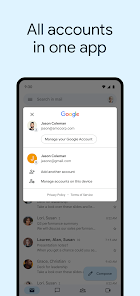
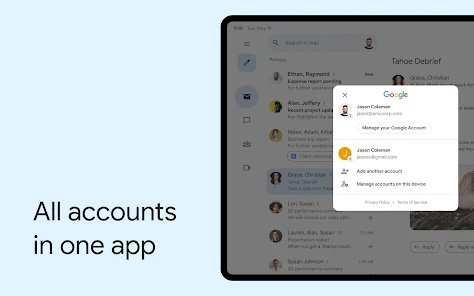
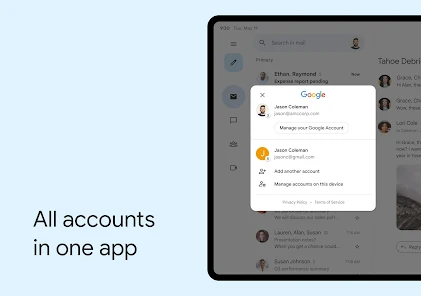
In today's fast-paced digital world, email remains a cornerstone of communication, both for personal and professional use. Google's Gmail app has long been a leader in the email space, offering a seamless, feature-rich experience for mobile users. Whether you're managing multiple accounts, organizing your inbox, or staying on top of important messages, Gmail delivers a powerful and intuitive platform. Let's dive into what makes the Gmail app stand out.
Sleek and User-Friendly Interface
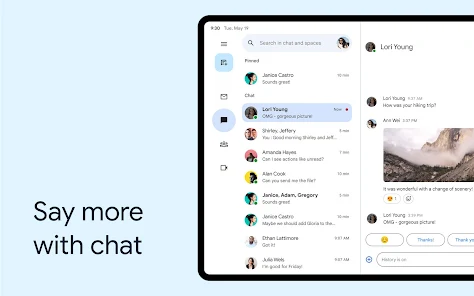
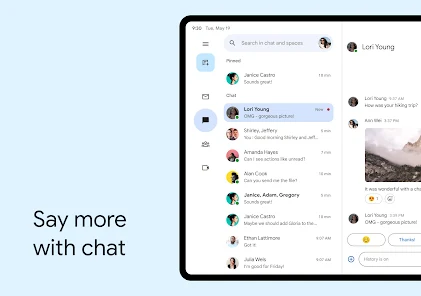
The Gmail app boasts a clean, modern design that prioritizes ease of use. The interface is intuitive, with a well-organized layout that makes navigating your inbox effortless. Emails are neatly categorized into tabs like Primary, Social, and Promotions, helping you quickly find what you're looking for. The app also supports dark mode, reducing eye strain during late-night email sessions.
One standout feature is the swipe gestures, allowing you to archive, delete, or mark emails as read with a simple swipe. Customizable actions mean you can tailor the app to your workflow, saving precious time when managing a high volume of messages.
Powerful Search and Organization
Gmail's search functionality is second to none, thanks to Google's powerful search algorithms. You can find emails by sender, subject, keywords, or even attachments with remarkable accuracy. The app also supports advanced search operators, making it easy to locate specific messages in a crowded inbox.
Labels and filters further enhance organization, letting you automate email sorting and prioritize important communications. Whether you're managing work projects or personal correspondence, Gmail's tools help keep everything in order.
Seamless Integration with Google Services
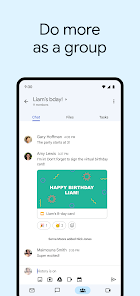
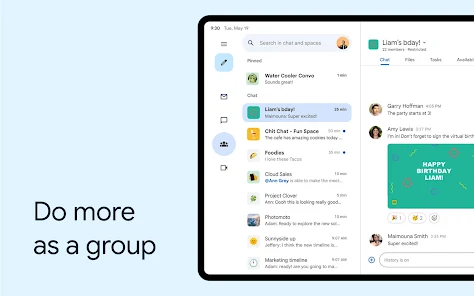
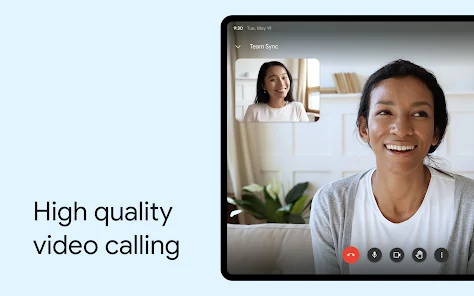
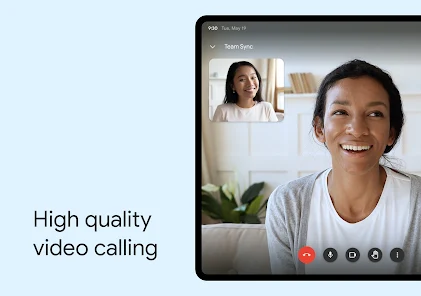
As part of the Google ecosystem, the Gmail app integrates flawlessly with other Google services like Google Drive, Calendar, and Meet. You can easily attach files from Drive, schedule events directly from emails, or join video calls without switching apps. This interconnectedness makes Gmail a productivity powerhouse for users embedded in the Google ecosystem.
The app also supports third-party integrations, allowing you to connect with popular tools like Trello, Asana, or Slack for a more streamlined workflow.
Robust Security Features
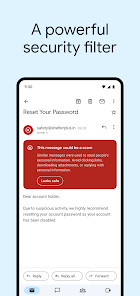
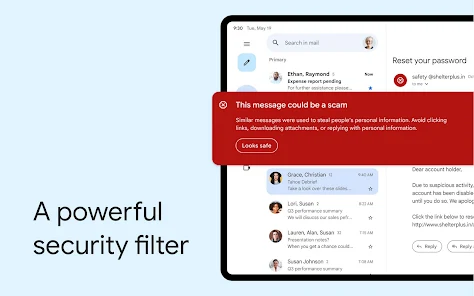
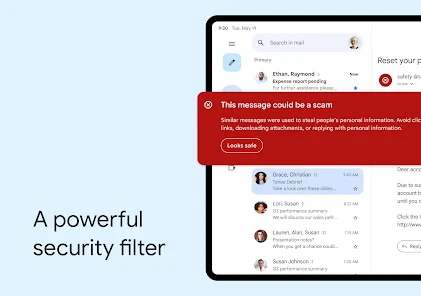
Security is a top priority for Gmail. The app offers two-factor authentication, suspicious activity alerts, and phishing detection to keep your account safe. Google's advanced spam filtering effectively blocks unwanted emails, while confidential mode lets you send sensitive information with added protections like expiration dates and passcodes.
For enterprise users, Gmail's security features extend to meet business needs, with admin controls and data loss prevention tools available through Google Workspace.
Smart Features for Enhanced Productivity
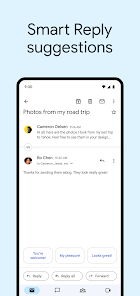
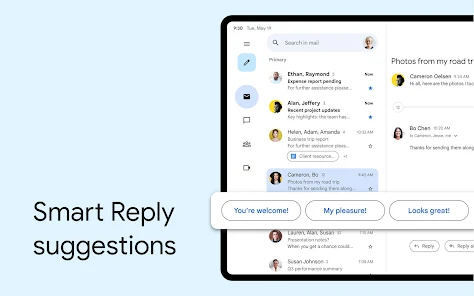
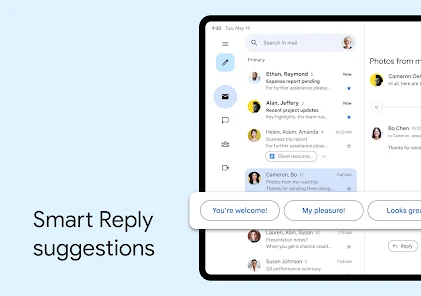
Gmail goes beyond basic email functionality with AI-powered features like Smart Compose and Smart Reply. These tools predict text as you type, suggesting completions for common phrases and responses. While not perfect, they can significantly speed up email composition.
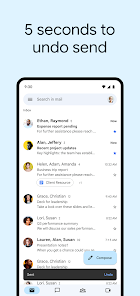
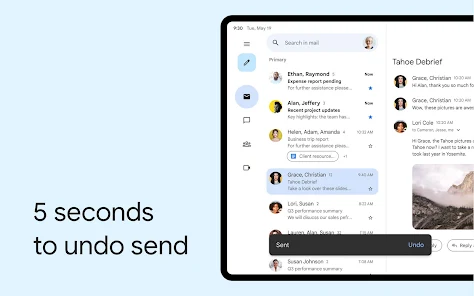
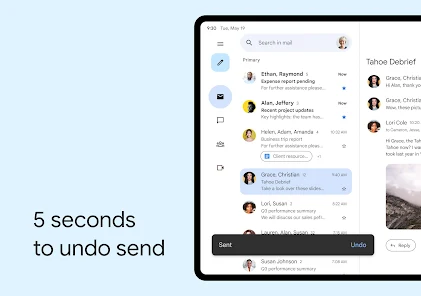
The app also offers snooze functionality, letting you temporarily remove emails from your inbox and have them reappear at a more convenient time. Combined with scheduled send and undo send options, these features provide greater control over your email workflow.
Cross-Platform Accessibility
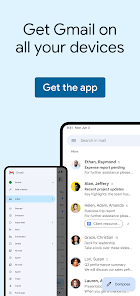
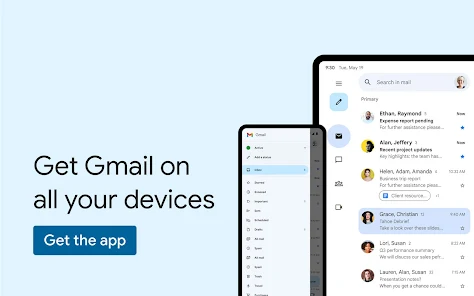
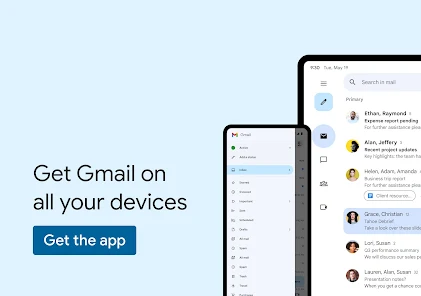
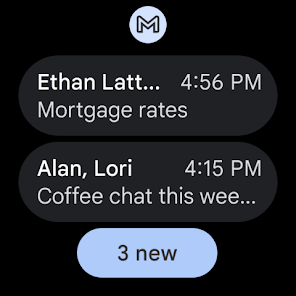
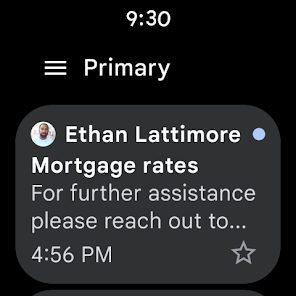
One of Gmail's strongest advantages is its seamless synchronization across devices. Whether you switch between Android, iOS, or desktop, your emails, labels, and settings stay perfectly in sync. The offline mode ensures you can access and compose emails even without an internet connection, with changes syncing once you're back online.
Potential Drawbacks
While Gmail excels in many areas, some users may find the app's interface too cluttered with Google's ecosystem promotions. The storage limit (15GB shared across Google services) might also be restrictive for heavy users, though additional storage can be purchased.
Some advanced features, particularly those related to Google Workspace, require a paid subscription, which might not appeal to casual users.
Final Verdict
The Gmail app remains one of the best email solutions available for mobile devices. Its combination of powerful features, intuitive design, and seamless integration with other services makes it an excellent choice for both personal and professional use. While alternatives exist, few can match Gmail's comprehensive feature set and reliability.
Whether you're a power user managing multiple accounts or someone who just wants a reliable email app, Gmail delivers a polished experience that continues to set the standard for mobile email.


