

Free Adblocker Browser
Screenshots



|
Developer
|
Adblock - Rocketshield Browser Technology Limited |
|
Category
|
Communication |
|
Installs
|
960,000,000 |
|
Version
|
125.1.3938 |
|
Content Rating
|
0 |
|
Price
|
Free |
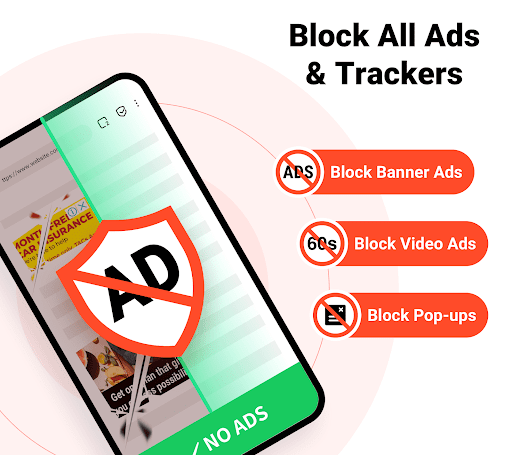
Free Adblocker Browser is a privacy‑focused mobile browser that blocks ads, pop‑ups and many trackers by default to provide a faster, less cluttered web experience. Aimed at users who want an ad‑free browsing session without installing separate extensions, it combines built‑in content blocking, basic privacy controls and common browser features (tabs, bookmarks, private/incognito mode) in a single app.
Pro
1. Blocks most ads and many trackers by default, resulting in faster page loads and reduced data usage.
2. Simple, all‑in‑one solution—no need to install separate ad‑blocking extensions or modify system settings.
3. Privacy‑minded features like incognito mode and per‑site whitelisting make it easy to control when blocking is active.
Con
1. Some websites that rely on ad revenue may break or block access due to adblocking; manual whitelisting may be required.
2. Blocking may not catch every ad or advanced tracking technique; filter updates are necessary to maintain effectiveness.
3. Fewer advanced browsing features and extensions compared with mainstream browsers—power users may find functionality limited.
Frequently Asked Questions
Will this browser block all ads?
It blocks a wide range of common ads (banners, pop‑ups, autoplay video) but no blocker is perfect. Some ads or anti‑adblock measures may still appear; use the per‑site whitelist to allow content on sites you support.
Is it safe to use for banking or sensitive sites?
Yes—standard HTTPS protections remain in place. For sensitive tasks, use the private/incognito mode if you prefer not to retain cookies or history, and ensure you keep the app and OS updated for security fixes.
How do I allow ads on a site I want to support?
Most versions include a site or domain whitelist: tap the lock or menu while on the page and choose to disable adblocking for that site so content and donations can load normally.


