








Introduction to Kids Messenger
In today’s digital age, ensuring that children have a safe and fun way to communicate with friends and family is a top priority for many parents. Enter Kids Messenger, a mobile app designed specifically for kids to chat, share, and connect in a secure environment. With its colorful interface, parental controls, and kid-friendly features, Kids Messenger has quickly become a favorite among families. This review dives into what makes this app stand out and why it’s worth considering for your child.
What is Kids Messenger?
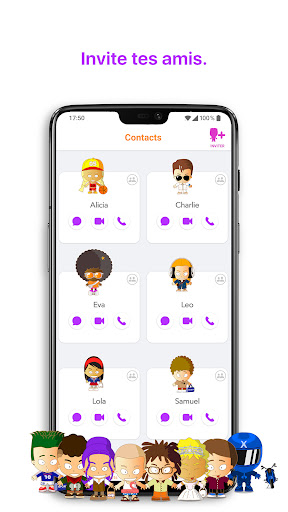
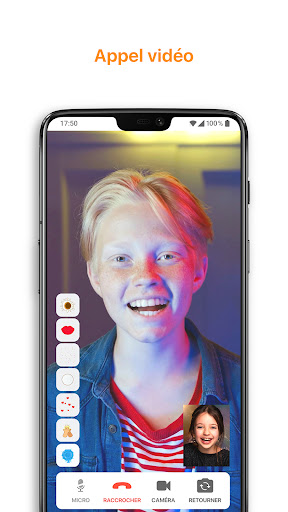
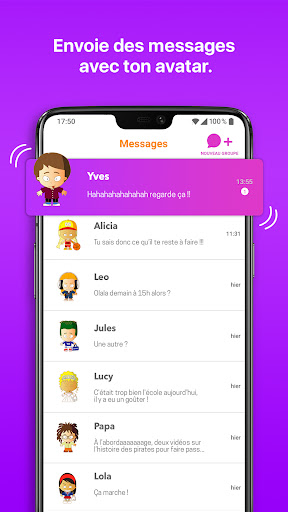
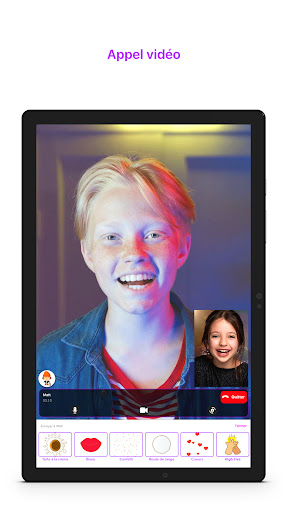
Kids Messenger is a messaging app tailored for children aged 6 to 12. Unlike regular messaging platforms, it focuses on providing a safe and controlled space where kids can interact with their peers. The app allows kids to send text messages, voice notes, photos, and even video calls, all under the watchful eye of parents. With its playful design and easy-to-use interface, Kids Messenger makes communication both fun and secure for young users.
Key Features of Kids Messenger
Kids Messenger is packed with features that cater to both kids and parents. Here are some of the highlights:
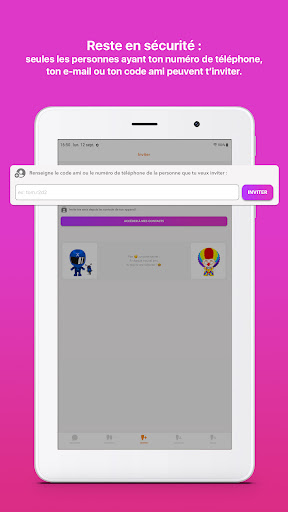
- Parental Controls: Parents can approve contacts, monitor conversations, and set time limits for app usage.
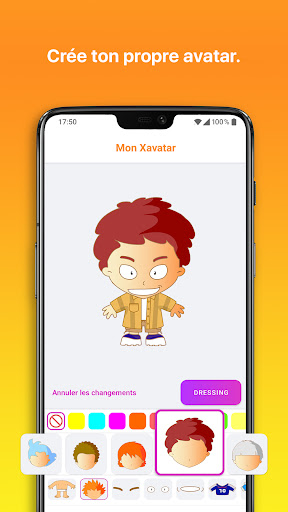
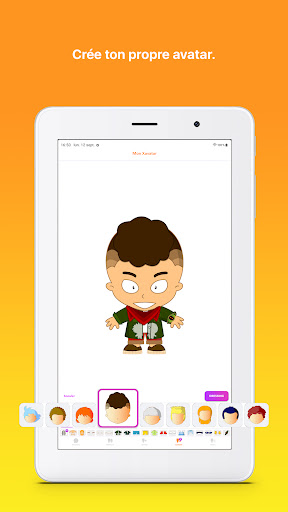
- Kid-Friendly Interface: Bright colors, fun animations, and simple navigation make the app appealing to children.
- Safe Communication: The app filters inappropriate content and ensures that only approved contacts can interact with your child.
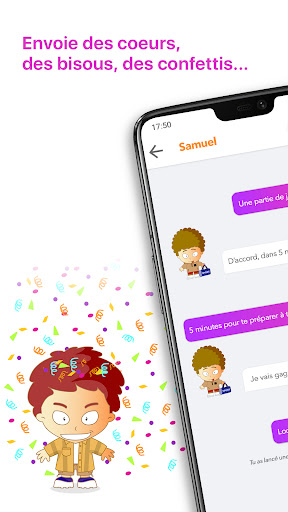
- Creative Tools: Kids can use stickers, emojis, and drawing tools to express themselves in unique ways.
- Group Chats: Children can create group chats with friends or family members, making it easy to stay connected.
Why Parents Love Kids Messenger
One of the biggest selling points of Kids Messenger is its emphasis on safety. Parents can rest easy knowing that their child’s interactions are monitored and controlled. The app requires parental approval for adding contacts, ensuring that kids only communicate with trusted individuals. Additionally, the app’s content filters block inappropriate language and images, providing an extra layer of protection.
Another feature that parents appreciate is the ability to set screen time limits. With the growing concern over excessive screen time, this feature allows parents to manage how long their child can use the app each day. This balance between fun and responsibility makes Kids Messenger a win-win for both kids and parents.
What Kids Love About the App
From a child’s perspective, Kids Messenger is all about fun and creativity. The app’s vibrant design and playful features make it an enjoyable experience. Kids can send voice messages, draw pictures, and use a variety of stickers to personalize their chats. The ability to video call friends and family is also a big hit, especially for staying connected with loved ones who live far away.
Group chats are another favorite among young users. Whether it’s planning a playdate or sharing funny memes, Kids Messenger makes it easy for kids to stay in touch with their friends. The app’s simplicity ensures that even younger children can navigate it with ease, making it accessible to a wide age range.
How Kids Messenger Stands Out
While there are several messaging apps for kids on the market, Kids Messenger sets itself apart with its combination of safety, creativity, and ease of use. Unlike other platforms that may lack robust parental controls, Kids Messenger puts parents in the driver’s seat. At the same time, it doesn’t compromise on the fun factor, ensuring that kids remain engaged and entertained.
Another standout feature is the app’s commitment to privacy. Kids Messenger does not collect personal data from its users, making it a trustworthy choice for families. This focus on privacy and security is a major reason why the app has gained such a loyal following.
Potential Drawbacks
While Kids Messenger has many strengths, it’s not without its limitations. For instance, the app is primarily designed for younger children, so older kids may find it less appealing as they grow out of its playful design. Additionally, the app requires a stable internet connection, which may be a challenge in areas with poor connectivity.
Another consideration is that the app is only available on mobile devices, meaning it cannot be accessed on desktops or laptops. While this isn’t a dealbreaker for most users, it’s something to keep in mind if your child prefers using a computer for communication.
Final Verdict
Kids Messenger is an excellent choice for parents looking for a safe and engaging messaging app for their children. Its robust parental controls, creative features, and commitment to privacy make it a standout option in the crowded market of kids’ apps. While it may not be perfect for older children or those without reliable internet access, its strengths far outweigh its limitations.
If you’re searching for a way to keep your child connected while ensuring their safety, Kids Messenger is definitely worth a try. Download it today and see why it’s become a trusted companion for families everywhere!


