

ZArchiver
Screenshots
|
Developer
|
ZDevs |
|
Category
|
Tools |
|
Installs
|
120,000,000 |
|
Version
|
1.0.10 |
|
Content Rating
|
0 |
|
Price
|
Free |
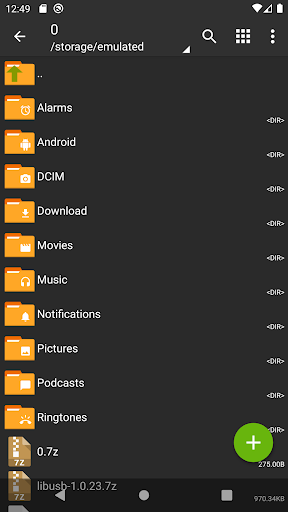
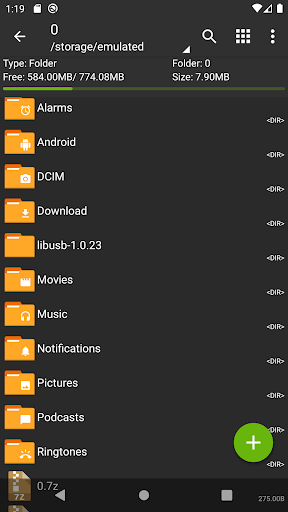
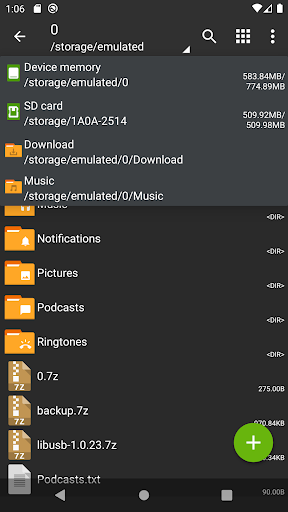
ZArchiver - is a program for archive management. It has a simple and functional interface.
ZArchiver lets you:
- Create the following archive types: 7z (7zip), zip, bzip2 (bz2), gzip (gz), XZ, tar;
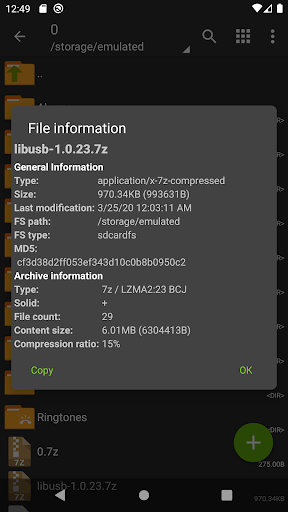
- Decompres the following archive types: 7z (7zip), zip, rar, rar5, bzip2, gzip, XZ, iso, tar, arj, cab, lzh, lha, lzma, xar, tgz, tbz, Z, deb, rpm, zipx, mtz, chm, dmg, cpio, cramfs, img (fat, ntfs, ubf), wim, ecm, lzip, egg, alz;
- View archive contents: 7z (7zip), zip, rar, rar5, bzip2, gzip, XZ, iso, tar, arj, cab, lzh, lha, lzma, xar, tgz, tbz, Z, deb, rpm, zipx, mtz, chm, dmg, cpio, cramfs, img (fat, ntfs, ubf), wim, ecm, lzip, egg, alz;
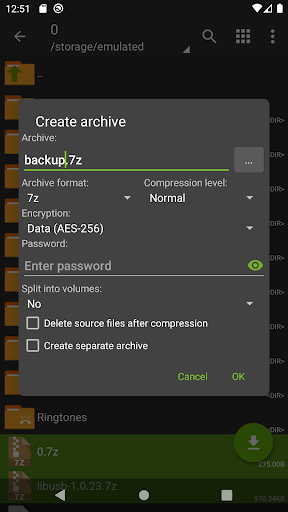
- Create and decompress password-protected archives;
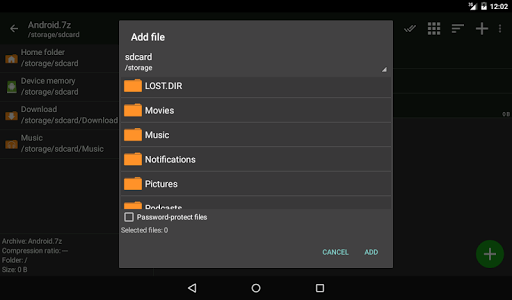
- Edit archives: add/remove files to/from the archive (zip, 7zip, tar, apk, mtz);
- Create and decompress multi-part archives: 7z, rar(decompress only);
- Partial archive decompression;
- Open compressed files;
- Open an archive file from mail applications;
- Extract splited archives: 7z, zip and rar (7z.001, zip.001, part1.rar, z01);
Key features:
- Multithreading support (useful for multicore processors);
- UTF-8/UTF-16 supporting in filenames. Allows you to use national symbols in filenames;
- No need for enabling multiselect mode. You can select files by clicking on the icon from the left of the filename;
ATTENTION! Any useful ideas and wishes are welcome. You can send them by email or just leave a comment here.
Mini FAQ:
Q: What password?
A: The contents of some archives may be encrypted and the archive can only be opened with the password (don't use the phone password!).
Q: The program is not working correctly?
A: Send me an email with detailed description of the problem.
Q: How to compress files?
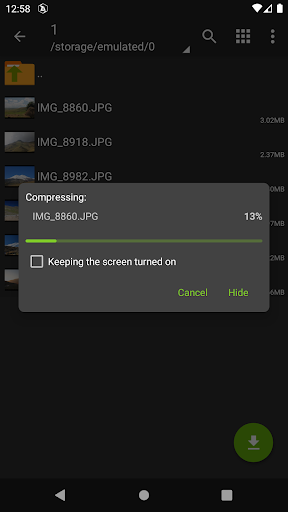
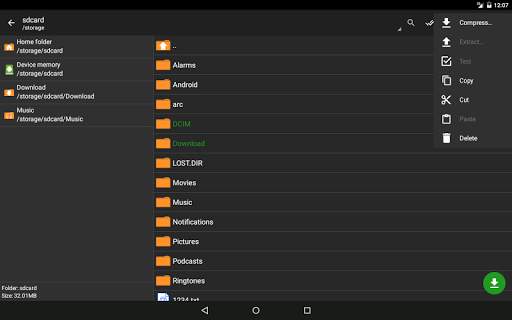
A: Select all files, you want to compress, by clicking on icons (from the left of filenames). Click on the one of selected files and choose "Compress" from menu. Set desired options and press OK button.
Q: How to extract files?
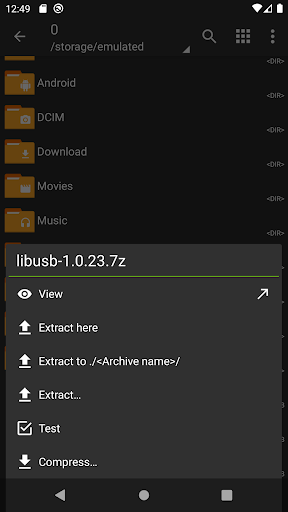
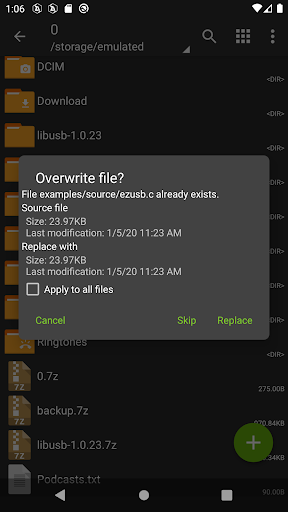
A: Click on archive name and select suitable options ("Extract Here" or other).
100% Safe
Explore More Similar Apps


