

Find My Kids
Screenshots



|
Developer
|
GEO TRACK TECHNOLOGIES INC |
|
Category
|
Parenting |
|
Installs
|
350,000,000 |
|
Version
|
1.9.9 |
|
Content Rating
|
3 |
|
Price
|
Free |
Introduction: Peace of Mind in a Connected World
In today’s fast-paced digital age, ensuring the safety of your children while balancing their independence can feel like a daunting task. Enter Find My Kids, a mobile app designed to bridge the gap between parental oversight and a child’s need for autonomy. This GPS-based tracking tool focuses on real-time location monitoring, activity alerts, and family communication, offering a practical solution for modern parents. With over 10 million downloads on Google Play and a 4.5-star rating, it has become a popular choice among families seeking reliable, user-friendly technology. But what truly sets it apart from other parental control apps? Let’s explore its standout features.
Real-Time GPS Tracking and Geofencing
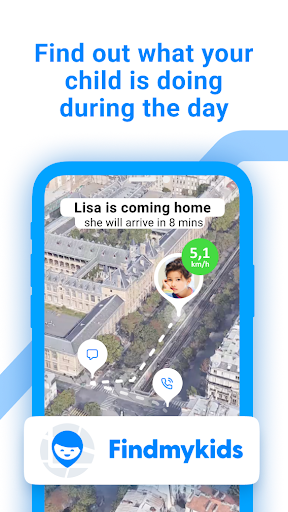
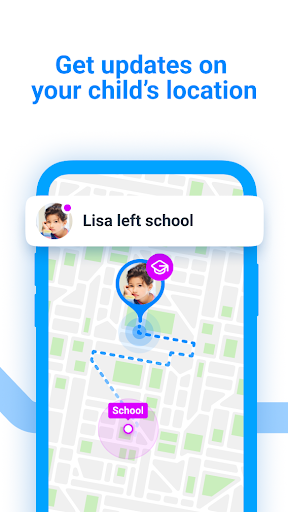
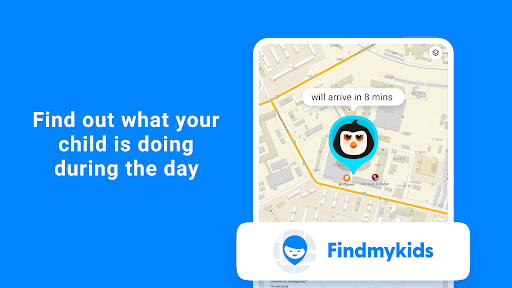
At its core, Find My Kids uses precise GPS technology to display your child’s location on a map, updated every few seconds. This feature is invaluable when your child is walking to school, visiting a friend’s house, or at a playground. The app goes a step further with custom geofencing—you can set safe zones like home, school, or a relative’s house. If your child enters or leaves these boundaries, you receive instant notifications. Unlike competitors such as Life360, which often include social elements that may distract kids, Find My Kids focuses solely on safety, minimizing screen time and optimizing battery life. This laser-focused approach ensures you’re alerted without unnecessary noise.
Audio Monitoring and SOS Alerts for Immediate Safety
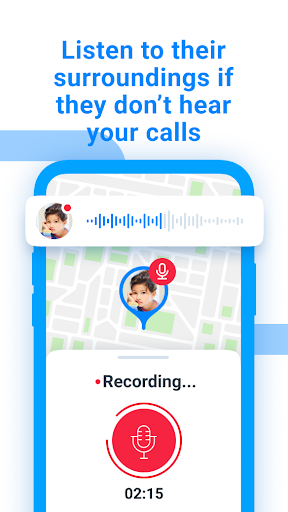
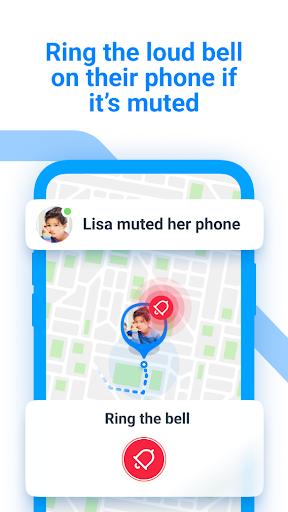
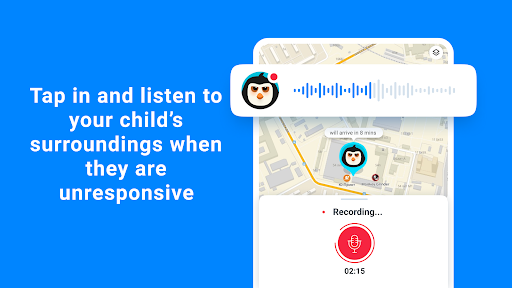
One of the app’s most compelling unique selling points is its audio monitoring feature. By sending a request to your child’s phone, you can automatically record 20-second audio clips from their surroundings without them needing to answer. This proves critical in emergencies, such as if your child doesn’t respond to calls or seems distressed. Additionally, the SOS button on the child’s app allows them to instantly notify you with a loud alarm and a text message, even if their phone is on silent. This dual-layer safety net—passive monitoring and active alerts—elevates Find My Kids above bare-bones trackers like Glympse, which lack such protective measures. Parents report that this feature alone reduces anxiety during school commutes or afternoons in the park.
Activity Log and Phone Usage Insights
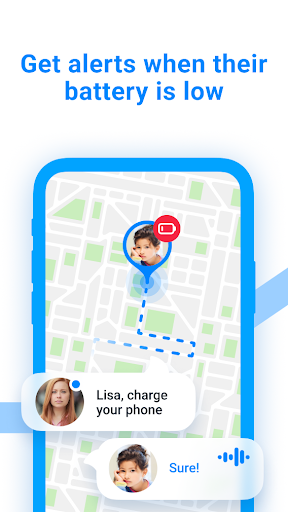
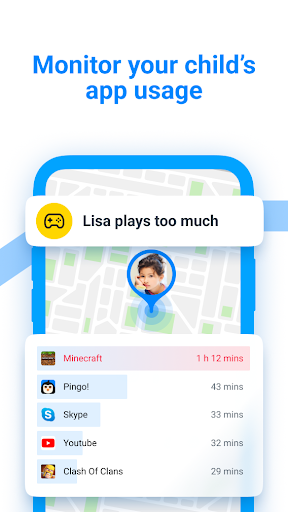
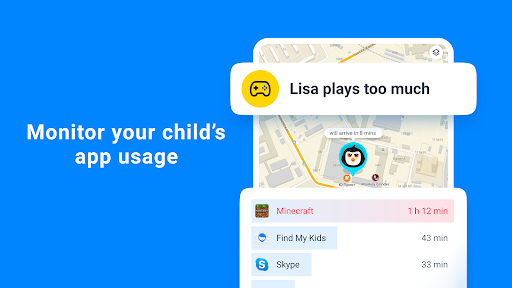
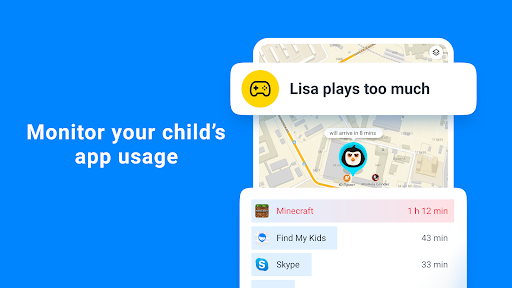
Beyond location, Find My Kids provides a detailed activity log that tracks your child’s phone usage, including app installations, screen time, and battery status. This data helps you understand their digital habits without invasive monitoring. For instance, if you notice unusual battery drain or frequent app downloads, you can initiate a conversation about online safety. Unlike Apple’s Screen Time or Google’s Family Link, which focus on restrictions, Find My Kids emphasizes transparency and communication. It lets you view which apps are most used while offering gentle reminders for breaks. This balance is key—it respects a child’s privacy while keeping you informed, reducing the “big brother” stigma often associated with tracking apps.
Family Chat and Location Sharing with a Supportive Community
To foster seamless communication, Find My Kids includes a built-in family chat feature. Parents and children can send text messages, emojis, and voice notes directly through the app, ensuring everyone stays connected even without cell service. Combined with optional location sharing for designated family members, this creates a collaborative safety net. While apps like WhatsApp or Messenger offer similar chat functions, they lack integration with the tracking system. Find My Kids excels by merging communication and location data into one interface, reducing the number of apps needed. Parents can easily coordinate pickups or check in during a playdate without toggling between platforms—a small but significant convenience that saves time.
Battery Optimization and Privacy Controls
A frequent complaint about tracking apps is battery drain, but Find My Kids addresses this with smart power-saving modes. The child’s app uses minimal resources in the background, ensuring their phone lasts throughout the day. On the parental side, you can adjust update frequencies and disable features like audio monitoring when not needed. Privacy is another pillar: all data is encrypted, and the app complies with GDPR and COPPA standards. Unlike some competitors, it never sells user data or displays advertisements, making it a trustworthy choice. This focus on performance and security is a critical differentiator, as many free apps rely on intrusive ads that compromise user experience.
Conclusion: A Comprehensive Tool for Modern Parenting
In summary, Find My Kids distinguishes itself by blending GPS tracking, audio safety features, and insightful phone usage reports into one cohesive package. Its geofencing and SOS alerts offer immediate peace of mind, while the family chat and battery efficiency enhance daily usability. While no app can replace open communication, Find My Kids serves as a digital assistant that helps parents make informed decisions without overstepping. For families looking to deepen trust and encourage responsibility in a safe, tech-driven way, this app is a solid investment. Whether for toddlers in a busy mall or teenagers learning to navigate public transport, it provides the tools needed to balance freedom and safety effectively.


