

File Recovery, Photo Recovery
Screenshots
|
Developer
|
Easy To Use (oneTap) |
|
Category
|
Tools |
|
Installs
|
320,000,000 |
|
Version
|
5.2 |
|
Content Rating
|
0 |
|
Price
|
Free |
Pros
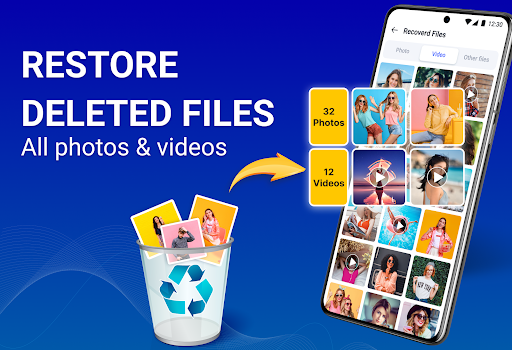
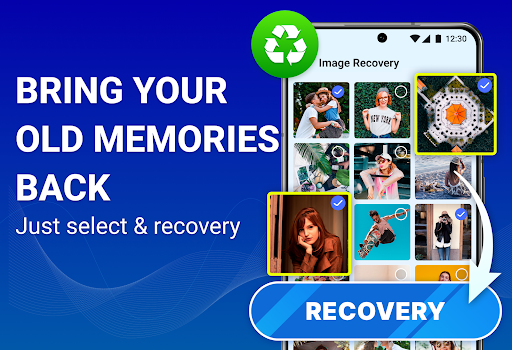
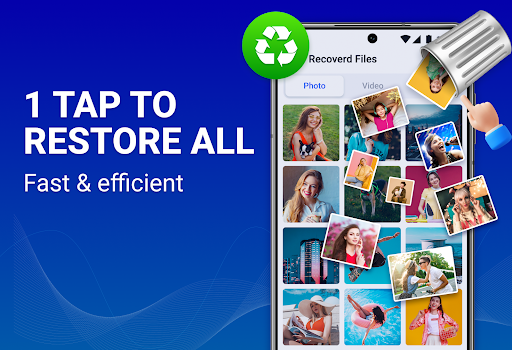
File Recovery, Photo Recovery uses fast scan and deep-scan algorithms to recover deleted photos, videos, documents, and more. It supports multiple file types and storage media including internal memory, SD cards, and external drives. Preview recoverable items and selectively restore only what you need to maximize recovery success.
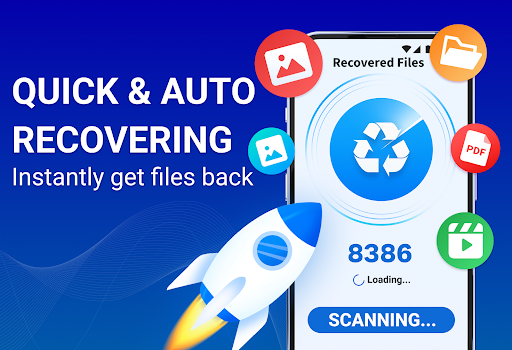
Designed for nontechnical users, the app delivers one-tap file and photo recovery with a clear, intuitive interface and fast scans. Auto-sorting, date and type filters, and quick previews help you find lost items instantly. Lightweight and optimized for minimal battery and CPU impact, it restores files without slowing your device.
File Recovery, Photo Recovery prioritizes privacy and data safety by performing local scans and storing recovered files only on your device unless you explicitly opt to export. No automatic uploads to third-party servers. Optional secure deletion and encryption tools give you control over sensitive content and post-recovery file management.
Cons
Recovery isn’t guaranteed—once files are overwritten or storage sectors are reused, they can’t be restored. Even successful recoveries may yield corrupted, partial, or renamed files. Effectiveness varies widely by device model, OS version, and how long it’s been since deletion, so results can be inconsistent and unpredictable.
Many useful features are locked behind paywalls or subscriptions. The free tier often limits deep scans, previews, and batch restores, while persistent ads disrupt the user experience. Pricing and refund policies can be unclear, meaning users may need to pay to actually retrieve important files or remove intrusive ads.
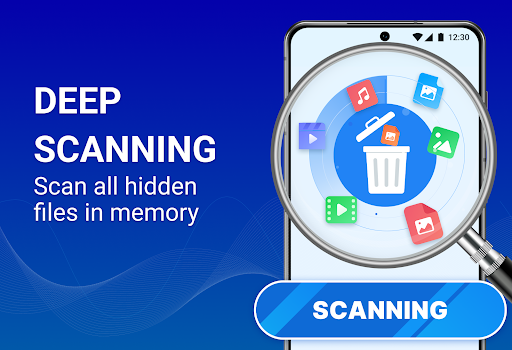
Deep scans are resource-intensive and can be slow, consuming significant battery, CPU, and temporary storage during recovery. Advanced functions may require root access or have limited compatibility with newer OS versions and external storage. The app may also request broad permissions, raising privacy concerns about sensitive data access.


