

My Verizon
Screenshots
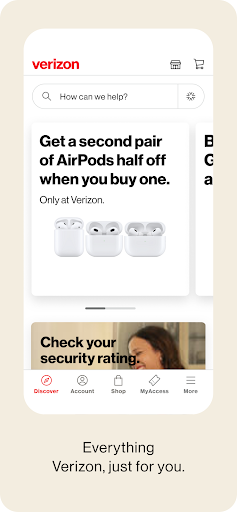


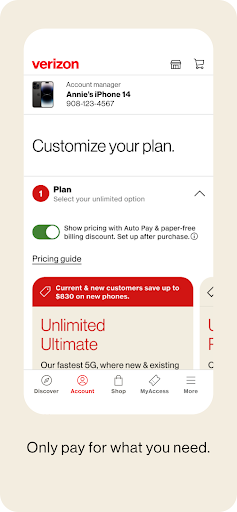
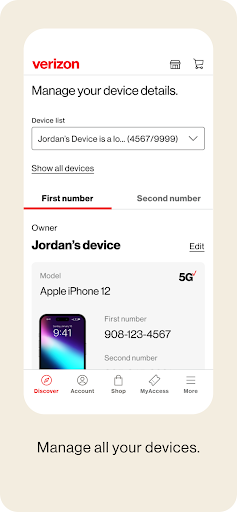
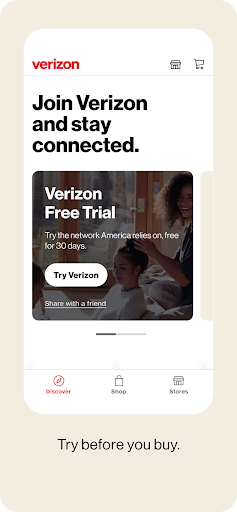
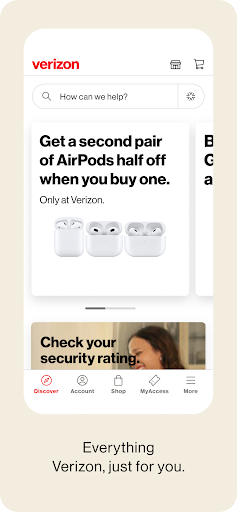
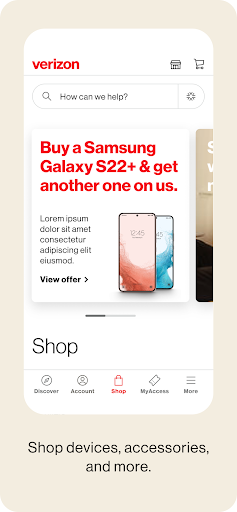


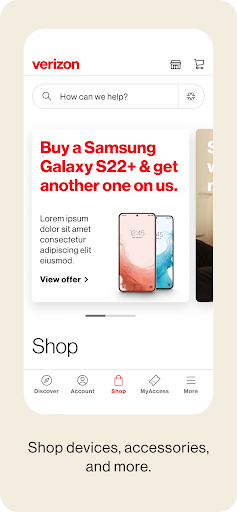
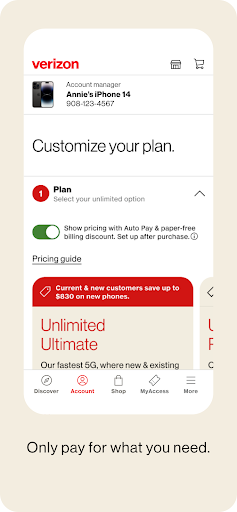


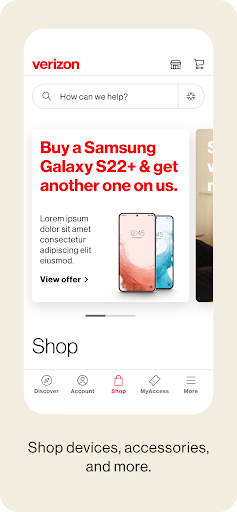
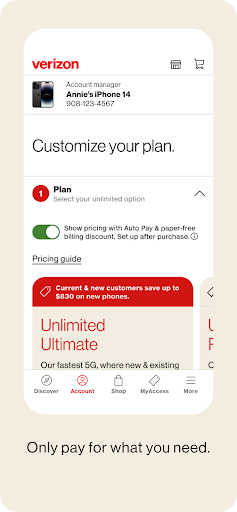
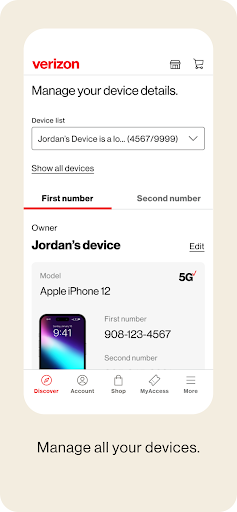
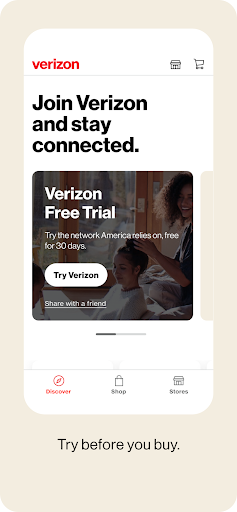
|
Developer
|
Verizon - VZ |
|
Category
|
Tools |
|
Installs
|
670,000,000 |
|
Version
|
20.3.1 |
|
Content Rating
|
3 |
|
Price
|
Free |
Pros
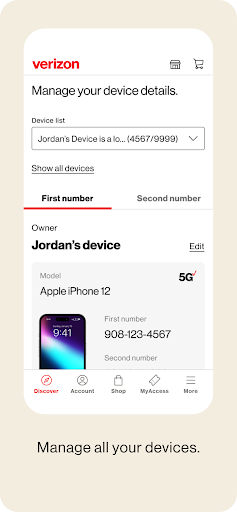
The My Verizon app simplifies account management and bill pay. From one mobile dashboard users can view and pay bills, enroll in Auto Pay, download statements, and update billing or payment methods quickly. Fast performance, push notifications, and secure sign‑in (Face ID/fingerprint) make routine account tasks convenient and reliable.
My Verizon provides real‑time data and usage monitoring to prevent surprises. Track data by line, set personalized alerts or caps, analyze usage trends, and manage roaming or hotspot settings. These tools give users control over overage risks and help optimize plans for cost savings without needing to call customer service.
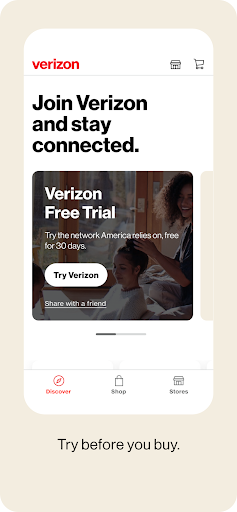
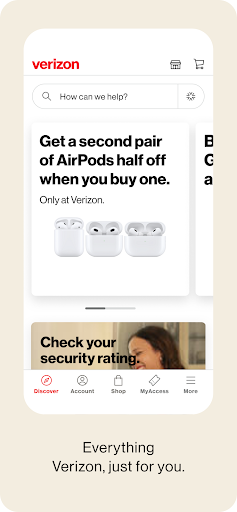
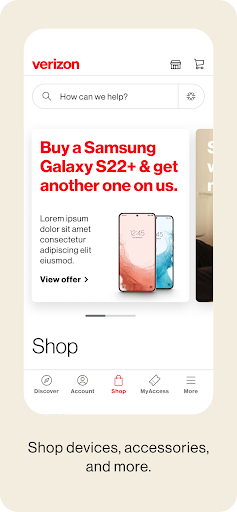
The app centralizes support and device tools—on‑demand diagnostics, guided troubleshooting, chat or call support, and local store appointments—plus access to Verizon Up rewards and promotional offers. Built‑in security features like two‑factor authentication and biometric login keep accounts protected while making repairs, upgrades, or account changes quick and seamless.
Cons
My Verizon app occasionally suffers from performance problems — slow loading screens, freezes, and unexpected crashes, especially on older devices or with large account histories. These issues can drain battery life and interrupt tasks like bill payment or plan changes, forcing users to reopen the app or switch to the website.
The app’s navigation and layout can feel cluttered and unintuitive. Important features like plan details, device upgrades, or family account settings are often buried under multiple menus, making it harder for new users to find what they need quickly. This increases support calls and frustrates customers trying to manage accounts on the go.
Users sometimes report inaccurate or delayed usage and billing information within the My Verizon app, leading to confusion about data consumption or unexpected charges. In-app support options can be limited, with chatbots or canned responses that don’t resolve complex billing issues, forcing customers to call customer service for clarification.


