

VIZIO SmartCast Mobile
Screenshots
|
Developer
|
VIZIO |
|
Category
|
Entertainment |
|
Installs
|
370,000,000 |
|
Version
|
3.1.0.231006.23229.pg.rc-6.release |
|
Content Rating
|
0 |
|
Price
|
Free |
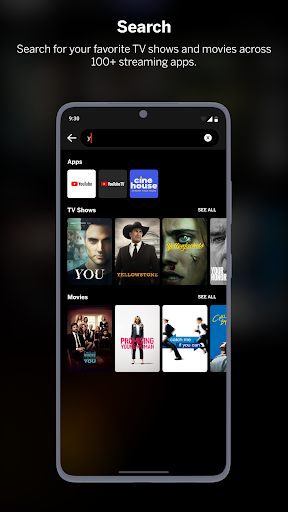
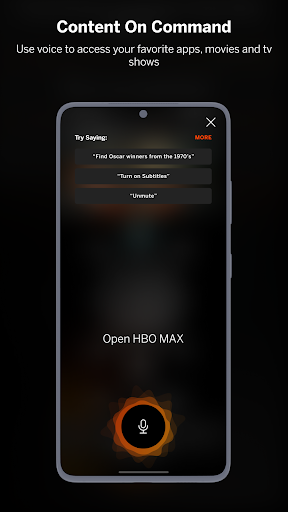
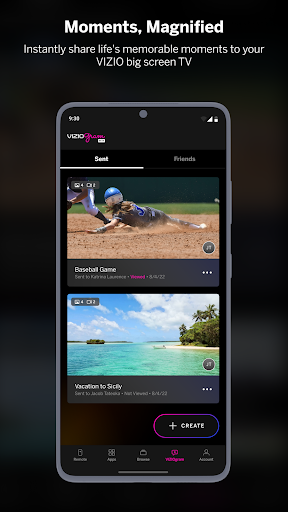
With VIZIO SmartCast Mobile™, you can control your entire entertainment experience with your Android device. Browse & discover movies, TV shows, music, live streams and more across multiple apps at once. Power on/off devices, play/pause content, modify advanced settings and more.
Effortless Discovery.
VIZIO SmartCast Mobile brings together all your favorite entertainment from multiple apps into one simple experience.
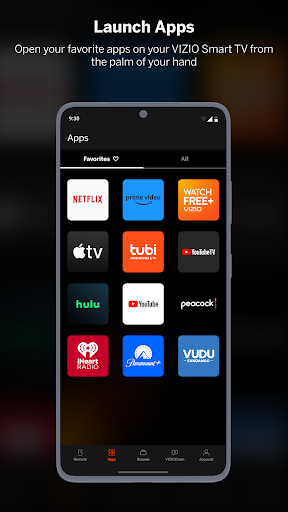
Launch Apps on your TV
Build your own list of favorite apps.
Simple controls wherever you are.
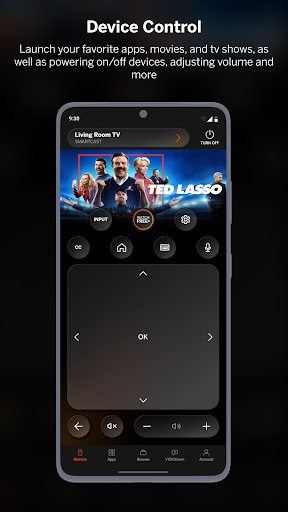
Power on/off devices, play/pause content, adjust volume and more all from the palm of your hand.
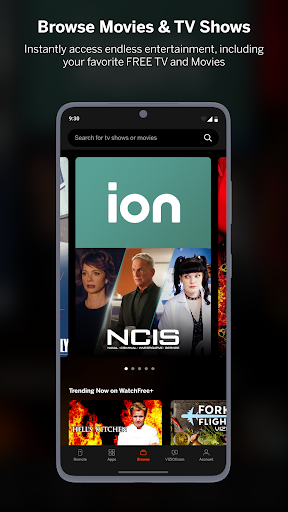
Watch free content.
Enjoy easy access to free TV shows, movies, music and more.
Type with a keyboard.
Enter text on your TV/display from your smartphone using a full keyboard.
Swipe to navigate SmartCast Home.
Use the touchpad to quickly play your favorite entertainment from featured content to the most popular apps right from your TV/display.
Easily access advanced settings.
Adjust aspect ratio, select input, calibrate picture and more.
See All the Details.
Get a quick look at show ratings, synopsis, cast, crew, clips and more.
SUPPORTED VIZIO SMARTCAST™ PRODUCTS.
2016 and 2017 VIZIO SmartCast UHD Home Theater Displays
2018 and 2019 VIZIO SmartCast TVs
VIZIO SmartCast Sound Bars
VIZIO SmartCast Crave™ Speakers
COMPATIBILITY NOTES
VIZIO SmartCast Mobile is not compatible with legacy VIZIO Internet Apps® and VIZIO Internet Apps Plus® Smart TVs.
VIZIO Crave Speakers cannot output audio from TVs/displays or be connected as an additional channel to an existing sound bar or sound system. Additional supported SmartCast or Chromecast-enabled audio products are required (not included) for Multi-Room feature. Streaming different songs to different speakers at the same time is not supported when using a single app running on a single mobile device. To stream a different song to different speakers at the same time, you’ll need to stream from a different app or a separate mobile device.
The applications and content pictured herein or described on this page may only be available in certain countries and languages, may require additional fees or subscription charges, and may be subject to future updates, modifications, interruption and/or discontinuation of service without notice. VIZIO has no control over third party applications or content and assumes no responsibility for the availability or interruption of such applications or content. Additional third-party terms, conditions and restrictions apply. High-speed/broadband Internet service and access equipment are required and are not provided by VIZIO. Not all Google Cast-enabled apps are integrated with VIZIO SmartCast and may require additional steps to cast.
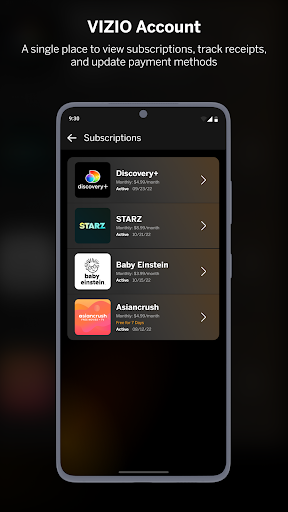
Select features of VIZIO SmartCast Mobile require a myVIZIO Account (available free).


