

Screen Recorder
Screenshots





|
Developer
|
FA developer |
|
Category
|
Personalization |
|
Installs
|
680,000,000 |
|
Version
|
2.7.9.13.11 |
|
Content Rating
|
0 |
|
Price
|
Free |
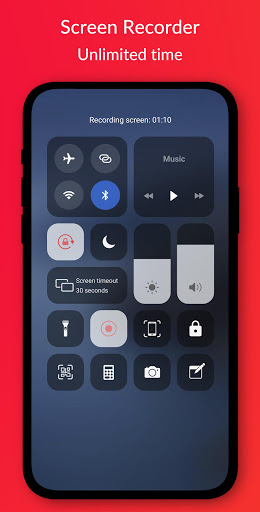
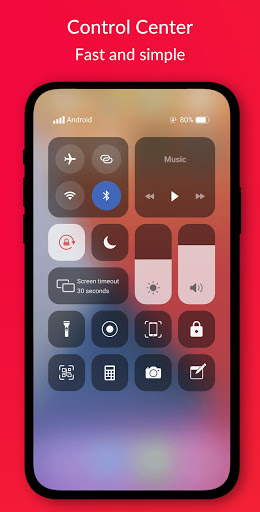
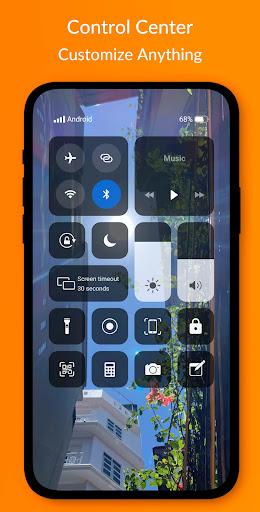
Control Center IOS 13 - Screen Recorder quickly helps you to change settings, screen recorder, screenshot, screen capture, Night mode, night light, Lock the screen (Screen off), volume controller and fast access to the favorite application.
Control Center - quickly change settings:
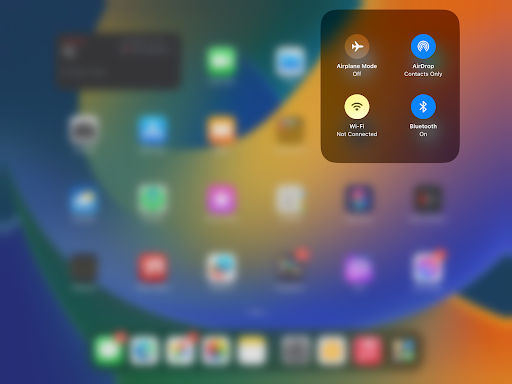
- Wifi
- Bluetooth
- Screen rotation
- Mobile hotspot: easy to make a personal hotspot and share your internet.
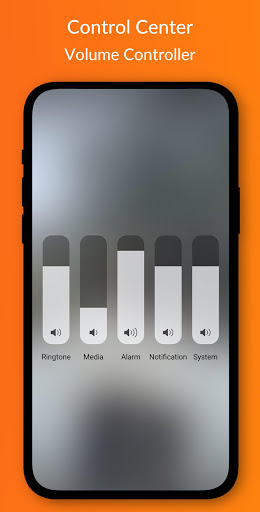
- Volume controller: change volume ringtone, music, alarm, notification, and system sounds.
- Brightness
- Flashlight
- Do not disturb
- Silent, vibration, and sound
- Lock the screen (screen off)
- Screen recorder be like iPhone (Android 5.0 and above)
- Screenshot, screen capture (Android 5.0 and above)
- Night mode (night light) and take care of your eyes
- Pin favorite application in Control Center
How to open Control Center:
- If "Top-right Edge" is selected, swipe down from the top-right edge to open Control Center.
- If "Top-right Edge" is not selected, swipe up from the bottom of the screen to open Control Center.
- Touch or swipe down, swipe up to close.
No limitation of customization: change color, background, button size, home bar size.
How to create a screen recorder:
1. Click icon screen recorder on the bottom of the screen of the Control Center IOS 13.
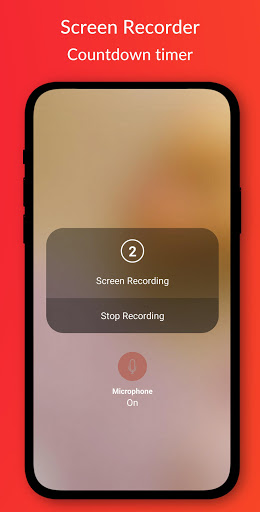
2. A count down timer showing with 3,2,1. On that screen, check to enable/disable sound.
3. Enjoy your screen recorder.
Change screen recorder settings: Bitrate and Frame rate.
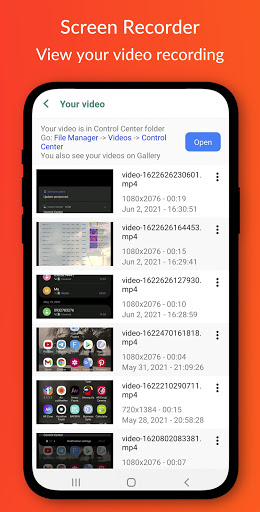
The recorder video is located in the "Control Center" folder.
Control Center IOS 13 - screen recorder, du recorder.
Thanks for using my app!


