TeamViewer for Remote Control icon

TeamViewer for Remote Control

Screenshots
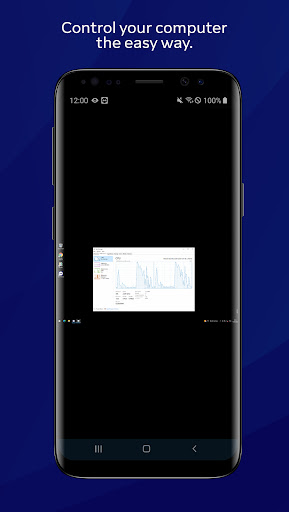
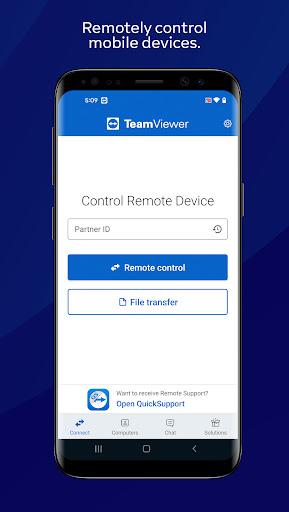
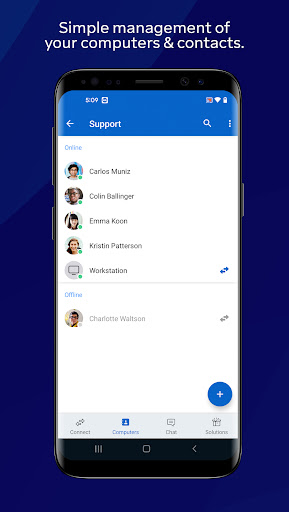
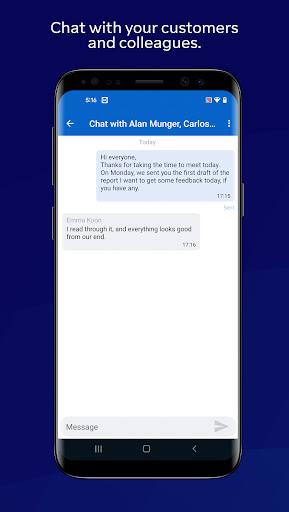
TeamViewer for Remote Control screenshot TeamViewer for Remote Control screenshot TeamViewer for Remote Control screenshot TeamViewer for Remote Control screenshot TeamViewer for Remote Control screenshot TeamViewer for Remote Control screenshot TeamViewer for Remote Control screenshot TeamViewer for Remote Control screenshot TeamViewer for Remote Control screenshot TeamViewer for Remote Control screenshot TeamViewer for Remote Control screenshot TeamViewer for Remote Control screenshot TeamViewer for Remote Control screenshot TeamViewer for Remote Control screenshot TeamViewer for Remote Control screenshot TeamViewer for Remote Control screenshot TeamViewer for Remote Control screenshot TeamViewer for Remote Control screenshot TeamViewer for Remote Control screenshot TeamViewer for Remote Control screenshot TeamViewer for Remote Control screenshot TeamViewer for Remote Control screenshot TeamViewer for Remote Control screenshot TeamViewer for Remote Control screenshot
Developer
TeamViewer
Category
Productivity
Installs
620,000,000
Version
14.5.224
Content Rating
3
Price
Free

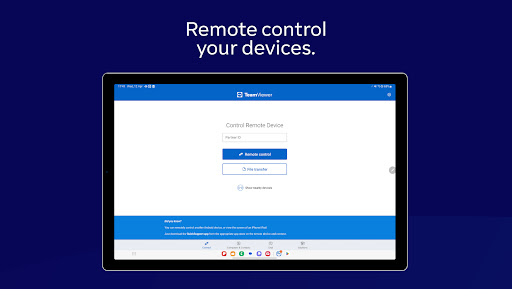
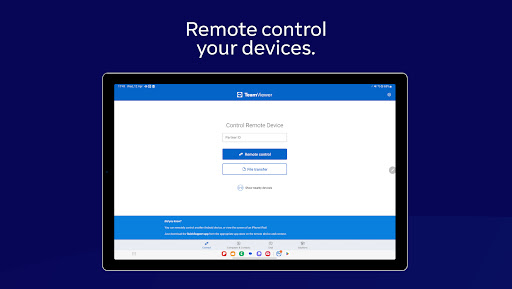
Use this app to remotely control other devices

Want to remote into this device? > Download the QuickSupport app

Remote into another computer, smartphone or tablet, while you are on the road!

TeamViewer provides easy, fast and secure remote access and is already used on more than 1 billion devices worldwide.

Use cases:

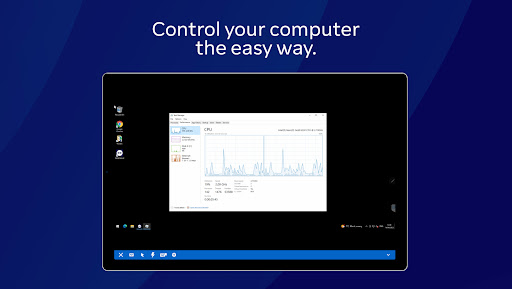
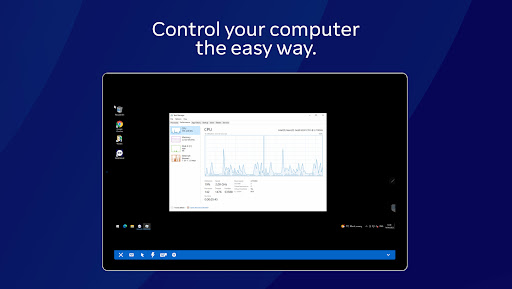
- Control computers (Windows, Mac OS, Linux) remotely as if you were sitting right in front of them

-- Provide spontaneous support or administer unattended computers (e.g. servers)

- Remotely control other mobile devices (Android, Windows 10 Mobile)

Key Features:

- Screen sharing and complete remote control of other devices

- Intuitive touch and control gestures

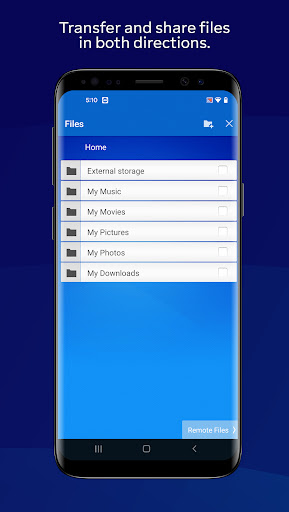
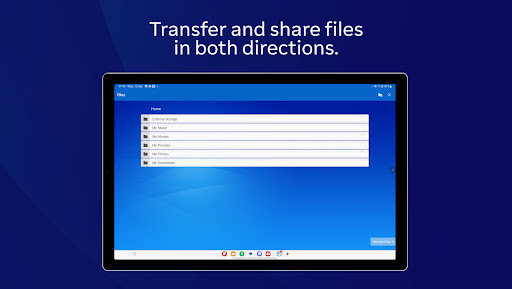
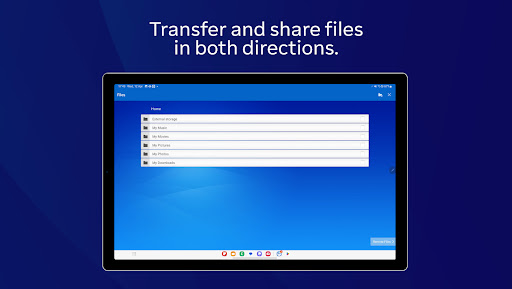
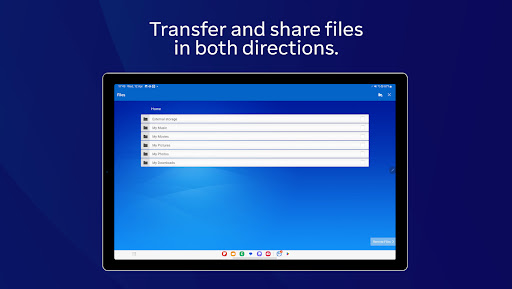
- File transfer in both directions

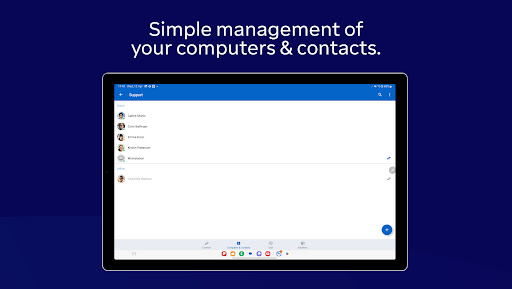
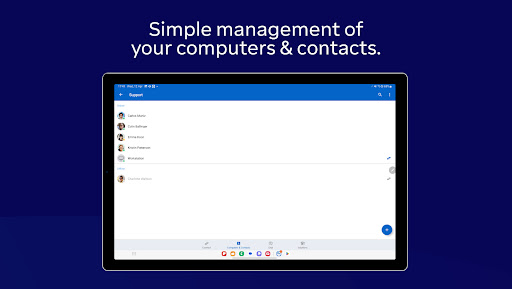
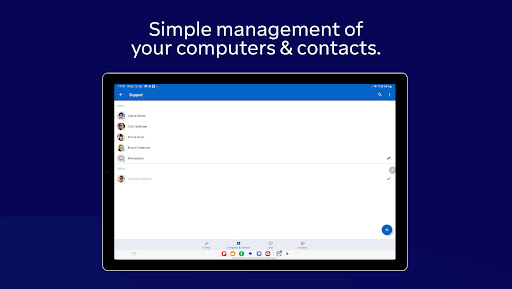
- Computers & Contacts management

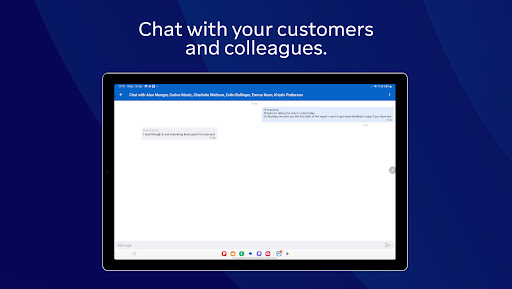
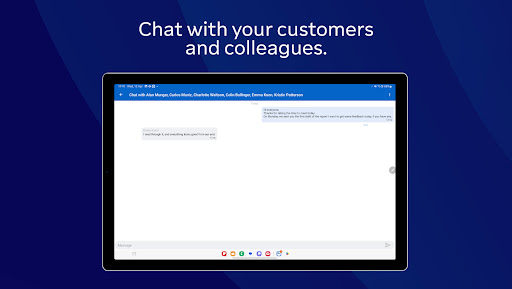
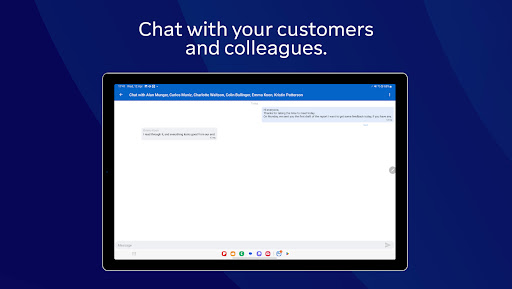
- Chat

- Sound and HD video transmission in real-time

- Highest security standards: 256 Bit AES Session Encoding, 2048 Bit RSA Key Exchange

- Plus so much more …

Quick guide:

1. Install this app

2. On the device you want to connect to, download TeamViewer QuickSupport

3. Enter the ID from the QuickSupport app into the ID field and connect

Download Latest APK
100% Safe
Explore More Similar Apps

Similar Apps

My Optimum icon

My Optimum

4.6
Get
ChatGPT icon

ChatGPT

4.4
Get
Google One icon

Google One

4.5
Get
Google Sheets icon

Google Sheets

4.8
Get
Hermes Packet icon

Hermes Packet

4.8
Get
PDF Reader, PDF Viewer and Epub reader free icon

PDF Reader, PDF Viewer and Epub reader free

4.1
Get
TeamViewer QuickSupport icon

TeamViewer QuickSupport

4.6
Get
HotSchedules icon

HotSchedules

4.5
Get
Google PDF Viewer icon

Google PDF Viewer

4.3
Get
Word Office icon

Word Office

4.9
Get
Trello icon

Trello

4.3
Get
Free VPN Proxy icon

Free VPN Proxy

4.9
Get