

Smart TV Cast
Screenshots

|
Developer
|
SensusTech LLC |
|
Category
|
Tools |
|
Installs
|
690,000,000 |
|
Version
|
1.1 |
|
Content Rating
|
0 |
|
Price
|
Free |
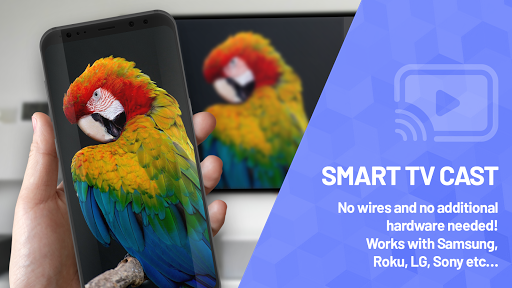
Want to get the most out of your Smart TV? Do you like to view photos, watch videos, listen to your favorite music not just from your phone, but with the help of a large screen? Then our app is perfect for you, because with us that you can broadcast any files to your TV. Forget about wires, flash drives and other unnecessary removable media! This app enables you to cast images, videos and music to Samsung, LG, Sony, Hisense, TCL, Vizio, Chromecast, Roku, Amazon Fire Stick or Fire TV, Xbox, Apple TV or other DLNA Devices.
Features of the “Smart TV Cast” application:
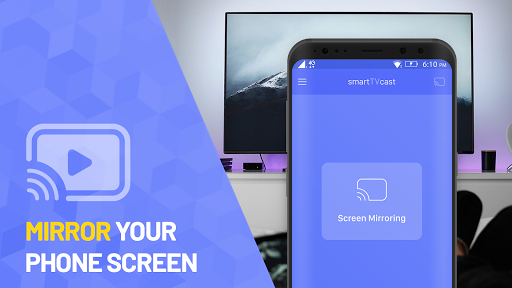
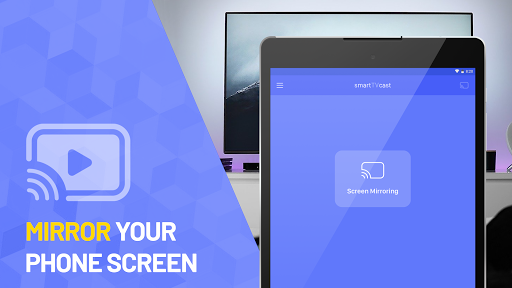
Using our application, you can make screen mirroring of any photos, video files, audio and other content to your Smart TV in real-time and without any delay. The app is friendly to all popular devices. So along with this app you can stream any content to your device.
Together with our application you will appreciate the following functions:
• Screen Mirroring of your smartphone on Smart TV.
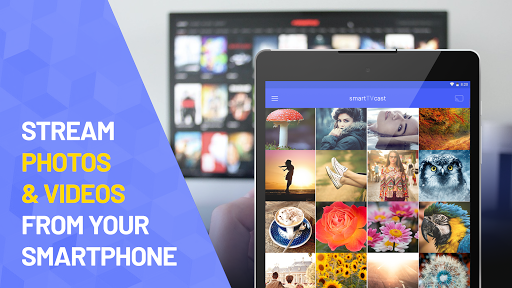
• Clear transmission of photos and videos without compromising quality.
• Mirror audio files and music without delay.
• The ability to watch videos on YouTube, various films and clips.
• Cast files of other formats, as well as broadcasting the desired documents from Dropbox and Google Drive files.
• Mirror Smart View, Samsung Allshare, Allcast and more.
And all these functions will be available to you in just a few simple clicks: just download our application, go into it, select your Smart TV, connect and enjoy! A few minutes to the basic setup and the files are already transferred to a large TV monitor.
Together with us, you will appreciate not only the convenience of the application, the clarity of the interface and the work without delays, but also a wide range of supported devices:
• It can be any Smart TVs: Samsung, Sony, LG, Hisense, TCL, Vizio Smartcast, Xiaomi, Panasonic and so on;
• Roku / Roku Stick / Roku TV;
• Chromecast;
• WebOS and Miracast;
• Xbox, Xbox One and Xbox 360;
• Fire TV and cast to Amazon Fire Stick;
• Apple TV and Airplay;
• Smart View and Allshare
• All other DLNA receivers.
As you can see, with our application you can connect and start broadcasting any media files today. Only the convenience of the interface, the clarity of information transfer, high quality and ease of setup.
We promise you a comfortable screen mirroring from your smartphone to Smart TV, the main thing is to make sure that you are connected to the same local network that your Smart TV is connected to. Also, we do not recommend using multiple VLANs or subnets. Enjoy your use!


