

PhotoRoom
Screenshots

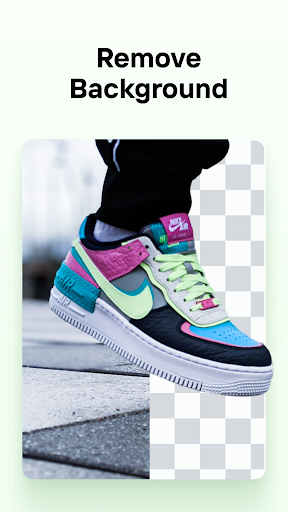





|
Developer
|
Artizans of Photo Video Background Editor App |
|
Category
|
Photography |
|
Installs
|
820,000,000 |
|
Version
|
5.0.5 |
|
Content Rating
|
0 |
|
Price
|
Free |
Pros
PhotoRoom’s AI background removal delivers fast, highly accurate cutouts even with hair, fur, or complex edges. The intelligent auto-mask removes backgrounds in seconds, reducing the need for manual touch-ups and enabling consistent, professional-looking photos across product catalogs and social media with minimal effort, making it ideal for e-commerce sellers and creators.
Built-in templates and editing tools let users create polished product and portrait images without advanced design skills. Preset backgrounds, automatic shadows, reflections, retouching, and aspect-ratio resizing streamline listing creation for marketplaces and social platforms. Batch apply edits across multiple photos to maintain visual consistency with one click, saving hours of manual work.
PhotoRoom accelerates workflows with batch processing, high-resolution exports, and transparent-background PNG output ready for printing or online listings. The mobile and web apps let teams edit on the go and integrate with existing workflows, reducing turnaround time and cutting costs for creators, sellers, and agencies while preserving image quality.
Cons
PhotoRoom’s most common downside is its paywall: the free version adds watermarks and restricts export resolution and premium templates. Many powerful features — high-resolution exports, batch processing, and some background packs — require a recurring subscription, which can be costly for casual users or small businesses on a budget.
Although its AI is fast, PhotoRoom can struggle with complex edges like wispy hair, fur, or translucent objects, and fine details such as semi-transparent glass or lace, producing halos or jagged cutouts. These imperfect removals often need manual touch-ups or external editing to achieve professional-quality results, reducing workflow efficiency for intricate images.
The app focuses on quick background removal and template-based layouts, so it lacks advanced controls that professional designers expect — limited layer management, masking precision, advanced color grading, and editable vector tools. For complex compositions or precise retouching, users often must switch to desktop editors like Photoshop.


