

MiXplorer
Screenshots
|
Developer
|
Hootan Parsa |
|
Category
|
Tools |
|
Installs
|
690,000,000 |
|
Version
|
6.42.4-Beta |
|
Content Rating
|
0 |
|
Price
|
Free |
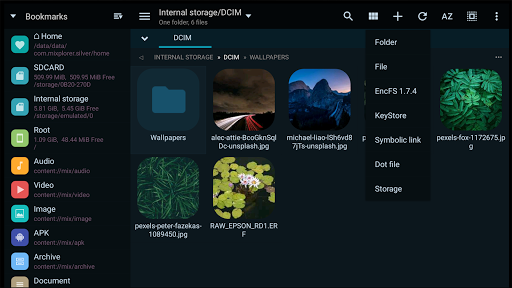
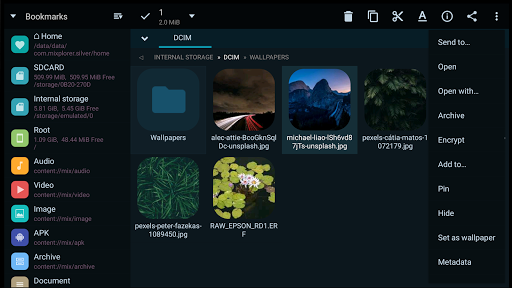
MiXplorer (SD, FTP, Lan, Cloud and other storage explorers) is a fast, smooth, beautiful, reliable and full-featured Android file manager with a simple and intuitive user interface. This app has no ads, is and will always remain free. It supports Android 2.0+ (Eclair) I hope you enjoy it.
Features:
The best way indeed is to explore yourself. But here's a brief list of essential features:
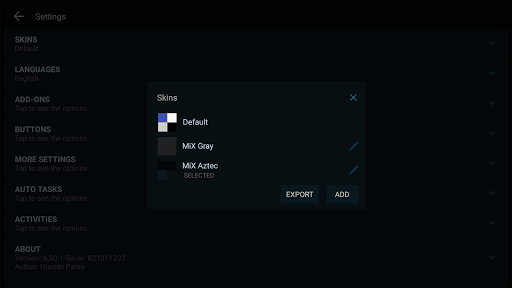
Easily themable with customization option which lets you select any color you like.
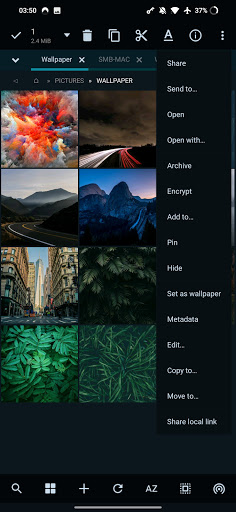
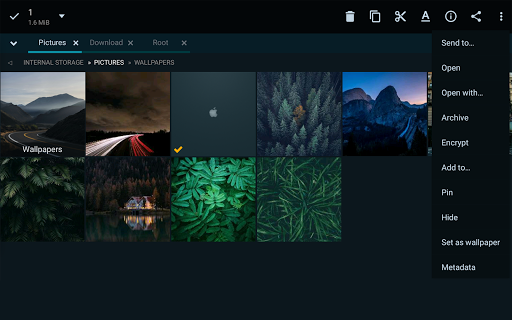
Sort, disable and enable all menu options and action buttons.
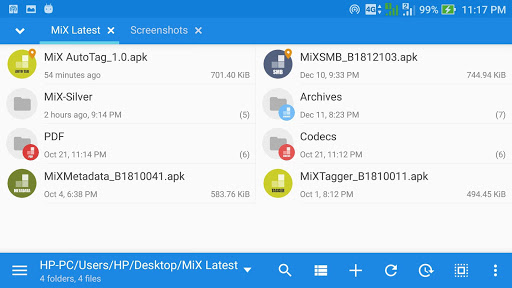
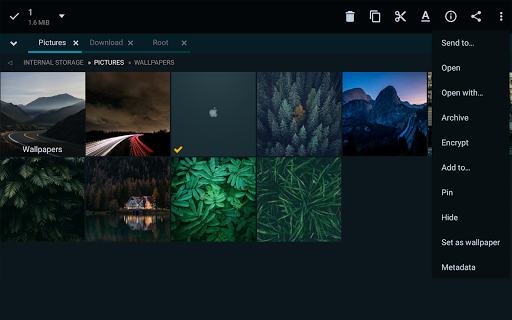
Unlimited Tabbed browsing and Dual panel in landscape mode and Drag and Drop between panels also supported.
Easily create Tasks to multitask Copy, Move, ... operations.
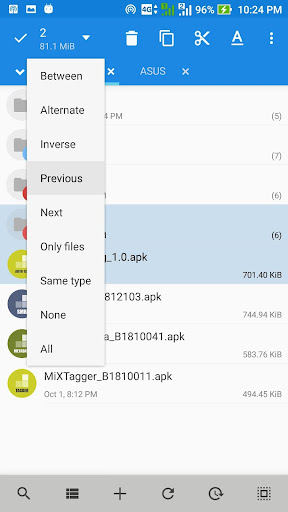
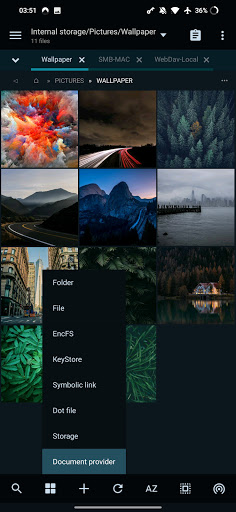
Different various View Modes and Sorting Options for each folder separately!
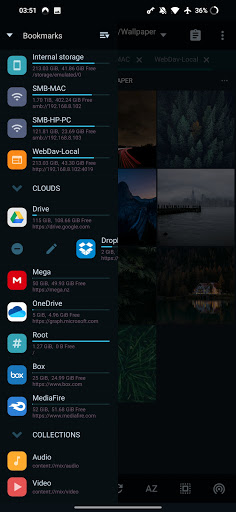
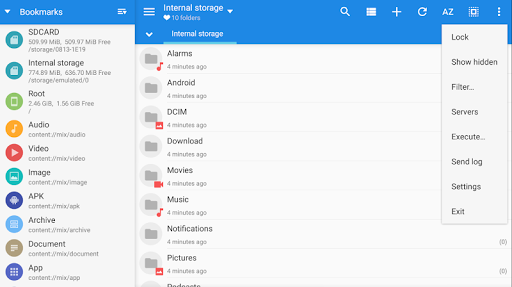
Customizable bookmarks drawer with essential file types already categorized.
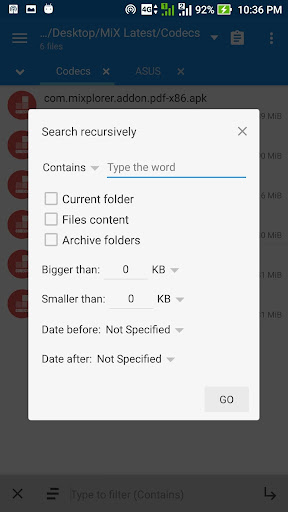
Advanced search functions.
Custom USB OTG driver. FAT32 (R/W), exFat(R/W), NTFS (R).
Html viewer which supports MHT, Markdown, AXml, CHM, MAFF and ....
Export/Import all preferences and bookmarks and customized skins.
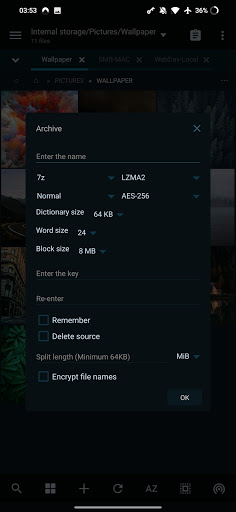
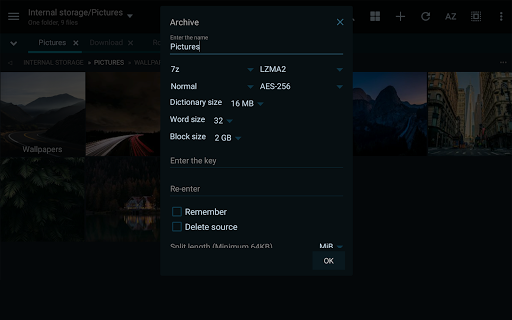
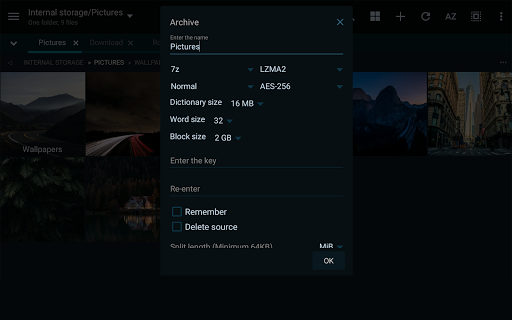
Packing/unpacking 7z and Zip/Zip64 (splitted-encrypted), TAR, TAR.GZ, TAR.BZ2, GZIP, BZIP2, XZ, WIM, Lizard, LZ4, LZ5, Zstandard.
Unpacking only: AR, ARJ, CAB, CHM, CPIO, CramFS, DMG, EXT, FAT, GPT, HFS, IHEX, ISO, LZH, LZMA, MBR, MSI, NSIS, NTFS, QCOW2, RAR/RAR5, RPM, SquashFS, UDF, UEFI, VDI, VHD, VMDK, XAR and Z.
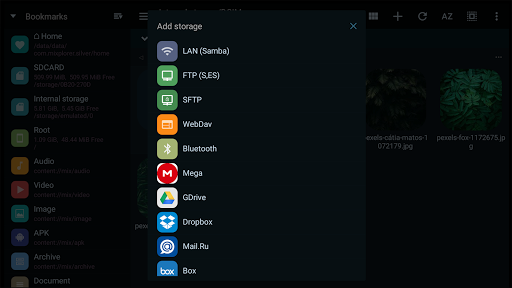
All your cloud storage needs accessible from one single app. Choose from 19 providers:
Amazon CloudDrive, Mega.co.nz, Mail.ru, Dropbox, Box, Yandex, HiDrive, Baidu, Mediafire, IDrive, Hubic, 4Sync, 4Shared, Google Drive, Meo, OneDrive, OneDrive Business, pCloud, SugarSync, VDisk.
+ clouds which support webdav like (Yandex.ru, OwnCloud, MyDrive.ch, DriveHQ, CloudMe, CloudSafe, ...).
Modifying zip files.
EPub, MobiPacket and PDF reader.
Root access for all advanced operations.
User and System app management with data backup ability for rooted devices.
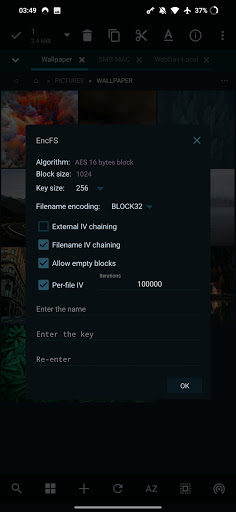
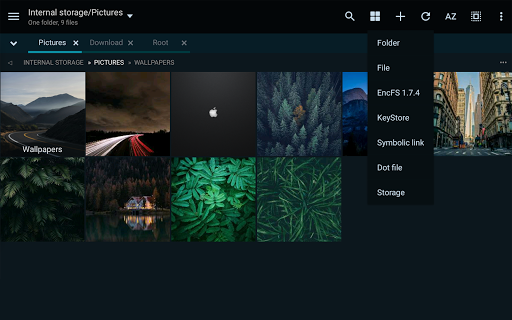
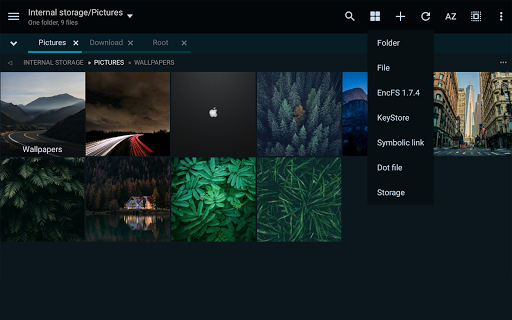
EncFS volumes supported for all storages.
File encryption and decryption using Aescrypt file format.
FTP/HTTP Server built in + TCP server to receive files from other devices using MiX (Send-to option).
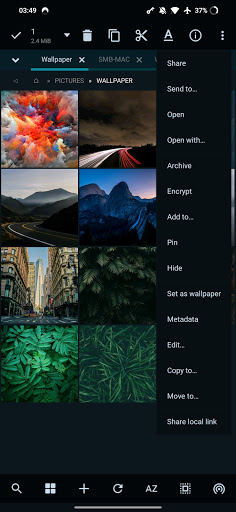
Built-in Image Viewer (it supports GIF, SVG, TGA, ICO,...).
Built-in Media Player + VLC codecs add-on.
Powerful Text Editor.
SAMBA, FTP, SFTP, WEBDAV supported as well.
And many more awesome features for you to explore!


