

GoToWebinar
Screenshots


|
Developer
|
LogMeIn, Inc. |
|
Category
|
Business |
|
Installs
|
120,000,000 |
|
Version
|
3.12.1 |
|
Content Rating
|
0 |
|
Price
|
Free |
Being away from your computer doesn’t mean you have to miss out on online events. The free GoToWebinar mobile app lets you not only see and hear webinars, but take part in them as well. No matter where you are, you can ask questions, take part in polls and more.
FEATURES
For Attendees
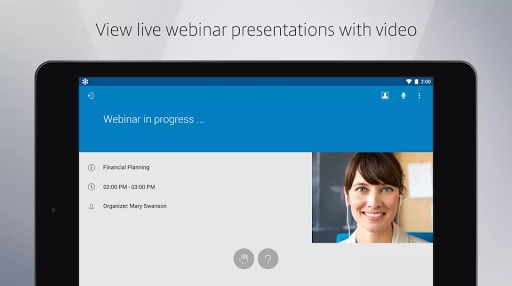
Attend and participate in online events while you’re on the move.
• Join with just a tap.
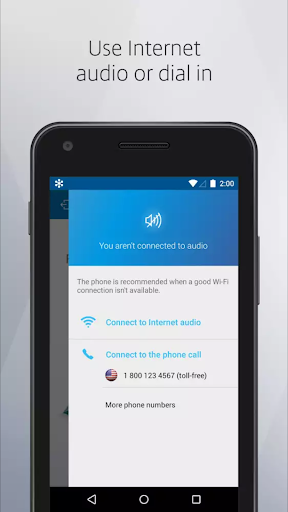
• Listen in using one-touch dialing or VoIP.
• View the event speaker’s slide presentations up close.
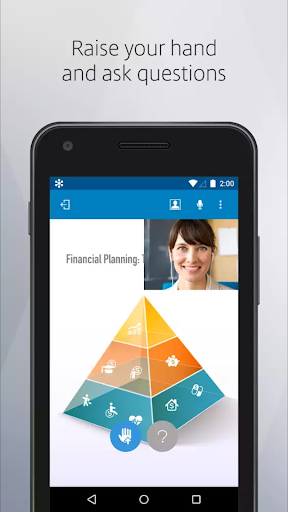
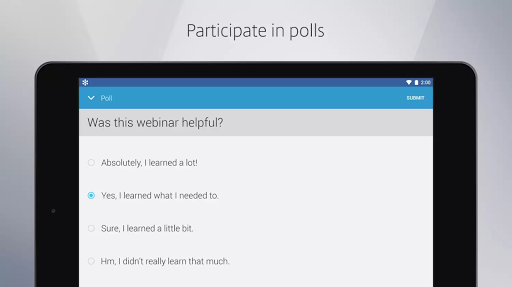
• Participate in polls, raise your hand and ask the event speaker a question.
• View active speaker's webcam.
For Organizers:
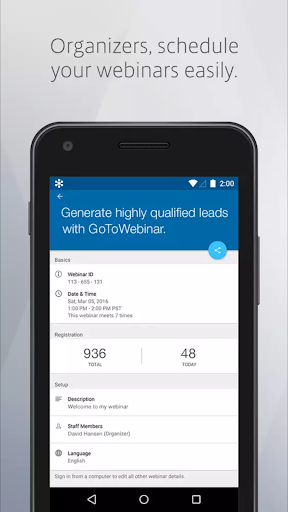
• Schedule a single occurrence Webinar.
• Edit any scheduled Webinar
• View a count of registrants for an upcoming Webinar
• Share upcoming an Webinar's registration link
• We are working on adding support for scheduling recurring Webinars, so for now please log in from a computer to do so and watch for more updates in the near future!
For Presenters:
• Share your device's screen with the audience
HOW TO JOIN AN EVENT
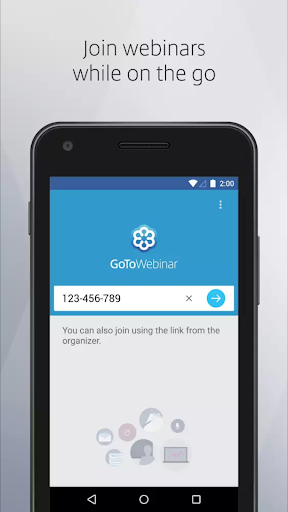
There is no purchase necessary to attend a GoToWebinar event. Two easy ways to join:
• Tap an event link in the invite email or your calendar.
• Tap the GoToWebinar icon after you install the app and enter the session ID.
AUDIO
• Upon joining an event, you will automatically connect to audio through your Internet connection (WiFi or 4G/3G).
• For the best audio experience, plug a headset into your Android device.
• If you prefer to dial in over your phone line, you can do that with a single tap after joining the event.
• If you are attending the event in person, easily disconnect from audio any time so you can continue to participate in polls and see the speaker’s presentation up close.
REQUIREMENTS
• Android 4.4 or higher
• We recommend devices with a 1 Ghz processor or higher.
If you like attending events with GoToWebinar, please take the time to give us a nice review


