

LG ThinQ
Screenshots

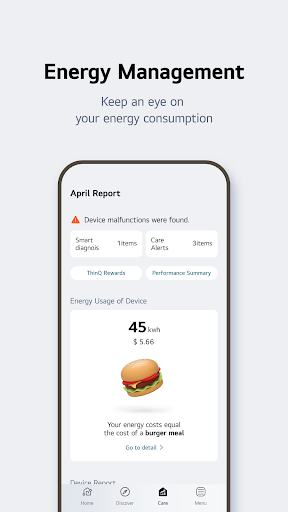
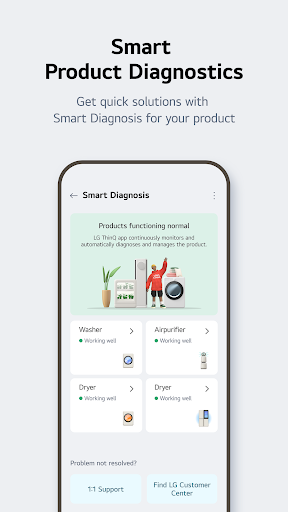
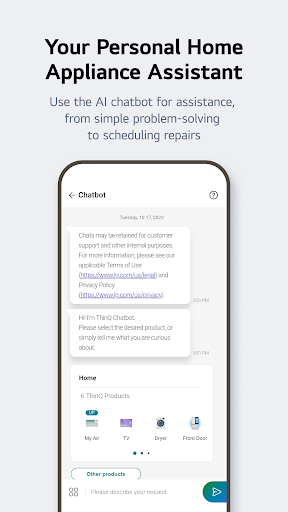
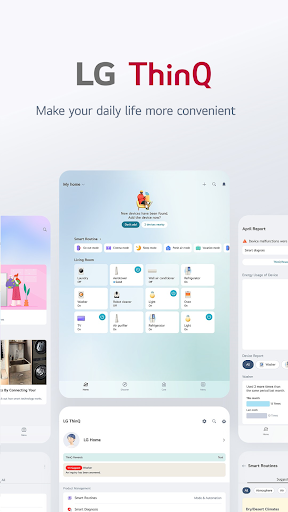
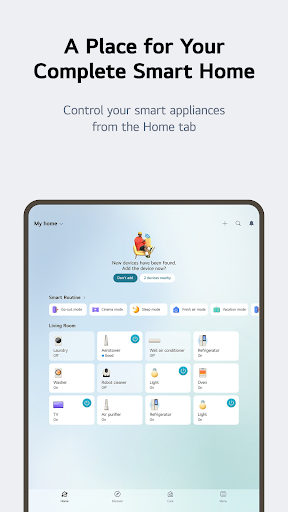


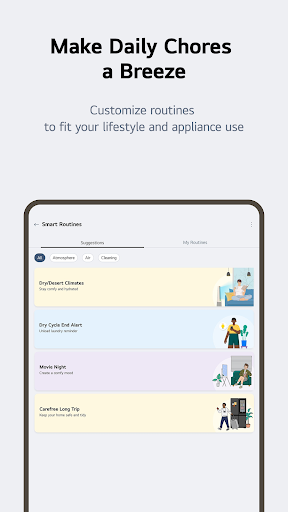
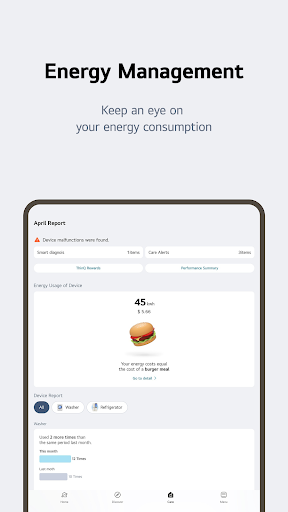
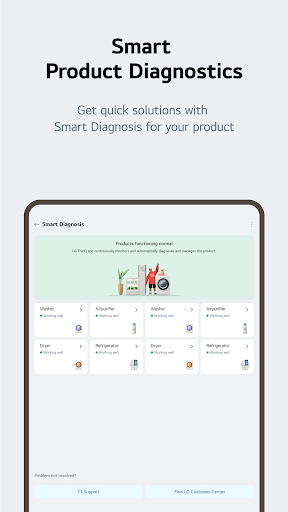
|
Developer
|
LG Electronics, Inc. |
|
Category
|
Lifestyle |
|
Installs
|
130,000,000 |
|
Version
|
5.0.24121 |
|
Content Rating
|
0 |
|
Price
|
Free |
[Major Features]
■ Build the kind of connected home you always wanted with ThinQ
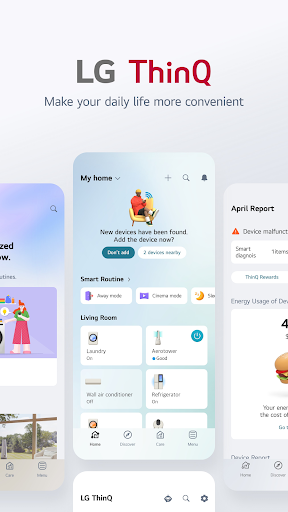
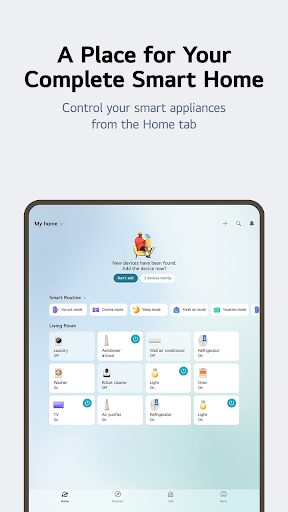
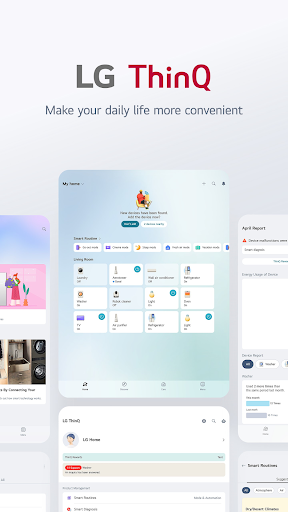
The first thing to do on the all new ThinQ is to set up your home. Start by giving your home a name and choosing a wallpaper. Invite members so that your whole family can share and control the products of your home together.
■ Place appliances where you want
What’s a house with no rooms? Arrange your electronic appliances just the way you want in your rooms, living room, etc., and control them conveniently.
■ Pick and choose the alerts you want
The Notification board now shows product and service related alerts on separate screens, so you can choose which alerts to receive.
■ Frequently used features are now more secure
Security improvements have been made to features such as remote controlling, Smart Diagnosis, purchasing supplies, etc. Try them out now.
[Android OS Requirements]
- The ThinQ app supports Android OS 5.0 and higher. Smartphones using Android OS version 4.4 or lower must update their OS in order to use the latest version of the app.
[Access Permissions]
The following access permissions are necessary for the ThinQ app to provide service. Optional permissions are not required to use the app but restrictions to certain features may apply.
■ Required Permissions
- Outgoing Calls: To access related app settings such as language and region and contact the LG Service Center after smart diagnosing devices
- Location: To obtain the device connecting SSID & Wi-Fi info when adding devices and search for weather info, current location, etc. To obtain and use location information when using the automation feature (optional)
■ Optional Permissions
- Photos, Media & Files: To check the storage capacity of your smartphone for downloading the software of devices to add. Certain devices may also send and save images on your smartphone.
- Contacts: To verify user information when signing in to the app
- Camera: To scan QR codes
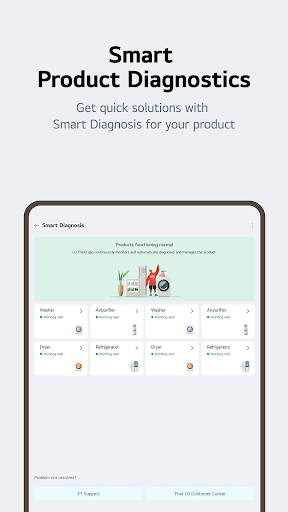
- Mic: Needed when using the smart diagnosis feature


