

iRobot HOME
Screenshots
|
Developer
|
iRobot |
|
Category
|
Lifestyle |
|
Installs
|
870,000,000 |
|
Version
|
7.13.2 |
|
Content Rating
|
0 |
|
Price
|
Free |
Pros
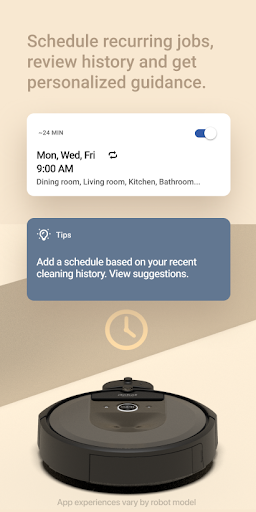
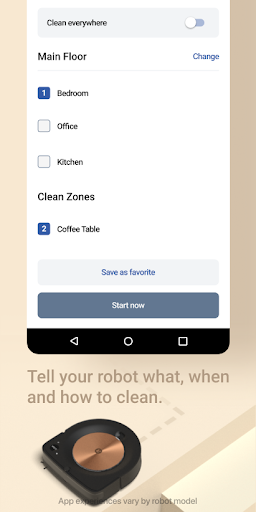
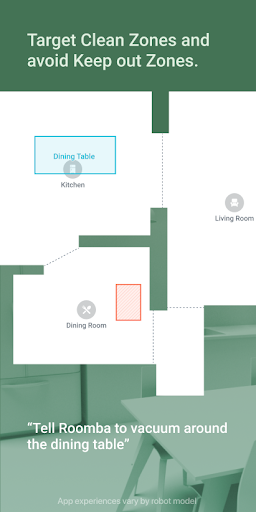
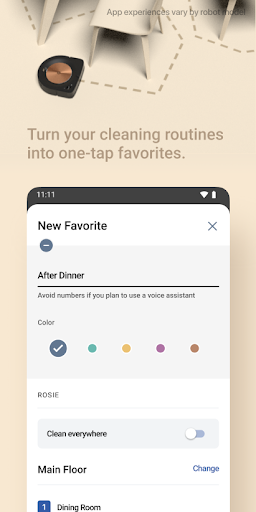
With iRobot Home’s advanced mapping and scheduling, users create custom cleaning zones, set recurring routines, and track progress in real time. Intelligent maps optimize paths to reduce missed areas and runtime, delivering consistently thorough cleaning with minimal manual intervention — perfect for busy households seeking reliable, hands-off floor care.
iRobot Home enables remote control from anywhere via Wi‑Fi, letting you start, pause, or direct your robot with a tap. Real-time status updates and push notifications inform you of completed jobs, battery levels, and maintenance needs. This remote access and proactive alerts keep floors clean and appliances running efficiently.
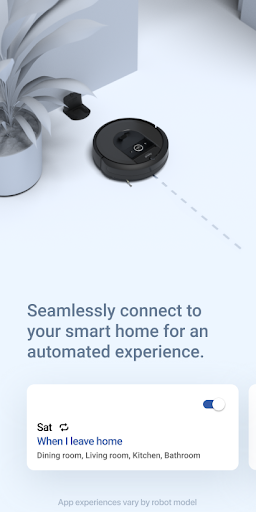
Seamless smart‑home integration and voice support make iRobot Home even more convenient. Connect with Alexa, Google Assistant, or other smart devices to trigger cleanings, set routines, or combine actions. The app also stores cleaning history and customizable preferences, enabling tailored performance and timely firmware updates for ongoing feature improvements.
Cons
The app can be unreliable with Wi‑Fi connections and device pairing. Users frequently report dropped connections, failed re‑pairing after router changes, and intermittent loss of remote control. These issues force repeated setup steps and reduce confidence that scheduled cleanings will run when you’re away from home.
Mapping and customization features are inconsistent across models. Advanced map editing, room naming, and keep‑out zone tools are only available on newer or higher‑end robots, so owners of older or budget units face limited control. That inconsistency makes the app feel fragmented and can hinder precise, efficient cleaning management.
The interface and performance can feel clunky: slow syncing, delayed status updates, and occasional crashes frustrate users trying to monitor or adjust jobs. Settings and useful options are sometimes buried in menus, making optimization harder. Compared with some smart‑home apps, third‑party integrations and automation options also feel more limited or inconsistent.


