

QuickBooks Online Accounting
Screenshots
|
Developer
|
Intuit Inc |
|
Category
|
Business |
|
Installs
|
460,000,000 |
|
Version
|
27.43.0 |
|
Content Rating
|
0 |
|
Price
|
Free |
Pros
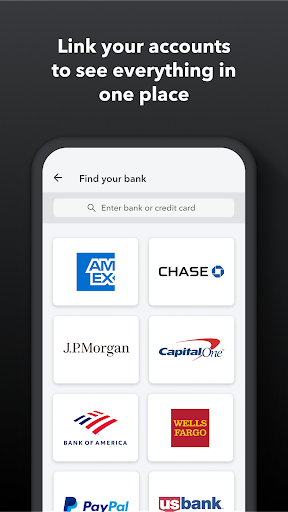
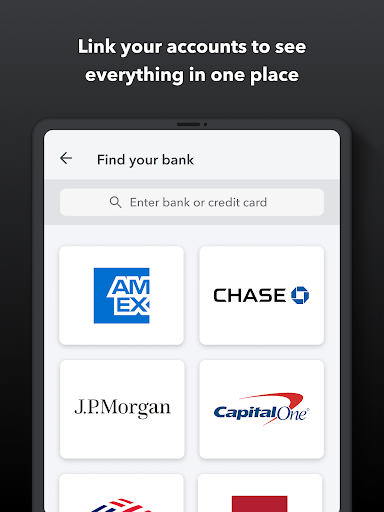
Cloud-based access and collaboration let you manage finances from anywhere with real-time updates. QuickBooks Online syncs bank accounts, transactions, and user permissions instantly across desktop and mobile, enabling accountants, team members, and clients to work together securely without file transfers or version conflicts, with automatic backups and role-based access controls.
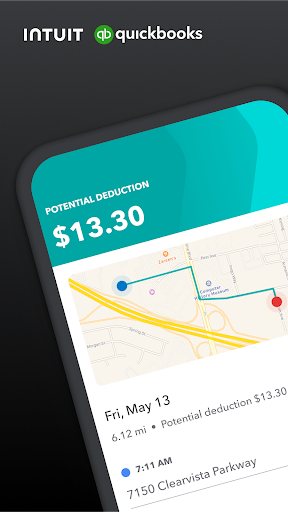
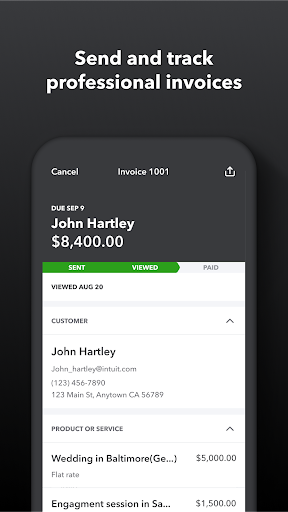
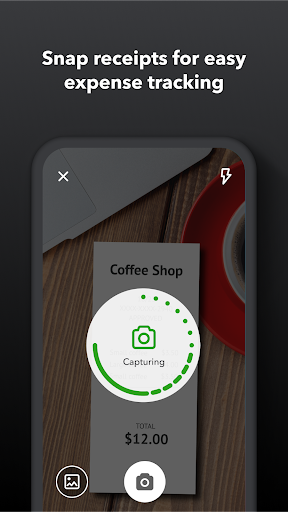
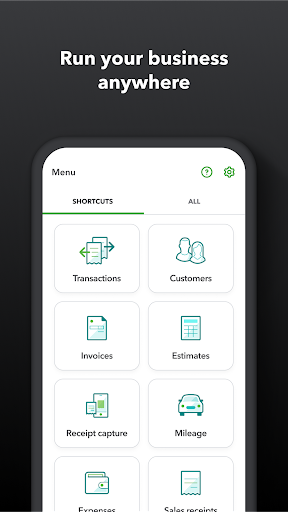
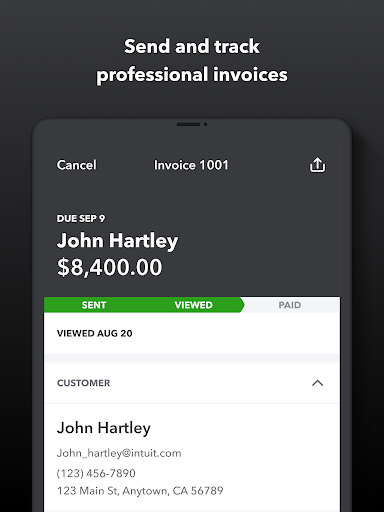
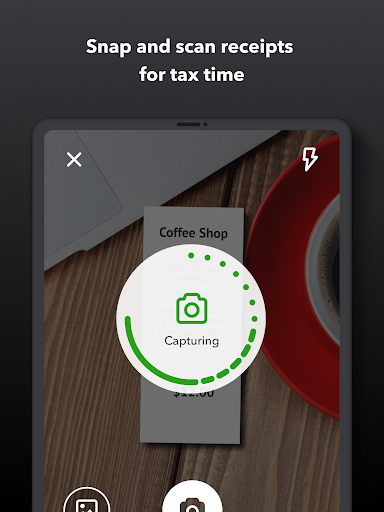
Automated bookkeeping features save time and reduce errors by handling invoicing, recurring billing, expense categorization, and bank reconciliation. Built-in receipt capture and mileage tracking speed data entry, while automated tax calculations and payroll integrations simplify filings and reduce audit risk so you can focus on growing revenue instead of manual accounting tasks.
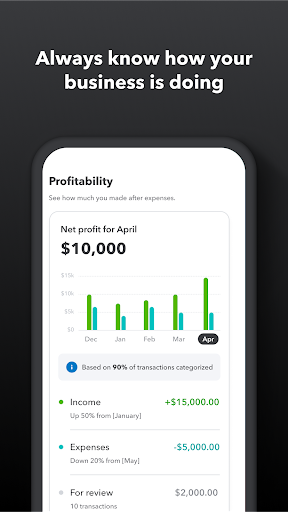
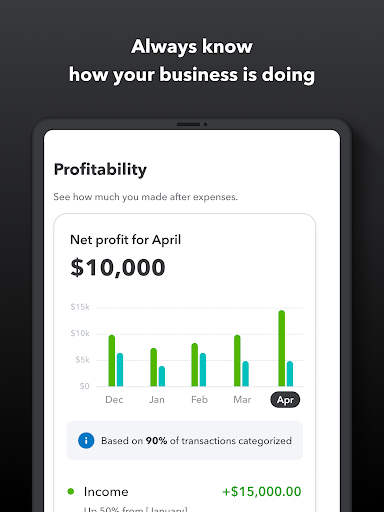
Comprehensive reporting, customizable dashboards, and forecasting tools provide clear financial insights to guide strategic decisions. QuickBooks Online integrates with hundreds of third-party apps—CRMs, payment processors, and inventory systems—so it scales with your business while maintaining secure, automated backups and compliance-ready records for taxes and audits, and multi-user controls for growing teams.
Cons
QuickBooks Online can become costly as your business grows. Core features are divided across subscription tiers, and essential extras—payroll, multiple user seats, advanced reporting, or specialized integrations—often require add‑ons or higher plans. Monthly fees and third‑party app costs can add up, surprising small businesses on tight budgets.
Compared with QuickBooks Desktop, the online version restricts advanced customization and complex accounting workflows. Inventory management, industry‑specific tools, batch editing, and deep report customization are less robust. Businesses needing specialized automation, detailed job costing, or extensive data manipulation often rely on clumsy workarounds or purchase third‑party apps to fill gaps.
As a cloud service, QuickBooks Online depends on stable internet and can exhibit slow performance with large datasets, delayed bank feed syncs, or occasional UI lag. Exporting and archiving data can be cumbersome, and some users report limits on transaction volume. Customer support responsiveness varies, which can prolong resolution of complex issues.


