

Google Text-to-Speech
Screenshots
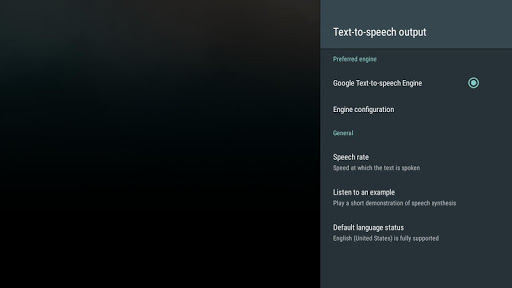
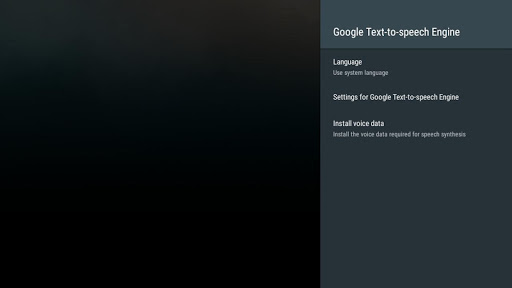

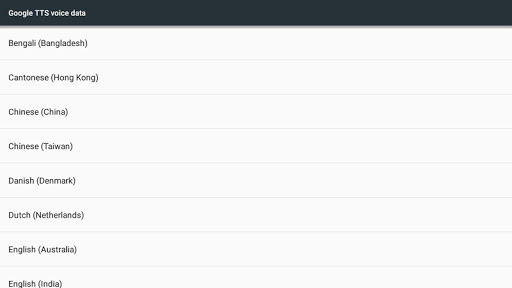
|
Developer
|
Google LLC |
|
Category
|
Tools |
|
Installs
|
460,000,000 |
|
Version
|
googletts.google-speech-apk_20241125.02_p2.702443970 |
|
Content Rating
|
0 |
|
Price
|
Free |
Google Text-to-speech powers applications to read the text on your screen aloud.
For example, it can be used by:
• Google Play Books to “Read Aloud” your favorite book
• Google Translate to speak translations aloud so you can hear the pronunciation of a word
• TalkBack and accessibility applications for spoken feedback across your device
• ... and many other applications in Play Store
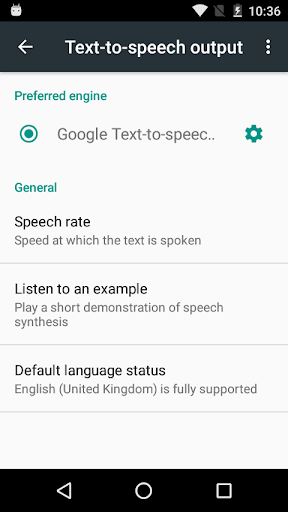
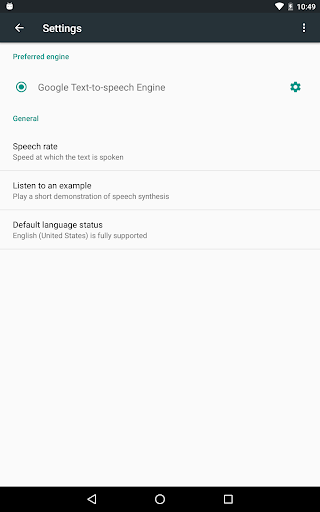
To use Google Text-to-speech on your Android device, go to Settings > Language & Input > Text-to-speech output. Select Google Text-to-speech Engine as your preferred engine.
Note, on many Android devices, Google Text-to-speech is already turned on, but you can update to the latest version here.
100% Safe
Explore More Similar Apps


