

Google Tasks
Screenshots
|
Developer
|
Google LLC |
|
Category
|
Productivity |
|
Installs
|
670,000,000 |
|
Version
|
2023.05.22.533915517.0-release |
|
Content Rating
|
0 |
|
Price
|
Free |
Introduction: A Streamlined Companion from Google
In the crowded arena of to-do list apps, where feature bloat can often overshadow simplicity, Google Tasks stands out as a breath of fresh air. This minimalist task management app, developed by the tech giant itself, doesn't try to reinvent the wheel. Instead, it focuses on doing a few things exceptionally well, seamlessly integrating into the Google ecosystem that many of us already inhabit daily. If you're looking for a straightforward, no-fuss way to capture tasks and see them through to completion, Google Tasks offers a compelling and surprisingly powerful solution.
Core Features: Elegant Simplicity
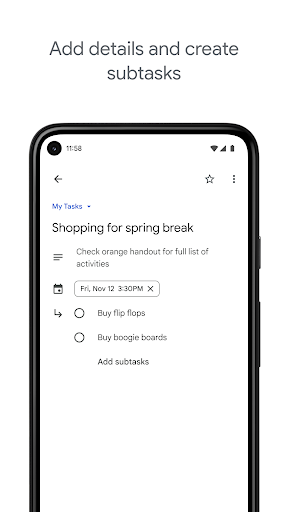
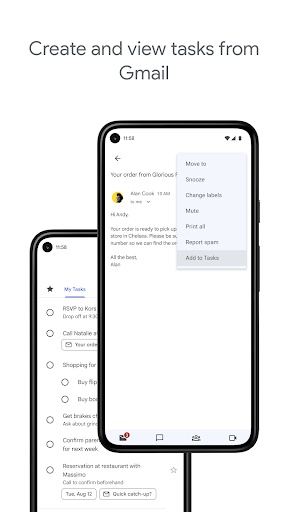
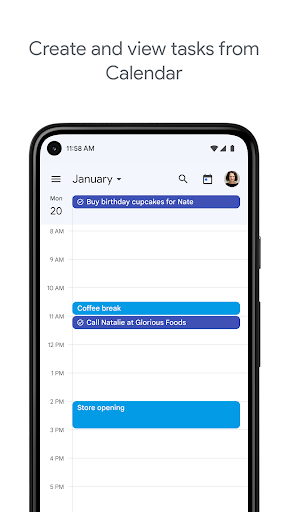
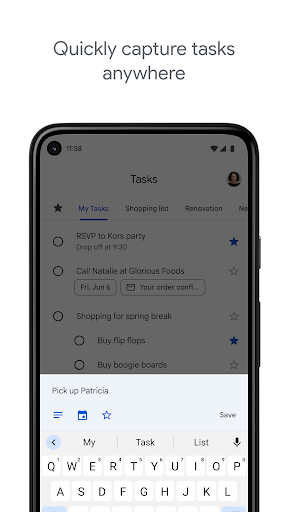
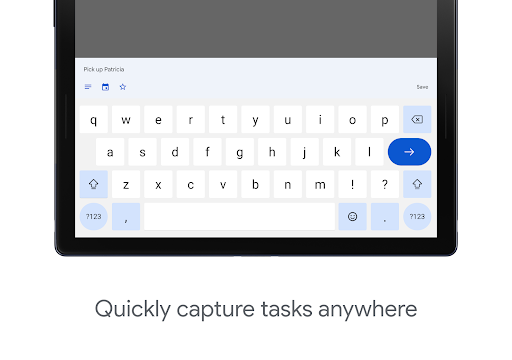
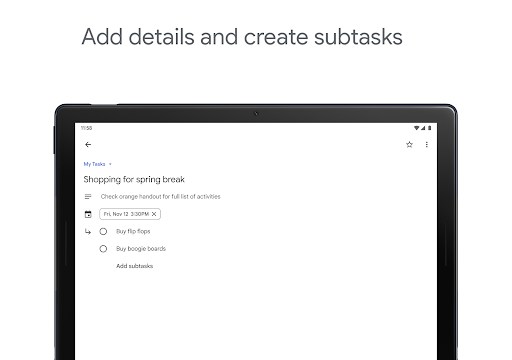
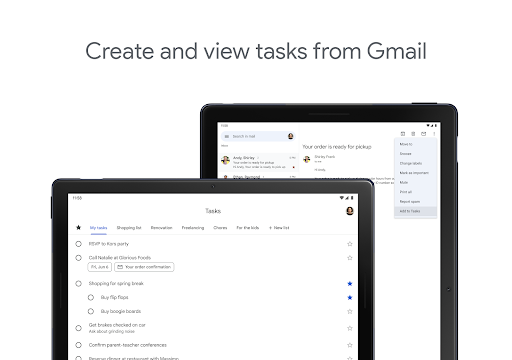
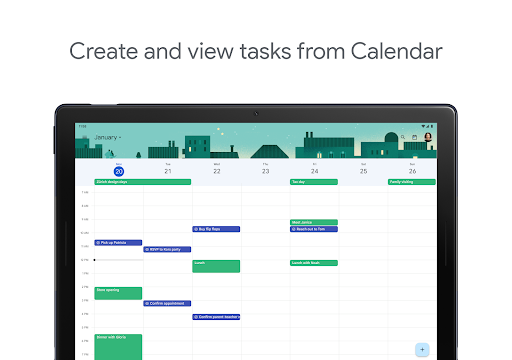
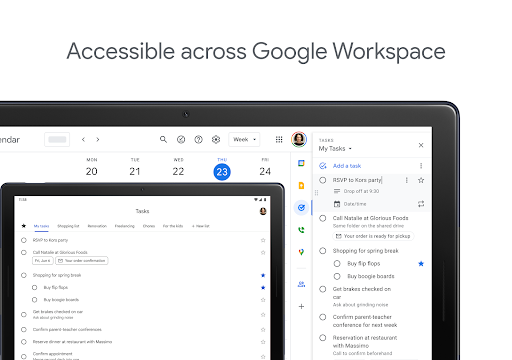
At its heart, Google Tasks is beautifully simple. You create tasks, organize them into lists, and check them off. Tasks can have due dates and times, optional details, and subtasks for breaking down larger projects. The interface is clean and intuitive, with a satisfying swipe-to-complete gesture. One of its standout features is the seamless integration with Gmail and Google Calendar. You can directly create a task from an email in Gmail, which automatically links back to the message—perfect for turning action items into trackable to-dos. Furthermore, tasks with due dates and times automatically appear in your Google Calendar sidebar, providing a unified view of your schedule and commitments.
User Experience: Uncluttered and Efficient
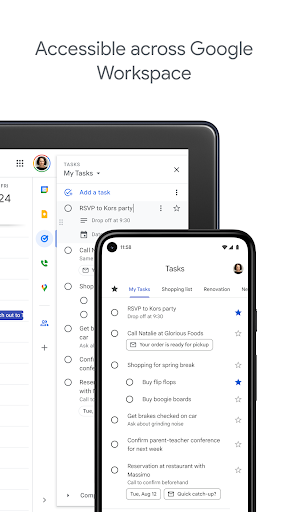
The user experience is where Google Tasks truly shines. The app loads instantly and operates with the smoothness you'd expect from a Google product. There's no learning curve; you can start being productive within seconds of opening it. The design philosophy clearly prioritizes speed and clarity over complex customization. While some power users might miss tags or advanced sorting, this limitation is also its strength—it forces a focus on immediate, actionable items without getting lost in configuration. The mobile app syncs flawlessly with the web version, accessible via the sidebar in Gmail, Calendar, and Google Drive, ensuring your list is always at your fingertips.
Competitive Edge: The Power of Ecosystem
Google Tasks' primary competitive advantage is its deep integration within the Google Workspace. For individuals or teams already using Gmail, Calendar, and Chat, Tasks becomes a natural extension of their workflow, not another siloed app to manage. This native integration is something standalone apps like Todoist or Microsoft To Do can only partially replicate. Its simplicity also makes it a perfect "second brain" for quick capture, complementing more robust project management tools. Furthermore, being completely free without any tiered subscriptions removes a significant barrier to entry, offering genuine value at no cost.
Who Is It For?
Google Tasks is ideal for the individual user who values simplicity and is already invested in the Google ecosystem. It's perfect for students managing assignments, professionals handling daily action items, or anyone needing a lightweight list for groceries or personal goals. It may not satisfy users requiring complex project views, time tracking, or extensive collaboration features. However, for straightforward task management that works harmoniously with your existing Google tools, it is remarkably effective.
Final Verdict: A Focused Tool for Daily Productivity
Google Tasks may not be the most feature-rich task manager on the market, but it excels in its chosen lane of streamlined efficiency. It removes friction from the process of managing to-dos by being instantly accessible, easy to use, and perfectly synchronized with the tools millions use every day. If your philosophy is "less is more" and you seek a digital notepad that simply works, Google Tasks is an outstanding choice that proves sometimes, the simplest tool is the most powerful one.


