

Voice Access
Screenshots
|
Developer
|
Google LLC |
|
Category
|
Tools |
|
Installs
|
220,000,000 |
|
Version
|
3.1.236003719 |
|
Content Rating
|
0 |
|
Price
|
Free |
Voice Access is an accessibility service that helps users who have difficulty manipulating a touch screen (e.g. due to paralysis, tremor, or temporary injury) use their Android devices by voice.
For help using Voice Access, see Voice Access help.
Voice Access provides voice commands in three categories:
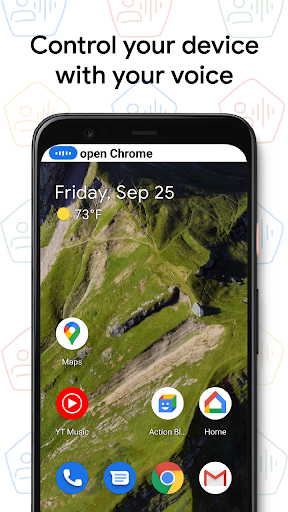
- Basics and navigation from any screen (e.g. "go back", "go home")
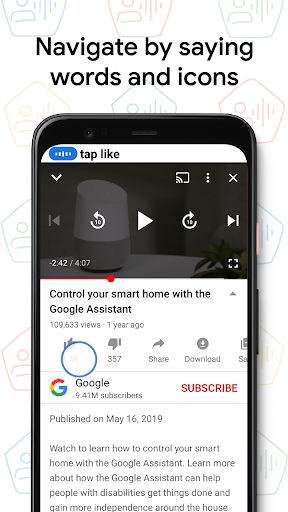
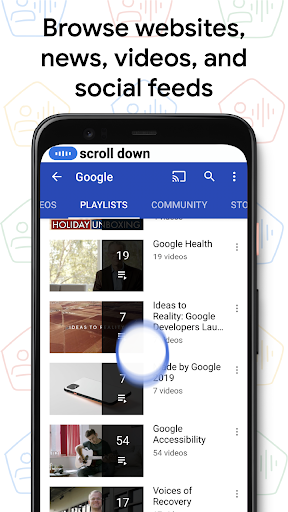
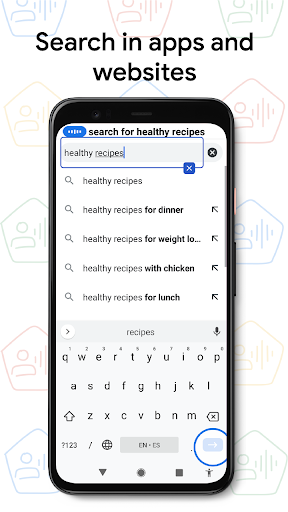
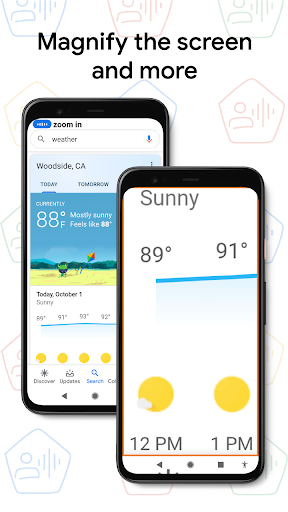
- Gestures to interact with things on the current screen (e.g. "click next", "scroll down")
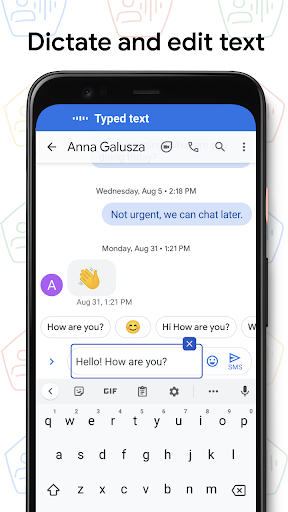
- Text editing and dictation (e.g. "type hello", "replace coffee with tea")
You can access on-screen help by saying "What can I say?" within Voice Access. You can also see the full list of voice commands by going to Voice Access Settings and selecting "Show all commands."
Steps to enable Voice Access:
1. Go to Settings > Accessibility
2. Select "Voice Access"
3. Turn on the switch
4. Complete the tutorial to learn how to use Voice Access
The tutorial introduces the most common voice commands (starting Voice Access, clicking, scrolling, basic text editing, and getting to the "What can I say?" menu).
Note that completely hands-free interaction requires enabling "Ok Google" from any screen. Then you can say "Ok Google" whenever you want Voice Access to start listening for commands. You may need to update the Google app to be able to start Voice Access by saying "Ok Google." (If you choose not to enable "Ok Google" from any screen, or if your device does not support it, a blue Voice Access button will appear on your screen. You can press this button to indicate that you would like to start saying a voice command. You can also press, hold, and drag this button to move it to a different location on your screen.)
To stop Voice Access, just say "stop listening". To disable Voice Access completely, go to Settings > Accessibility > Voice Access and turn off the switch.
Permissions Notice
Microphone: Voice Access uses the microphone to let you speak voice commands.
Phone: Voice Access observes the phone state so it can operate during phone calls.
Accessibility Service: Because this app is an accessibility service, it can observe your actions, retrieve window content, and observe text that you type.


