

Aiwit
Screenshots


|
Developer
|
EKEN ELECTRONICS LIMITED |
|
Category
|
Tools |
|
Installs
|
650,000,000 |
|
Version
|
3.4.5 |
|
Content Rating
|
0 |
|
Price
|
Free |
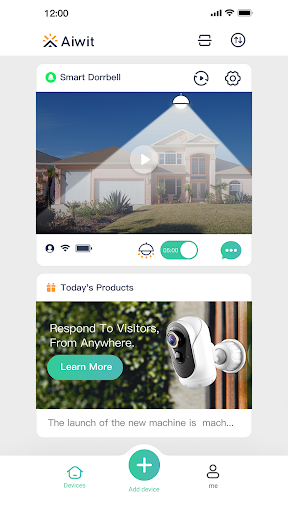
Aiwit is a companion app for controlling Aiwit smart‑home devices—such as Wi‑Fi cameras, smart plugs, bulbs, sensors and other connected appliances. The app provides device setup, real‑time monitoring, automation and remote control from your phone or tablet, targeting homeowners and renters who want an integrated, mobile way to manage basic smart‑home functions and receive alerts when events occur.
Pro
1. Simple onboarding and centralized control for multiple Aiwit devices in one app.
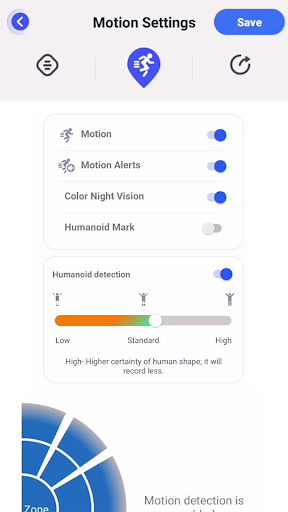
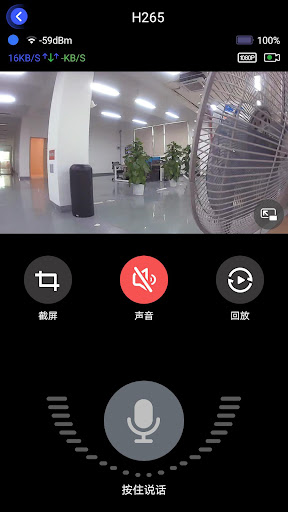
2. Useful camera features (live view, two‑way audio, motion alerts) and flexible storage choices (local SD or cloud options on supported models).
3. Schedules, scenes and device sharing make everyday automation and family access straightforward.
Con
1. Feature set and performance depend heavily on specific device models—some advanced camera or automation features may be limited to newer hardware.
2. Cloud recording and extended storage typically require a paid subscription; free functionality can be basic.
3. Occasional connectivity or push‑notification delays can occur on certain networks or older phones; persistent issues may require router or device troubleshooting.
Frequently Asked Questions
Is the Aiwit app free to use?
The app is free to download and provides core device control, live view and basic alerts. Some services—such as extended cloud recording or premium features—may require paid subscriptions depending on the device and plan.
How do I connect my Aiwit camera to the app?
Open the app, create/sign in to your account, choose “Add Device,” and follow the in‑app Wi‑Fi setup steps (usually put the camera in pairing mode and enter your network credentials). Ensure your phone is on the same 2.4 GHz Wi‑Fi network if the device requires it. If setup fails, try restarting the camera and router and check that any mobile VPN or firewall is disabled during pairing.
Can I use Aiwit devices with Alexa or Google Assistant?
Many Aiwit devices support voice control. Enable the Aiwit (or indicated) skill/action in the Alexa/Google Home app, link your Aiwit account, and then discover devices. Voice functionality and available commands depend on each device’s supported integrations.


