

Pencil Drawing Art
Screenshots
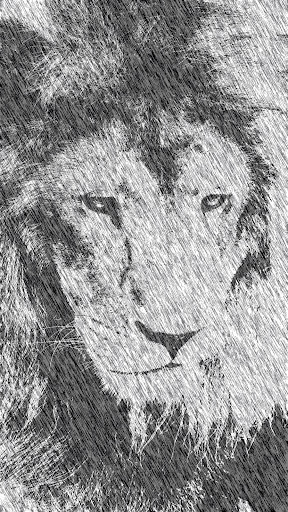
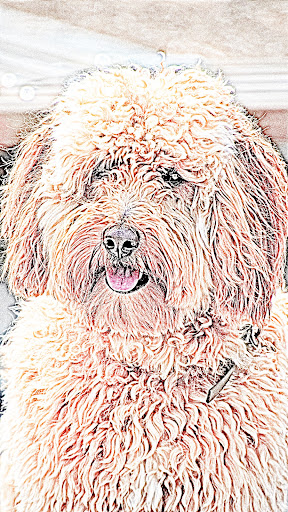
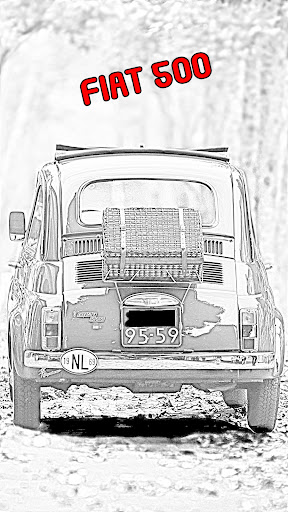
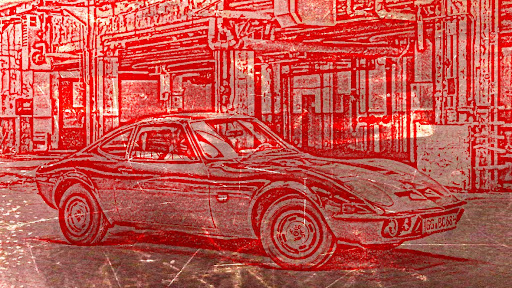
|
Developer
|
CodeSeed Labs |
|
Category
|
Photography |
|
Installs
|
10,000,000 |
|
Version
|
2.5.4 |
|
Content Rating
|
3 |
|
Price
|
Free |
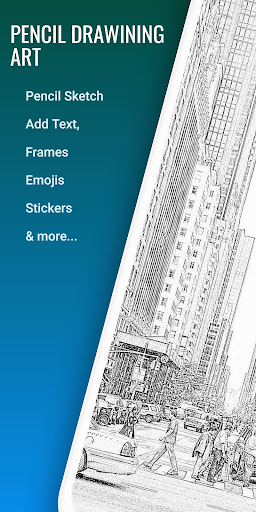
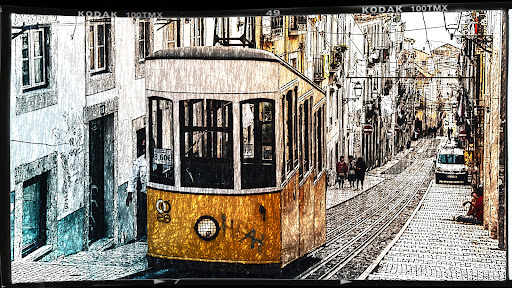
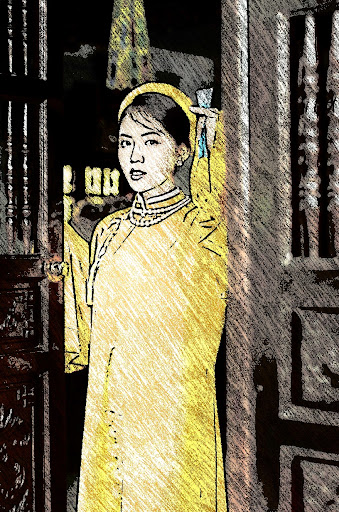
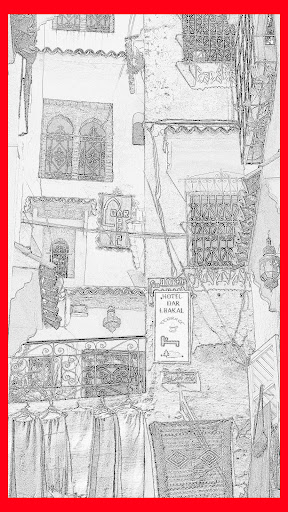
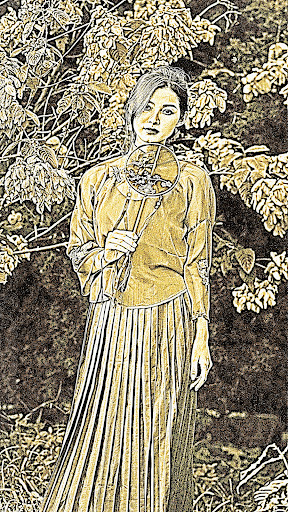
Pencil Drawing Art for Android features incredible pencil sketch photo editing effects and enhancements for your images. Transform any images into an impressive pencil sketch photo that looks it was drawn by hand. Pick the image from your gallery or use the build-in camera feature to take a new picture and use it to apply the filters.
Pencil Drawing Art Features Include:
* Image Selection: You can select an image to edit from the photo gallery, phone camera or pick a video and select a frame at a given position.
* Crop and rotate your images: before applying the filters, you have the possibility to crop the image to any height and width. Choose from the predefined aspect ratios or use the free one to move the handles to any position.
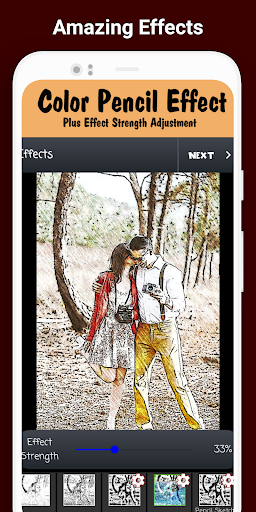
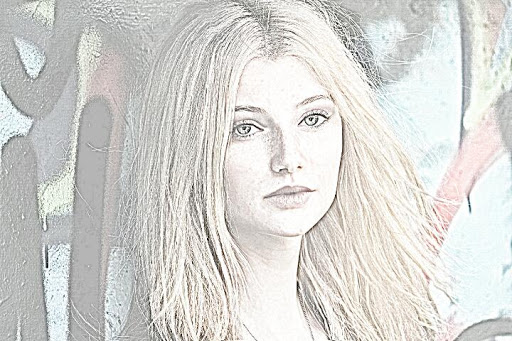
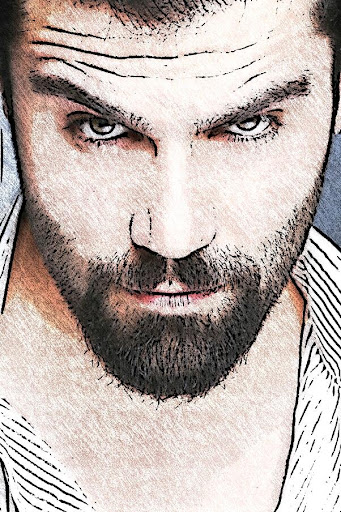
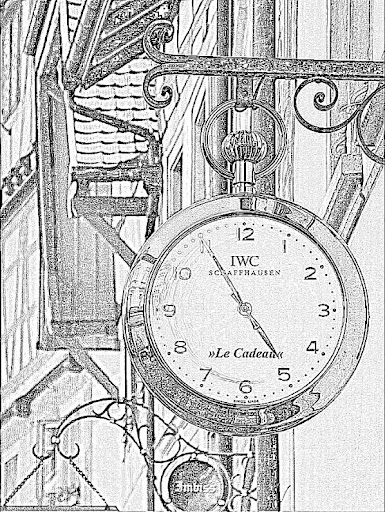
* Image Effects: Apply cool sketch photo effects that includes: sketch, soft, dark pencil, detailed, color pencil, overlay black, red and blue, comic, comic sketch and a lot more.
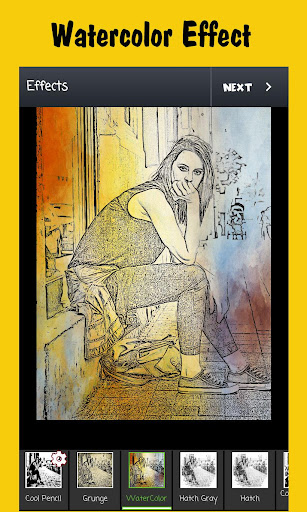
New to Pencil Drawing Art: Grunge effect and WaterColor filter. Also now some effects have the possibility to adjust its strenght value.
* Drawings: Draw over the image by selecting the draw option. Choose the pencil, metal or fuzzy options and select the color/width you want for the line. For more details, click the "Draw/Zoom" button to switch between draw mode and pan/zoom mode.
* Enhance photo: Use this option to apply enhancements filters to the image. You can use it in conjunction with the effects or alone. Some filters include: Brightness, Contrast, Saturation and Temperature control, plus color fix, sharpen, sepia, light and vignette.
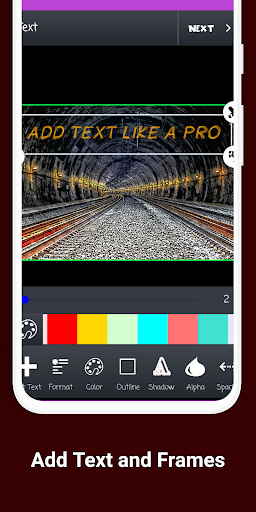
* Frames: Over 30+ photo frames to add.
* Stickers: Great collection of stickers. "Save the Date" sticker, or tons of hair styles, ties, shoes and many more.
* Emojis: Select the emoji option to open the amazing gallery of over w50 free emoticons to choose from. Add as many emojis as you want. You can move, resize and rotate them.
* Text on Image: Add text over the selected images. Pick the text size, font and color.
* Tags: Similar to text, you can add tags over the image. This tag is a text, centered in a rectangle shape.
After editing the image, the last step is saving or sharing it. Locate the save or share buttons in the action bar and tap them. Saving it will create a special folder for "Pencil Drawing Art" edited images. If you decide to share it, available options include: Facebook, Whatsapp, Instagram, Email, MMS and many more.


