

Calendar
Screenshots


|
Developer
|
Calendar Date |
|
Category
|
Productivity |
|
Installs
|
860,000,000 |
|
Version
|
19.3 |
|
Content Rating
|
0 |
|
Price
|
Free |
Pros
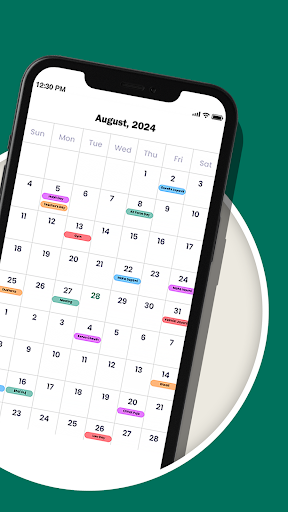
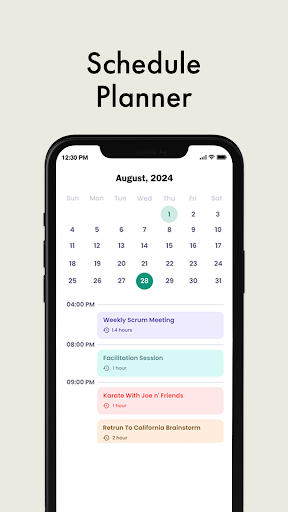
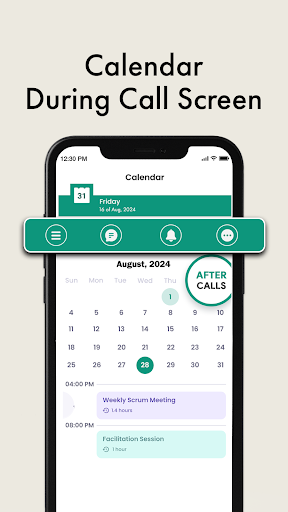
The Calendar app simplifies scheduling with intuitive drag-and-drop, smart time-slot suggestions, and clear day/week/month views. It centralizes events and tasks, prevents double-bookings through conflict detection, and helps prioritize time with color-coding and reusable templates, boosting productivity—making planning work, personal commitments, and meetings faster and more reliable across devices and teams.
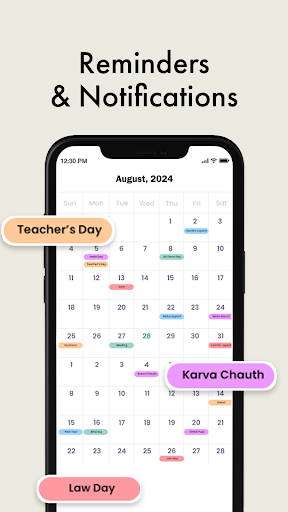
Robust reminders and real-time notifications ensure you never miss deadlines or appointments. Calendar syncs across devices and integrates with email, video conferencing, and productivity tools, allowing one-click joins, automated event creation, and smart follow-ups. Seamless syncing and third-party integrations keep your schedule accurate and actionable wherever you work.
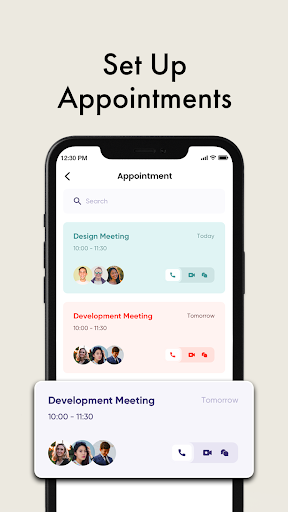
Advanced collaboration features let teams share calendars, view coworker availability, and schedule meetings without back-and-forth emails. Role-based permissions and privacy controls protect sensitive events while group scheduling, shared templates, and analytics provide visibility into team capacity and time usage—helping managers and individuals optimize workflows and make data-driven scheduling decisions.
Cons
Calendar apps can suffer from unreliable syncing across devices and services, causing duplicate or missing events and frustrating scheduling errors, often requiring manual fixes. Dependence on third-party accounts raises privacy concerns, while inconsistent update timing or conflicts between calendars can undermine trust in time-sensitive planning and critical appointments.
The Calendar app may lack advanced scheduling features many professionals need, such as complex recurring rules, robust timezone handling, or detailed notification customization. Integrations with task managers and third-party tools can be weak, forcing users to juggle multiple apps and manual workarounds. This can slow workflow and reduce productivity for busy teams.
Notifications and interface clutter can make the Calendar hard to manage: default alerts are often intrusive, and multiple shared calendars quickly become messy. Search and filtering tools may be limited, making event discovery slow, and large or offline calendars can cause lag or sync failures, disrupting plans when you’re traveling.


