







The Government Employees Pension Fund (GEPF) is a defined benefit fund that manages pensions and related benefits on behalf of government employees in South Africa. Established in 1996, it is the largest pension fund in South Africa and one of the largest pension funds in Africa and the world. Its current benefit structure offers members:
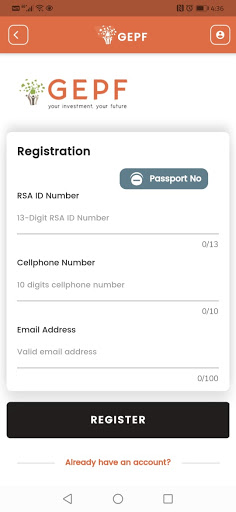
Benefits of GEPF self-service:
members can access latest benefit statements;
access latest and historic (five years) tax certificates (IRP5, IT3A, IT3B);
trace resignation and retirement benefit claims on this phase, however, on the next phase GEPF members will be able to track all benefit claims such as child’s pension benefit, spouse pension benefit, death benefit, funeral benefit, and divorce claim benefit;
update personal information such as address and contact details. (For security reasons, members updating personal information such as changing surname and marital status will still need to do so manually by completing the Z864 form for updating personal information. Once the form is completed, a member needs to submit it to the nearest GEPF office with supporting documents so that the details can be updated on GEPF self-service platforms);
nominate and update beneficiaries;
access personalised communication such as letters and newsletters;
access latest notices about GEPF services, processes and benefits;
view banking details that GEPF has on its system. (For security reasons, members updating banking details will still need to do so manually by completing the Z894 banking particulars form. Once the form is completed, a member needs to submit it to the nearest GEPF office with supporting documents so that the details can be updated on GEPF self-service platforms); and
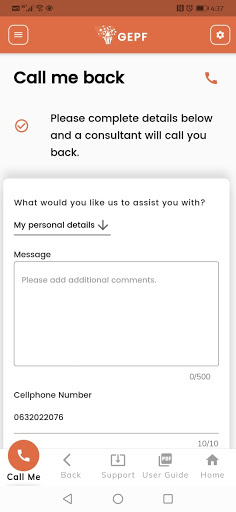
request a “Please Call Me Back” if they're experiencing technical issues or need assistance with information on the platform.


