

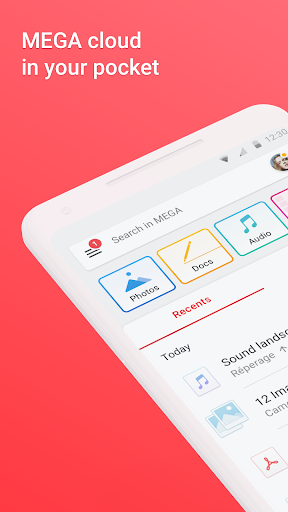


In an era where data privacy concerns dominate headlines and cloud storage services compete for your attention, MEGA stands out as a fortress of security and functionality. Founded by Kim Dotcom, this app has evolved into a powerhouse for file storage, sharing, and collaboration, offering end-to-end encryption that ensures only you hold the keys to your digital world. Whether you're a privacy advocate, a remote worker, or simply seeking a reliable cloud solution, MEGA delivers a unique blend of features that rival—and often surpass—mainstream competitors like Google Drive or Dropbox. Let's dive into what makes this app a game-changer.
Unrivaled Security and Encryption
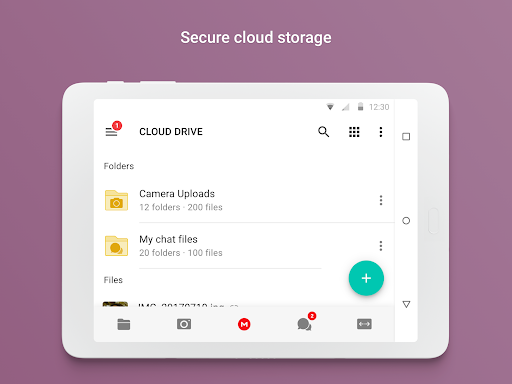
At the core of MEGA's appeal is its zero-knowledge encryption. Unlike many cloud services that can access your data, MEGA encrypts everything on your device before it reaches their servers, meaning not even the company can see your files. This is powered by a master key system: you create a password that generates encryption keys locally, and MEGA never stores or transmits your password. For sensitive documents, personal photos, or proprietary business data, this layer of protection is unparalleled. The app also offers secure file sharing via encrypted links, which you can set to expire after a certain time or require a decryption key—perfect for maintaining control over who accesses your content.
Generous Free Storage and Competitive Pricing
While many cloud providers nickel-and-dime users with minimal free tiers, MEGA starts you off with a whopping 20 GB for free, instantly setting it apart. You can even earn additional storage through achievements and referrals, making it accessible for casual users. For those needing more, premium plans are surprisingly affordable, ranging from 400 GB to 16 TB, with no hidden fees. This cost-effectiveness, combined with robust security, makes MEGA a compelling alternative for individuals and small businesses looking to scale without breaking the bank.
Seamless Cross-Platform Integration
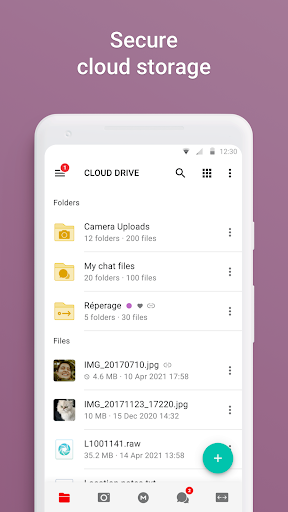
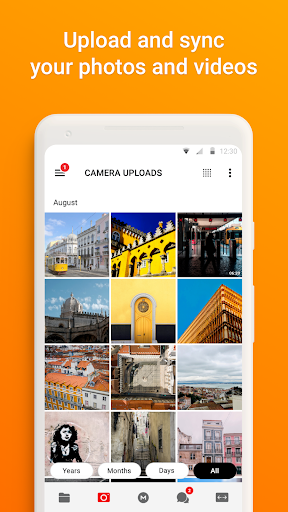
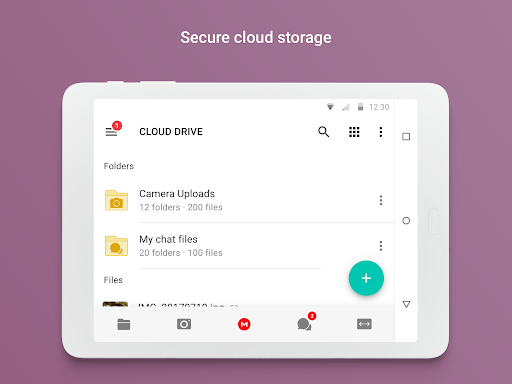
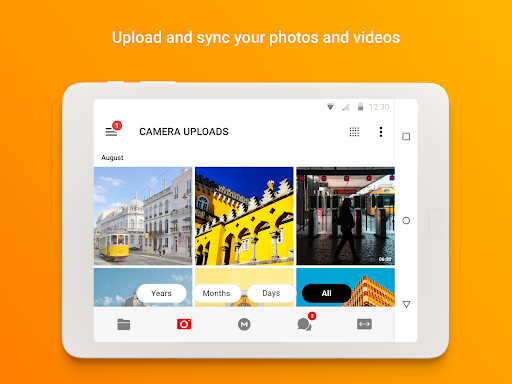
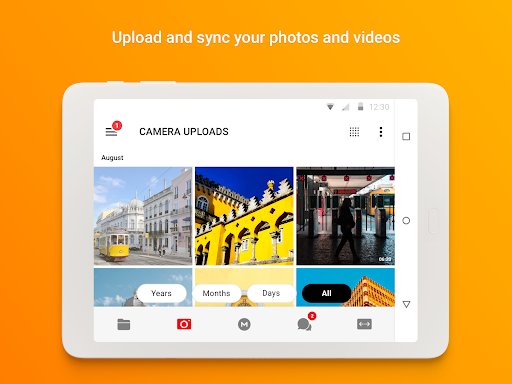
MEGA's strength lies in its consistency across devices. Available on iOS, Android, Windows, macOS, and Linux, the app syncs effortlessly, allowing you to access files from anywhere. Key features include a built-in media player for streaming audio and video, automatic camera uploads on mobile, and a robust search function that locates files quickly—even within encrypted content. The desktop client even offers a drag-and-drop interface and folder synchronization, making it feel like a native drive on your computer. This versatility ensures your data flows smoothly between workstations and smartphones, enhancing productivity without sacrificing security.
Collaboration and File Management Tools
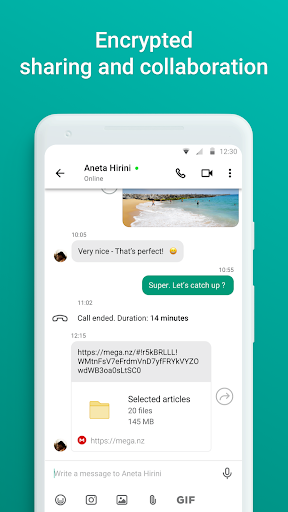
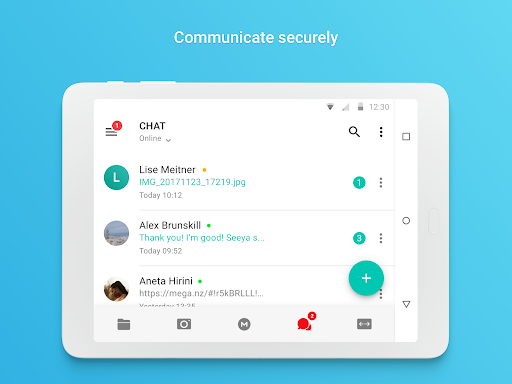
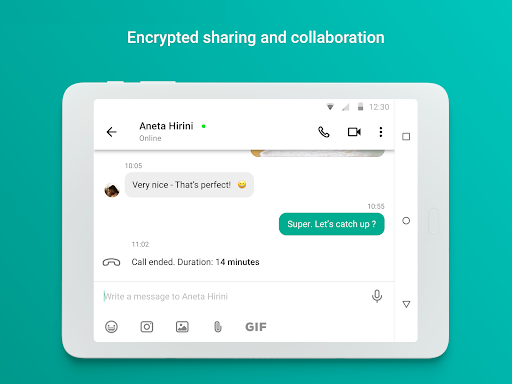
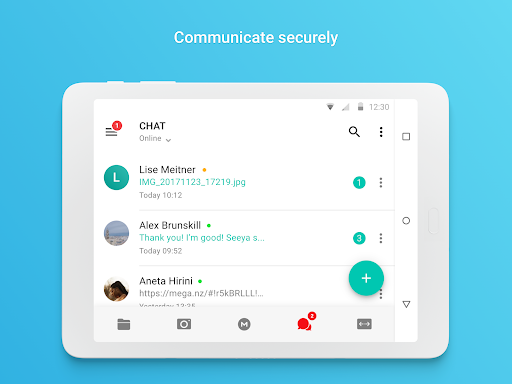
Beyond storage, MEGA excels in collaboration. You can create chat rooms or direct messages with end-to-end encrypted communication, share files with colleagues, and even video call securely. The built-in version history lets you track changes and revert to older files, a lifesaver for team projects. For power users, the app supports large file transfers up to 200 GB per upload (depending on plan), which beats most competitors' limits. Additionally, the folder management system allows detailed permissions—read-only, full access, or specific user rights—giving you granular control over shared spaces.
Performance and Limitations
In practice, MEGA delivers fast upload and download speeds, particularly with its premium bandwidth. The app's interface is clean and intuitive, though some new users may find the encryption setup slightly complex initially. One downside is that MEGA's free tier includes a data transfer cap (about 5 GB per 4 hours), which can be restrictive for heavy users. However, this is a trade-off for the high level of security. Additionally, unlike Google Drive, MEGA doesn't integrate natively with productivity suites like Docs or Sheets—but its focus remains on secure storage rather than office tools.
Final Verdict: Who Should Use MEGA?
MEGA is the ideal choice for privacy-conscious individuals, journalists, lawyers, or anyone handling confidential data. Its generous free tier and top-tier encryption make it a no-brainer for those tired of Big Tech's data mining practices. For casual users seeking simplicity, the learning curve might feel steep, but the peace of mind is undeniable. If you value security above all, MEGA isn't just an alternative—it's the benchmark. Give it a try, and you'll likely wonder why you ever trusted your digital life to anyone else.


