


Pros
Advanced security protects accounts with multi-factor authentication, device binding, biometric unlock, and time-based one-time passwords that work offline. ID.me Authenticator reduces phishing risk and unauthorized access with push approvals and cryptographic tokens, giving organizations and users strong, modern protection for sensitive government, healthcare, and financial logins.
Seamless identity verification and single-sign-on convenience streamline access to government, healthcare, and partner services. By combining verified ID with authentication in one app, ID.me Authenticator speeds onboarding, reduces repeated identity checks, and improves conversion rates for organizations while making secure access simpler and faster for users.
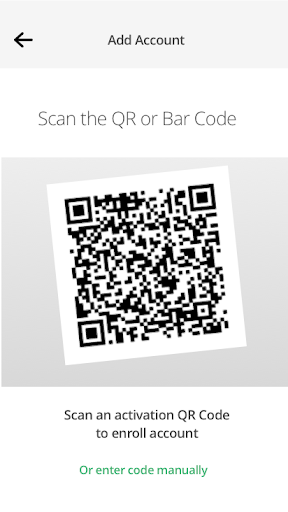
User-friendly design simplifies multi-account management with easy setup, clear step-by-step guidance, and one-tap push approvals. Offline code generation and reliable notification delivery ensure access even without connectivity. Account recovery options and support resources help prevent lockouts, reducing friction and saving time for both end users and administrators.
Cons
Device loss and recovery can be difficult with ID.me Authenticator. If you lose or replace your phone, restoring access often requires re-verification of identity—sometimes including document uploads or biometric checks—leading to delays and temporary account lockouts. Users without backup codes or quick support may face significant inconvenience.
ID.me’s identity verification can require sharing sensitive personal data, such as photo IDs and biometric information. While intended to secure accounts, this level of data collection raises privacy and data-handling concerns for users who prefer minimal data sharing or worry about storage practices, third-party access, and the risk of breaches.
Authentication prompts and push notifications can be unreliable—delays, missed prompts, or offline situations may prevent timely access. Limited cross-device syncing or lack of seamless cloud backups can also complicate moving to a new device, forcing manual setup and increasing friction for users who aren’t technically comfortable.


