



Introduction to VideoShow
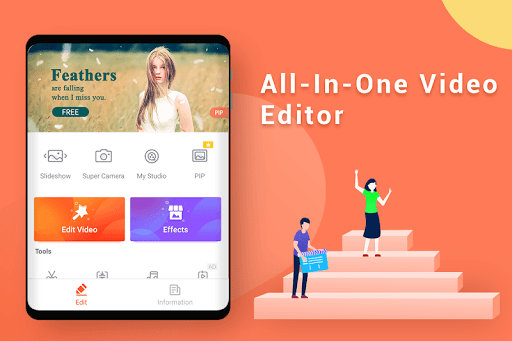
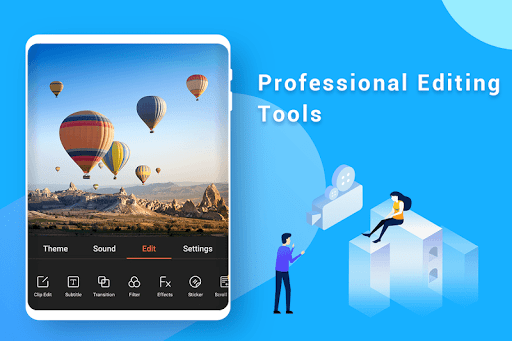
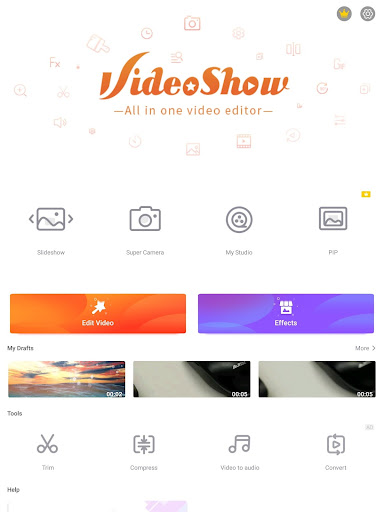
VideoShow is a versatile and user-friendly video editing app designed for both beginners and professionals. With its intuitive interface and a wide array of features, VideoShow allows users to create stunning videos with ease. Whether you're looking to edit personal videos, create content for social media, or produce professional-quality clips, VideoShow has got you covered.
Key Features
VideoShow boasts a plethora of features that make it stand out in the crowded market of video editing apps. Some of the key features include:
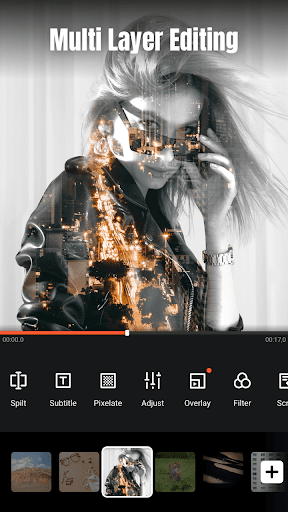
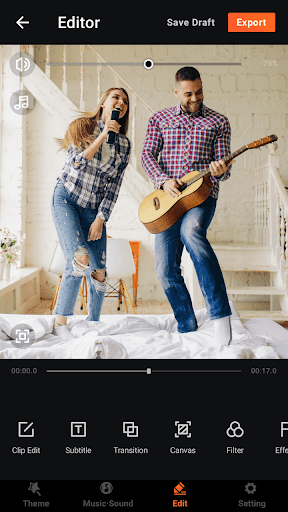
- Multi-Track Editing: Easily overlay videos, images, and text to create complex and layered compositions.
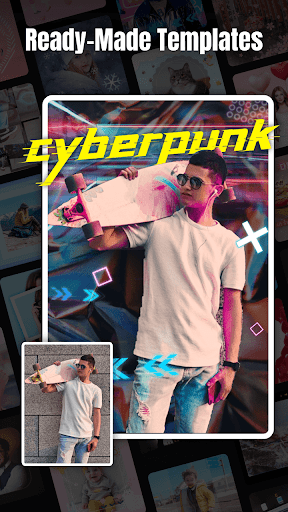
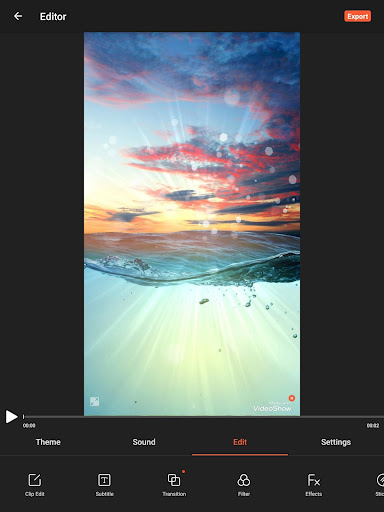
- Advanced Filters and Effects: Choose from a wide range of filters, transitions, and special effects to enhance your videos.
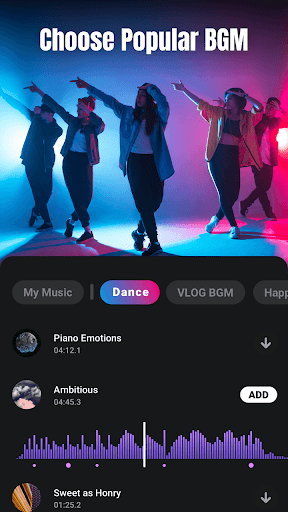
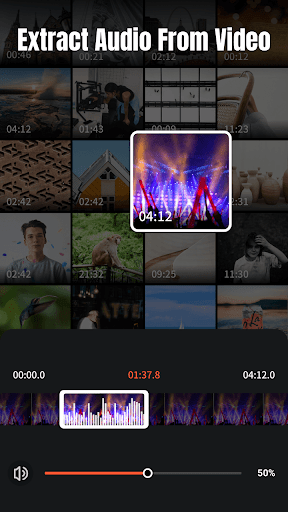
- Music and Sound Effects: Add background music or sound effects from an extensive library or import your own audio files.
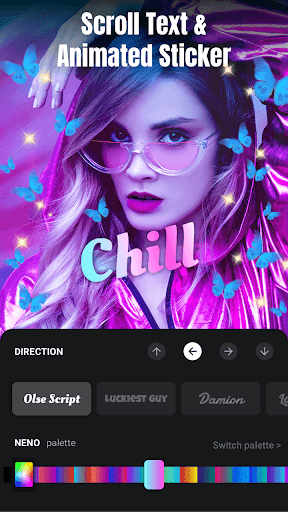
- Text and Stickers: Customize your videos with a variety of text styles and stickers to add a personal touch.
- Speed Control: Adjust the speed of your videos to create slow-motion or fast-forward effects.
- High-Quality Export: Export your videos in high resolution, ensuring they look great on any device or platform.
User Experience
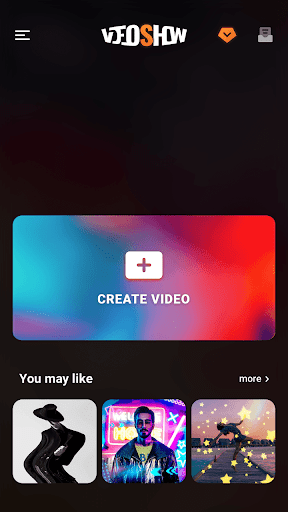
One of the standout aspects of VideoShow is its user-friendly interface. The app is designed to be intuitive, making it easy for users of all skill levels to navigate and utilize its features. The drag-and-drop functionality simplifies the editing process, while the real-time preview allows users to see their changes instantly. Additionally, the app offers a variety of tutorials and guides to help users get the most out of their editing experience.
Performance and Compatibility
VideoShow performs exceptionally well on both iOS and Android devices. The app is optimized to run smoothly, even on older devices, ensuring that users can edit videos without experiencing lag or crashes. It supports a wide range of video formats, making it easy to import and export videos without compatibility issues. Furthermore, the app regularly receives updates, adding new features and improving performance based on user feedback.
Pricing and Availability
VideoShow is available for free download on both the App Store and Google Play. While the free version offers a robust set of features, there is also a premium version available for purchase. The premium version unlocks additional features, such as advanced filters, exclusive stickers, and the removal of watermarks. The pricing is competitive, making it an affordable option for users looking to enhance their video editing capabilities.
Conclusion
In conclusion, VideoShow is a powerful and versatile video editing app that caters to a wide range of users. Its extensive feature set, user-friendly interface, and excellent performance make it a top choice for anyone looking to create high-quality videos. Whether you're a casual user or a professional content creator, VideoShow provides the tools you need to bring your vision to life. Download VideoShow today and start creating stunning videos with ease!


