


Pros
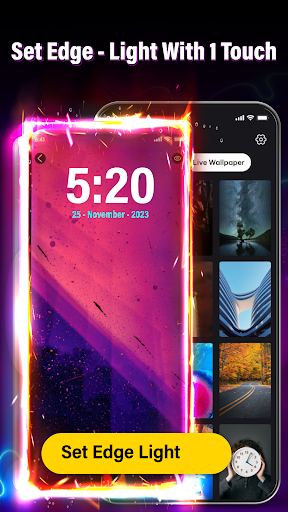
Edge Lighting offers deep customization of notification lighting — choose colors, gradients, animation styles, edge thickness, and timing. Set per-app and per-contact rules, create themes, schedule active hours, and preview effects with intuitive controls and presets. These options let users personalize alerts to match their style and prioritize important notifications visually.
Edge Lighting improves notification visibility without intrusive sounds — a subtle edge glow catches your eye while keeping the device silent. Instant visual cues for incoming calls, messages, and app alerts make glancing at notifications faster and more discreet, especially in meetings or noisy environments, and help users who are hearing‑impaired stay aware of device activity.
Edge Lighting is optimized for performance and battery life, offering adjustable animation duration, refresh rate, and scheduled activation to reduce power usage. Lightweight background operation and compatibility with do-not-disturb and lock-screen modes ensure smooth performance without noticeable slowdowns, making it practical for daily use and customizable presets for low-power profiles.
Cons
Edge lighting can noticeably drain battery and reduce performance, especially on older phones. Continuous edge animations and background services use CPU/GPU and wake the screen more often, shortening battery life and causing faster thermal throttling. Users may see reduced multitasking responsiveness and shorter overall runtime between charges.
Because Android devices and OEM skins vary widely, Edge lighting often suffers compatibility and stability issues. Animations may not display correctly on some phones, crash with certain apps, or be blocked by system overlays and privacy settings. Fixes frequently require manual permission changes or app updates, frustrating nontechnical users.
Edge lighting can be distracting and interruptive during video playback, gaming, or reading by drawing attention away from content. Many features need intrusive permissions (notification access, overlay) that raise privacy concerns. Additionally, advanced customization is commonly gated behind in-app purchases, limiting free users’ control over notification behavior.


