


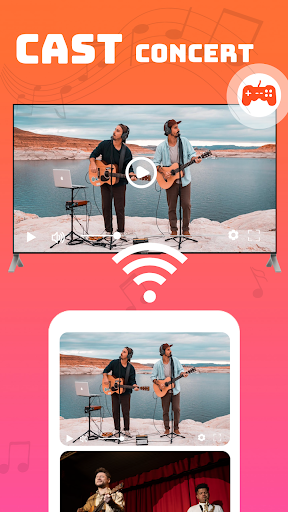
Screen Mirroring: Cast to TV app is an extremely smart tool that helps you control all your devices easily and quickly.
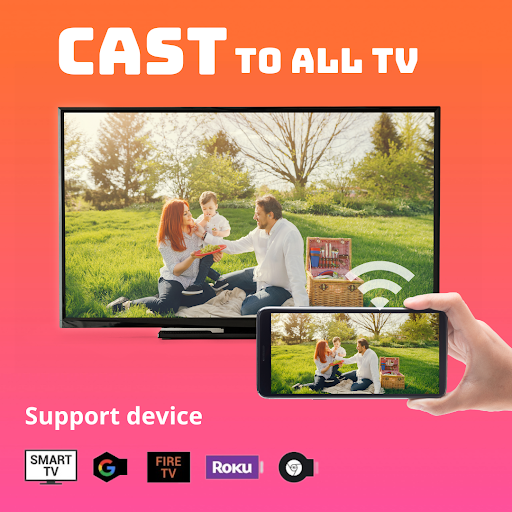
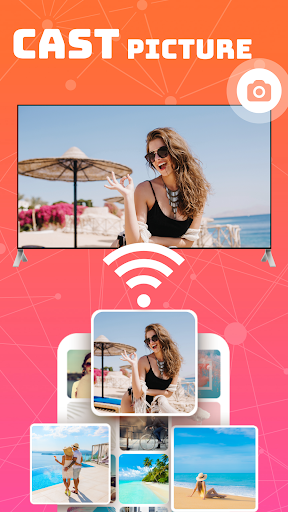
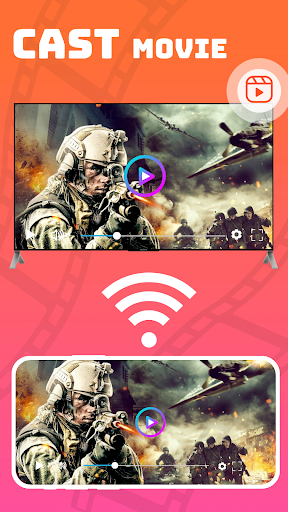
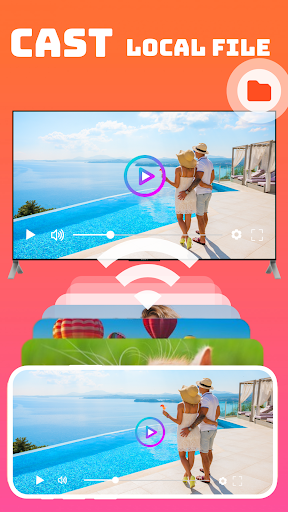
Screen Mirroring: Chromecast, cast to TV, helps you cast phone screen to big TV screen in high quality. You can easily cast to TV all types of media files, including mobile games, photos, music, videos & E-books and watch on the big screen.
All your devices are supported:
- Chromecast
- Roku, Roku Stick, and Roku TVs
- Most smart TVs: Hisense, Samsung, LG, Sony, Panasonic, TLC, Toshiba, etc.
- Xbox, Fire TV, and Fire Stick
- Other DLNA receivers
Guide to mirror your mobile screen to smart TV with screen mirroring TV:
1. Your TV should support Wireless Display or any sort of Display Dongles.
2. The TV must be connected to WI-FI network same as your phone.
3. Download and run smart view Cast to TV and Screen Mirroring App.
4. Enjoy streaming your phone to TV!
Hopefully you will have a relaxing time with this wonderful screen mirroring application.


