





Pros
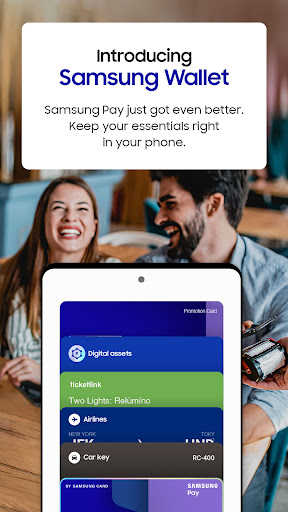
Samsung Wallet (Samsung Pay) enables fast contactless payments in stores, online, and in apps. With NFC and, on many Galaxy phones, MST magnetic transmission, it works at most card terminals without extra hardware. Add cards and transit passes for instant payments and boarding—speeding checkout and simplifying everyday spending.
Samsung Wallet secures payment info with hardware-backed tokenization, Samsung Knox, and biometric authentication (fingerprint or face). Real card numbers aren't stored or shared; each transaction uses a single-use token. Remote lock and find-my-phone features add protection, giving peace of mind for financial data and digital IDs.
Beyond payments, Samsung Wallet organizes loyalty cards, coupons, tickets, transit passes, digital IDs and car/home keys in one app. Sync with Galaxy Watch and the Samsung ecosystem for effortless access. Built-in offers and loyalty tracking save money while centralized management keeps personal and travel documents handy and searchable.
Cons
Device and regional compatibility: Samsung Wallet/Samsung Pay works only on supported Samsung phones and select wearables, and availability varies by country and bank. Many older or non‑Samsung Android phones can't use it, and some banks or card types (prepaid, corporate) are not supported, limiting usefulness for some users.
Merchant and online acceptance: While widely accepted at NFC terminals, Samsung Pay’s acceptance still depends on merchants’ contactless support and online checkout integration. Some retailers and international locations don’t accept mobile wallets, and certain in‑app or web payments require separate card entry or alternative payment methods.
Setup, security and device restrictions: Samsung Wallet requires a Samsung account, biometric or PIN authentication, and won’t work on rooted or unlocked devices. Although secure, this can complicate setup and lock out power users. Also, relying on battery life and NFC means a dead phone prevents payments.


