





Introduction: Transforming Physical Photos into Digital Treasures
In an era where digital memories reign supreme, Photomyne’s Photo Scan App emerges as a powerful solution for preserving cherished physical photographs. Designed for both casual users and archival enthusiasts, this app simplifies the tedious process of digitizing old albums, turning stacks of printed memories into organized, high-quality digital collections. With its blend of advanced scanning technology, intuitive editing tools, and cloud integration, Photomyne sets itself apart from competitors like Google PhotoScan or Adobe Scan. Let’s dive into what makes this app a standout choice for preserving history.
Effortless Scanning with AI-Powered Precision
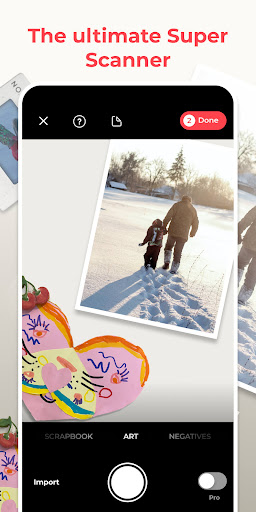
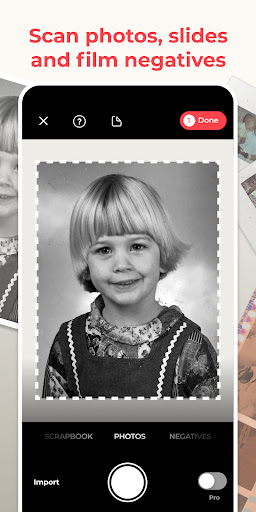
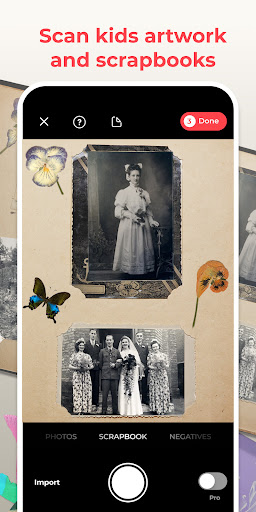
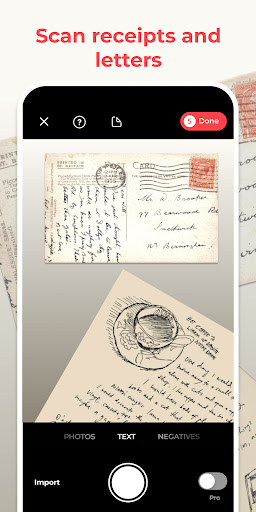
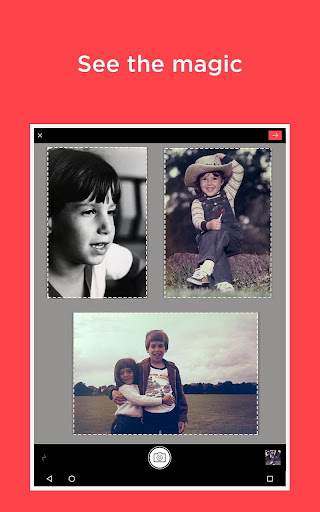
Photomyne’s core strength lies in its scanning capability. Unlike traditional one-photo-at-a-time methods, the app supports batch scanning, allowing users to capture up to eight photos simultaneously. Its AI-driven algorithm automatically detects photo edges, corrects perspective distortions, and enhances colors—even for faded or damaged prints. The result is a near-flawless digital replica without manual cropping or adjustments. This feature is a game-changer for users facing large volumes of photos, such as family historians or estate organizers.
Smart Features for Restoration and Organization
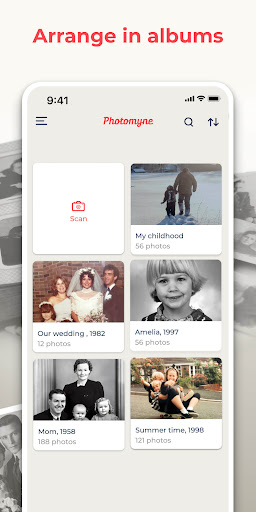
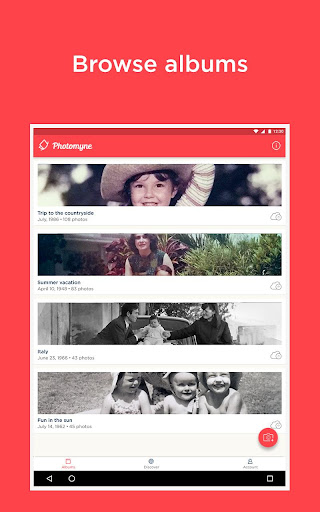
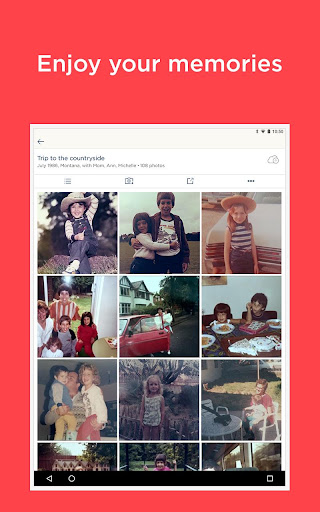
Beyond scanning, Photomyne excels in restoration tools. The app offers “Photo Fix,” which tackles common issues like sepia tones, scratches, or dust spots with one tap. For users dealing with older photographs, the “Colorize” feature breathes life into black-and-white images using neural network technology. Organization is equally intuitive: scanned photos are sorted by date (if metadata is available) and can be grouped into customizable albums. The app even recognizes faces, enabling automatic tagging for easier searches—a feature rarely matched by competitors.
Seamless Exporting and Cloud Sync
Once scanned, users face no lock-in with Photomyne. Exports support high-resolution JPEG or PDF formats, and the app integrates directly with cloud services like Google Drive, Dropbox, and iCloud. For those who prefer physical backups, the app facilitates direct printing via partnered services. A standout is its “Share Directly” option, which sends collections via messaging apps or social media with just a few taps. This flexibility ensures that your digital archives remain accessible across devices.
Competitive Edge: Speed and Bulk Processing
Compared to rivals, Photomyne’s bulk scanning speed is remarkable. Where Google PhotoScan limits users to single scans, Photomyne’s multi-photo capture cuts processing time by up to 70%. The app also avoids the pitfalls of lower-tier scanners that blur or misalign images. For users with hundreds of photos from weddings, holidays, or family gatherings, this efficiency is invaluable. Additionally, the app’s “Memory Retrieval” mode uses AI to suggest relevant scans from your library, enhancing nostalgia without manual searching.
User Experience and Accessibility
The interface prioritizes simplicity. A clear, step-by-step guide walks new users through scanning, while advanced options remain hidden for experts. The offline mode is a critical bonus, scanning without internet and syncing later—ideal for remote locations or travel. Photomyne also supports multiple languages and offers a freemium model, with a premium subscription unlocking unlimited scans and cloud storage. This tiered approach makes it accessible to both budget-conscious users and power archivists.
Final Verdict: A Must-Have for Memory Preservation
Photomyne’s Photo Scan App bridges the gap between physical keepsakes and digital convenience. While no tool is perfect—occasional edge-detection glitches in extreme lighting exist—its speed, restoration features, and bulk processing capabilities outweigh minor flaws. For anyone looking to declutter albums without losing quality, or to create shareable digital albums, this app is a top-tier choice. In a market crowded with generic scanners, Photomyne stands firm as a dedicated, intelligent companion for your photo legacy.


