

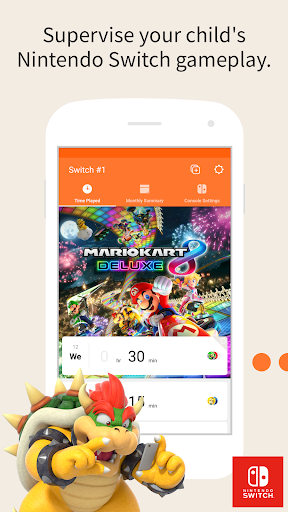

Nintendo Switch Parental Controls™ is a free app for smart devices to keep you engaged with your family's gaming activities on Nintendo Switch.
◆ A Nintendo Switch console with the latest available system version is required to use this app.
This is recommended for people worried about things such as:
1. Is my child spending too much time playing games?
2. What kind of games is my child playing?
3. Are the games my child is playing age-appropriate?
Below are three special features of the Nintendo Switch Parental Controls app:
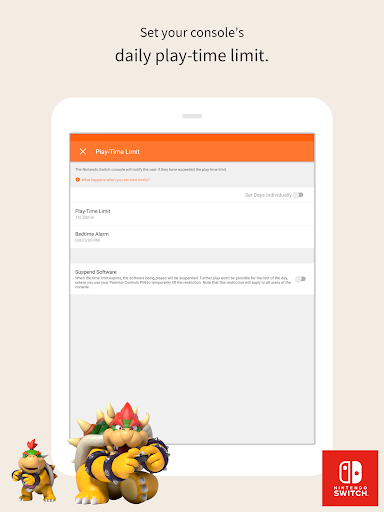
1. Monitor play time on your console.
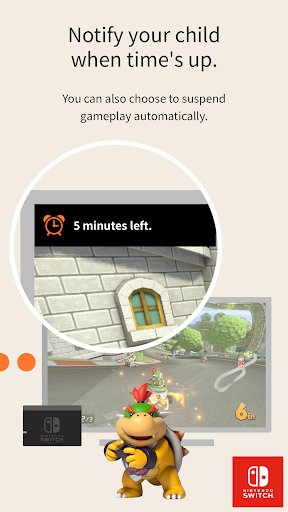
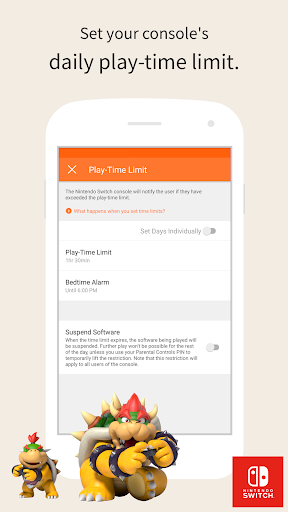
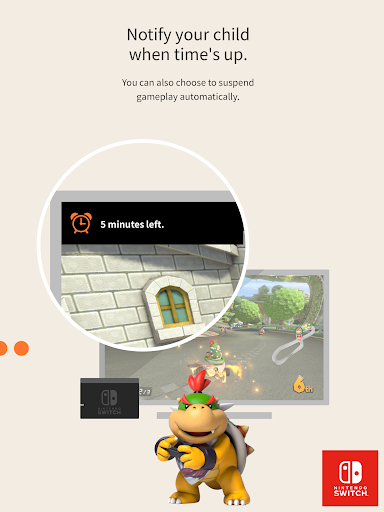
Set a play-time limit and the console will notify users that the time limit has been reached.
Parents and guardians can check the Nintendo Switch Parental Controls app to see if the time limit has been followed.
It is also possible to suspend gameplay automatically when the play-time limit is reached.
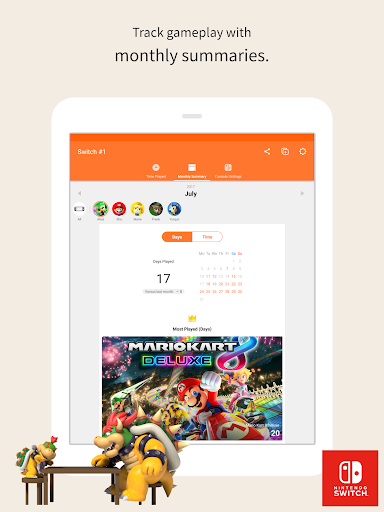
2. Check up on your console's gameplay.
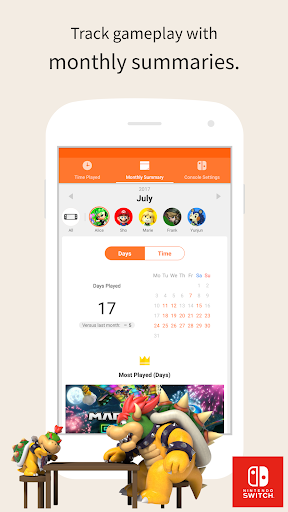
The summary function allows you to easily see what games have been played on the console recently and how much time was spent playing each day.
View daily reports and monthly summaries of play activity. If you choose to receive push notifications, you'll be notified when a new monthly summary is available.
It's an easy way to see what kind of games your family is interested in.
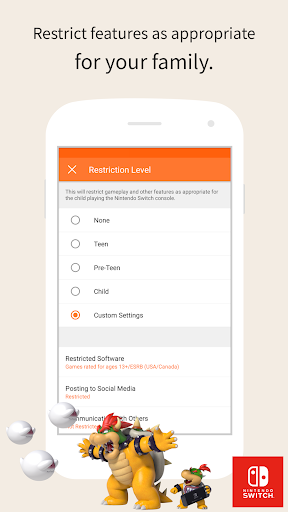
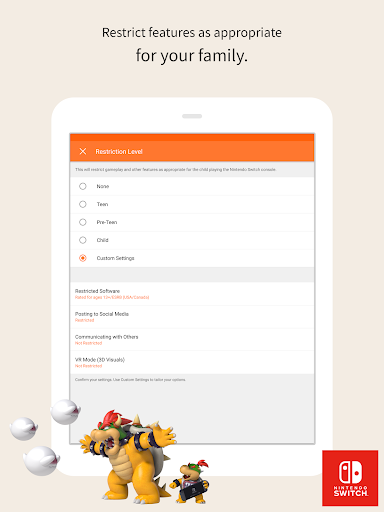
3. Restrict console features.
Nintendo Switch functions can be restricted to prevent the console from playing games above a certain age rating.
Attention:
◆ An Internet connection is required to use this app. Cellular data may be used. A Nintendo Account (for ages 18 and up) is also required.
◆ Restrictions to Nintendo eShop purchases can be set from Nintendo Account settings.
◆ Your use of this app is subject to the Nintendo Account User Agreement available at support.nintendo.com.
◆ In order to make use of all of the features and settings available in the Nintendo Switch Parental Controls app, all registered Nintendo Switch consoles need to be using the latest system version.


