

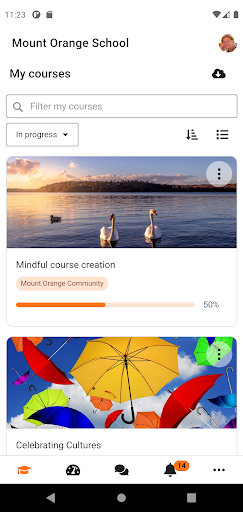
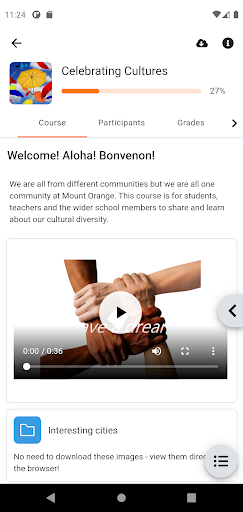
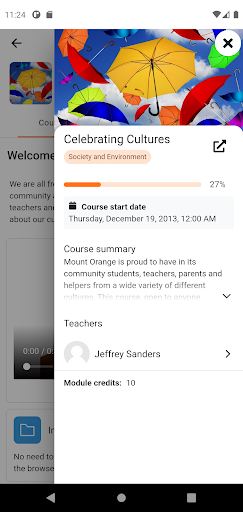
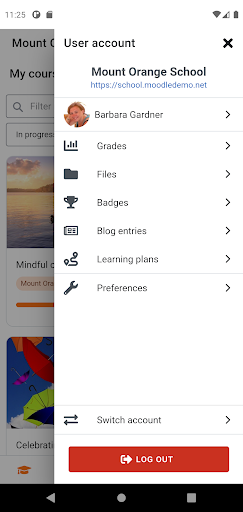
Moodle is a free and open-source learning management app that provides educators, administrators and learners with secure and integrated online learning experience. As the official mobile app for Moodle, the app allows students, teachers and all Moodle users to access their learning platform directly from mobile devices.
With this app, users can browse the content of their courses, receive instant notifications of messages and other events, and quickly find and connect with others in their courses. Please note that the app will only work with Moodle sites that have been set up to allow it.
Features:
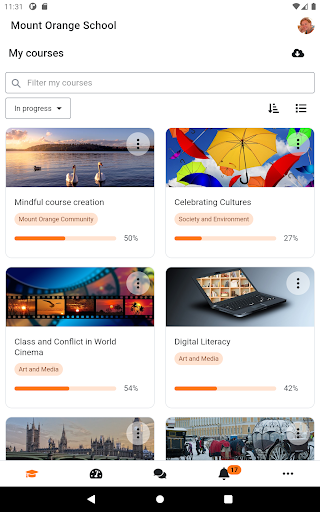
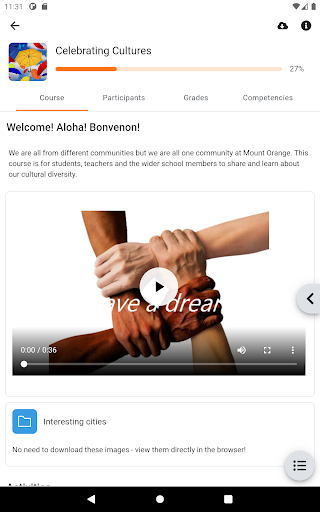
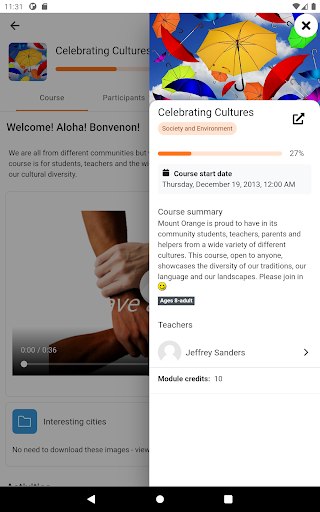
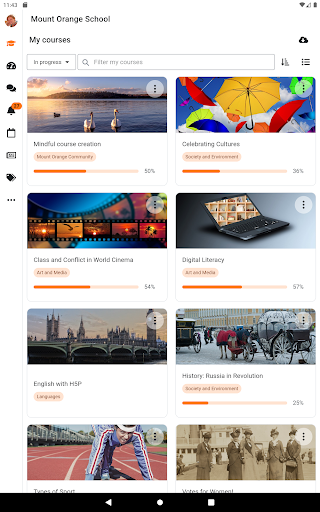
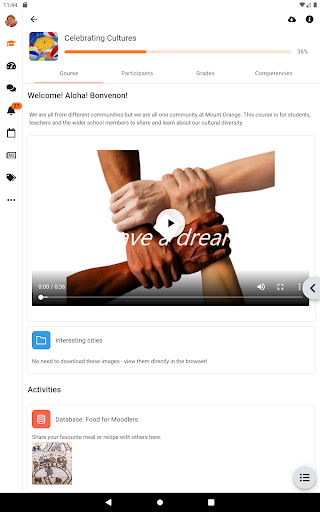
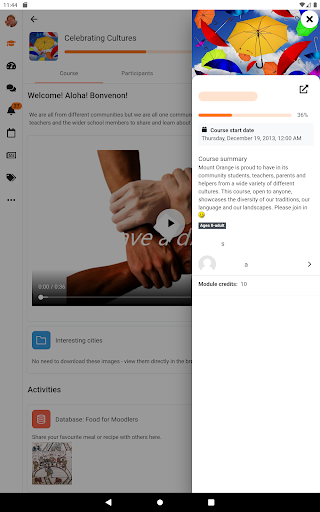
- Course content: Browse the content of your courses, even when offline. Your courses are listed with easy access to contents, participants, grades and notes.
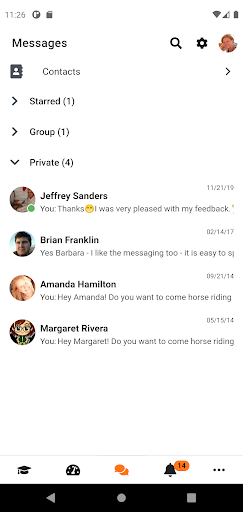
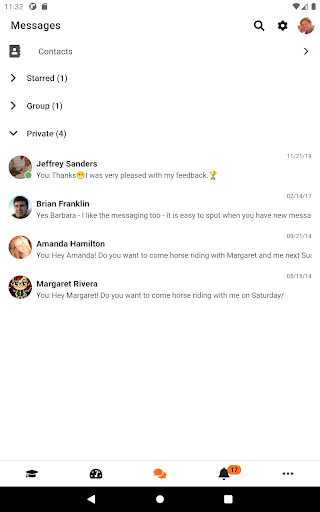
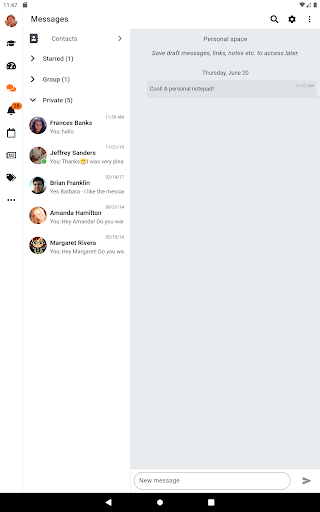
- Message participants: Send and view private messages to colleagues and students from the Messages link in the side tab.
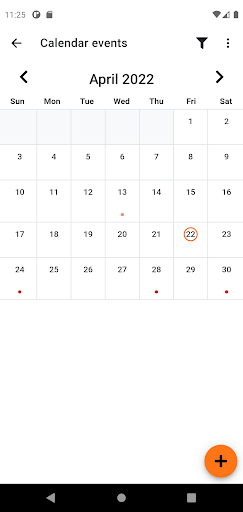
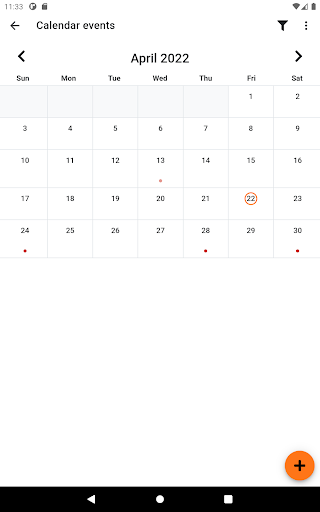
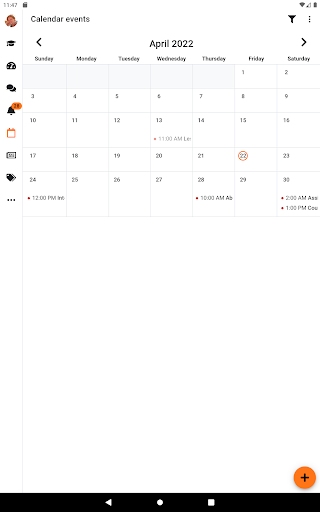
- Calendar events: View Site, course and user events in the calendar.
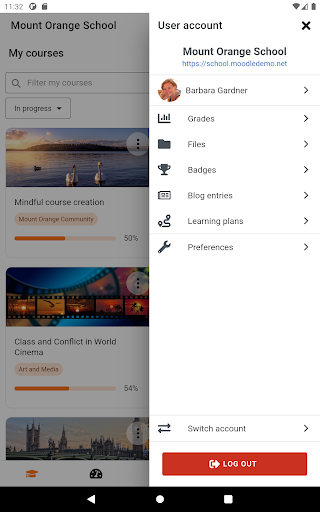
- Private files: Upload images, audio, videos and other files from your mobile device and view these contents in the private files section at any time you want.
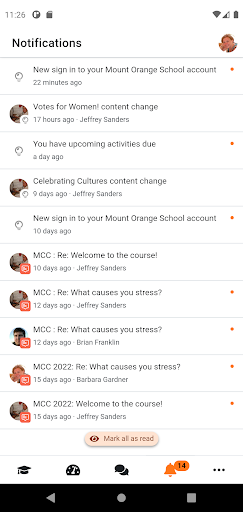
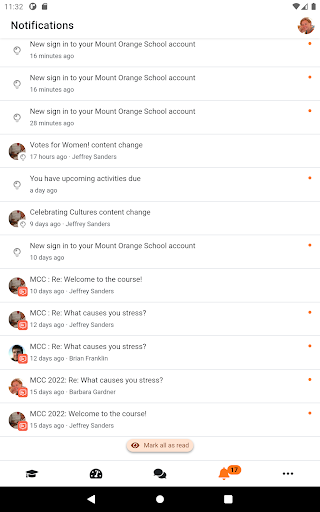
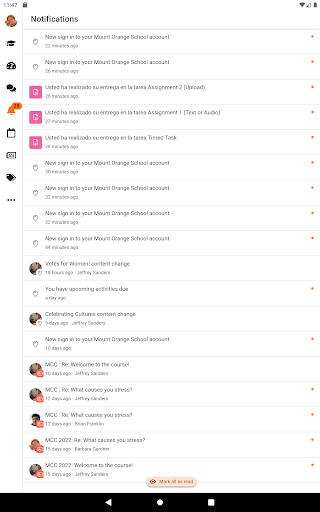
- Notifications: Receive instant notifications of messages and other events. The app supports both local (calendar events) and push (messages, forum posts, submitted assignments etc) notifications.
- Activity completion: Track progress directly from your mobile device. Automatic completion is registered, and students can also manually mark a task complete on their mobile.
- Grades and grading: Quickly view your course grades. A Grades link for each course gives fingertip access to the gradebook, and teachers can view assignment submissions on the move.
What permissions does the app require?
The app requires the following permissions:
- Record audio: For recording audio to upload to your site as part of a submission
- Read and modify the contents of your SD card: Contents are downloaded to the SD Card so you can see them offline
- Network access: To be able to connect with your site and check if you are connected or not to switch to offline mode
- Run at startup: So you receive local notifications even when the app is running in the background
- Prevent phone from sleeping: So you can receive push notifications anytime
More:
You can download this app from Google Play Store or Apple Store. For Android users, you can download the apk we offer to you and finish the installation.


