

Introduction to Grammarly Keyboard
In today’s fast-paced digital world, effective communication is more important than ever. Whether you're drafting an email, composing a social media post, or sending a quick text message, the quality of your writing can significantly impact how others perceive you. Enter Grammarly Keyboard, a mobile app designed to help you write with confidence, clarity, and correctness. This powerful tool integrates seamlessly with your smartphone’s keyboard, offering real-time grammar, spelling, and punctuation corrections, as well as style and tone suggestions. In this review, we’ll explore the features, benefits, and unique selling points of Grammarly Keyboard, and why it stands out in the crowded field of writing assistance apps.
Key Features of Grammarly Keyboard
Grammarly Keyboard is packed with features that make it a must-have for anyone who values polished and professional writing. Here are some of the standout features:
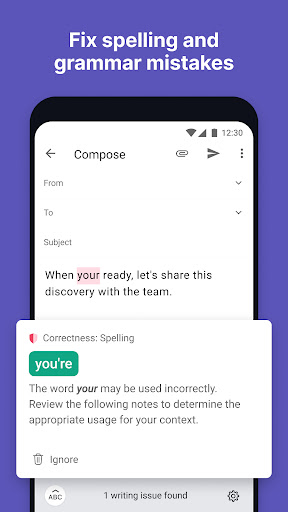
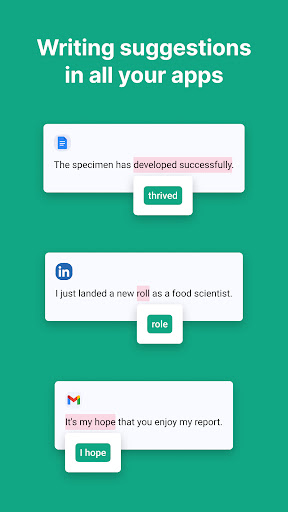
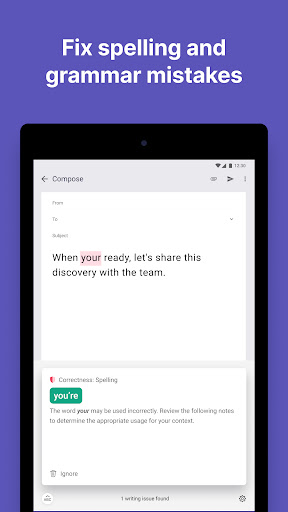
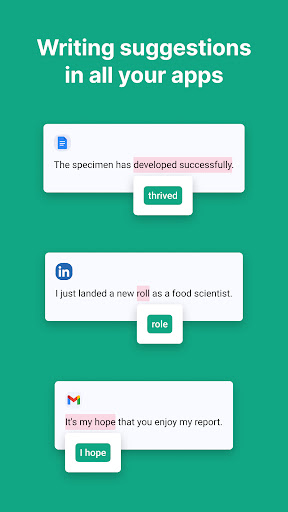
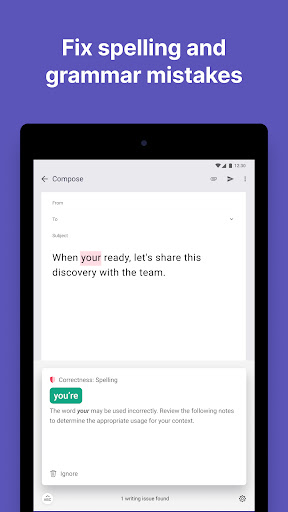
Real-Time Corrections: As you type, Grammarly Keyboard instantly highlights and corrects grammar, spelling, and punctuation errors. This ensures that your writing is always accurate and error-free.
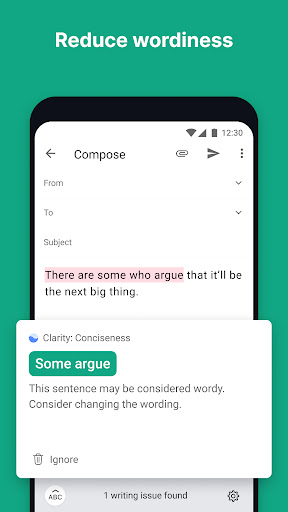
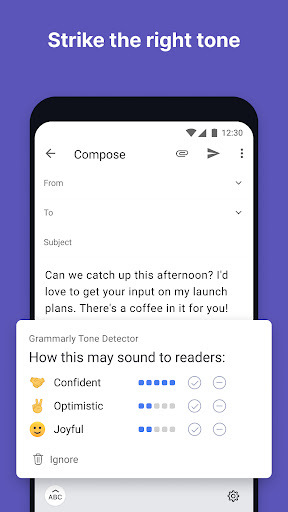
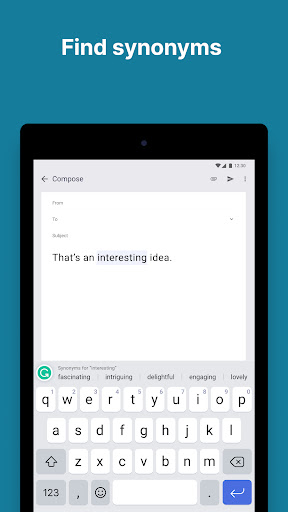
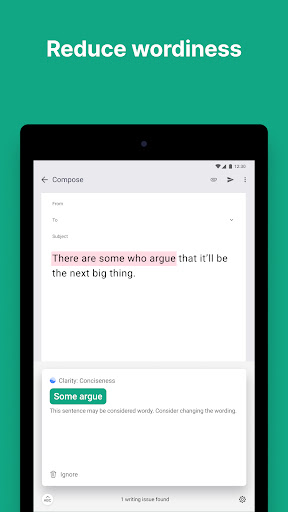
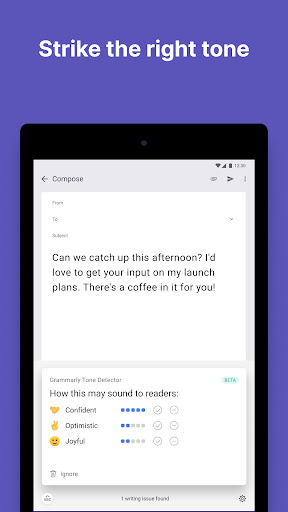
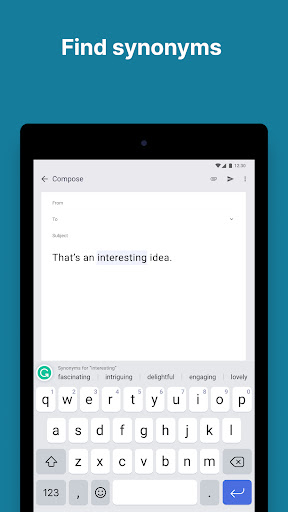
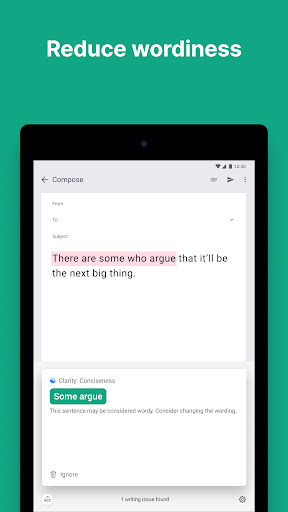
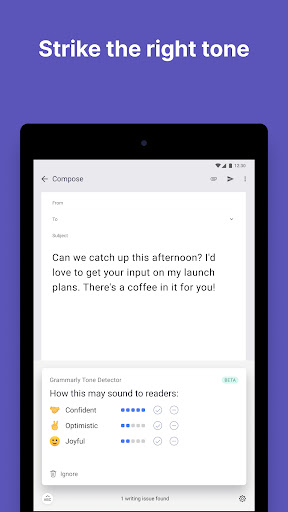
Style and Tone Suggestions: Beyond basic corrections, the app offers advanced suggestions to improve the clarity, tone, and style of your writing. Whether you need to sound more formal, friendly, or persuasive, Grammarly Keyboard has you covered.
Personalized Writing Insights: The app provides detailed insights into your writing habits, including common mistakes and areas for improvement. This feature helps you become a better writer over time.
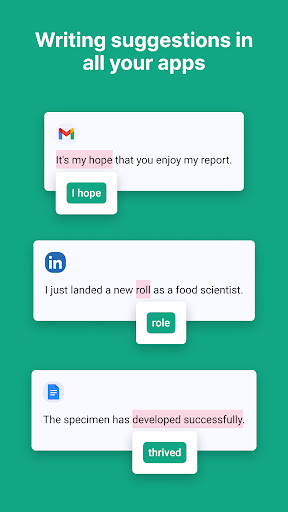
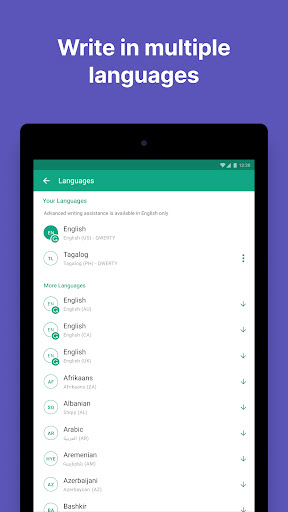
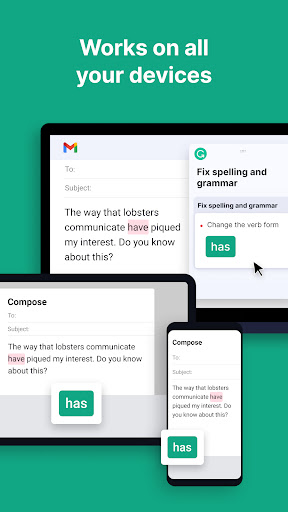
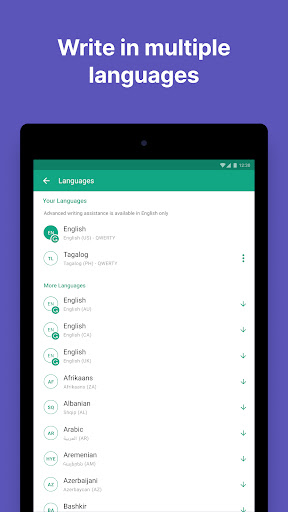
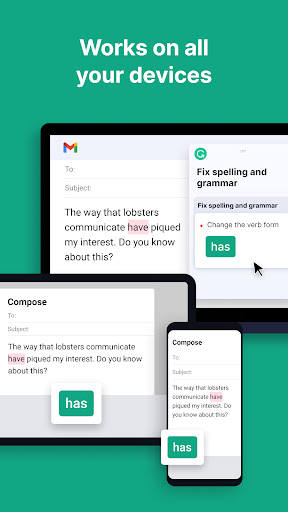
Multi-Platform Compatibility: Grammarly Keyboard works across a wide range of apps and platforms, including messaging apps, email clients, and social media platforms. This versatility ensures that you can write with confidence no matter where you are.
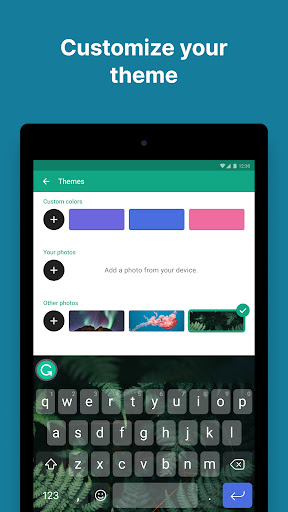
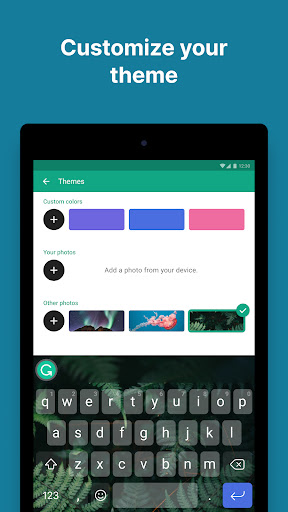
Customizable Settings: The app allows you to customize its suggestions based on your writing goals and preferences. Whether you’re writing a casual text or a formal report, you can tailor Grammarly Keyboard to meet your needs.
Why Grammarly Keyboard Stands Out
While there are many writing assistance apps available, Grammarly Keyboard distinguishes itself through its comprehensive features and user-friendly design. Unlike other apps that focus solely on grammar and spelling, Grammarly Keyboard offers a holistic approach to writing improvement. Its advanced AI technology not only corrects errors but also provides context-aware suggestions that enhance the overall quality of your writing.
Another standout feature is its seamless integration with your smartphone’s keyboard. Once installed, Grammarly Keyboard works in the background, offering suggestions and corrections without interrupting your workflow. This makes it an ideal tool for busy professionals, students, and anyone who wants to write more effectively on the go.
User Experience and Interface
Grammarly Keyboard boasts a clean and intuitive interface that makes it easy to use, even for those who are not tech-savvy. The app’s design is minimalistic, with a focus on functionality and ease of use. The keyboard itself is responsive and smooth, ensuring a seamless typing experience.
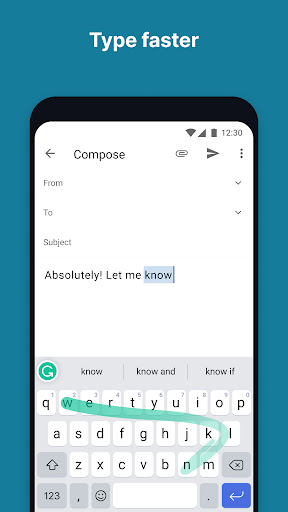
One of the highlights of the user experience is the app’s ability to provide instant feedback. As you type, errors are highlighted in real-time, and suggestions are displayed in a non-intrusive manner. This allows you to make corrections on the fly without breaking your train of thought.
Additionally, the app offers a variety of customization options, allowing you to adjust the level of feedback you receive. Whether you want comprehensive suggestions or just basic corrections, Grammarly Keyboard can be tailored to suit your preferences.
Pros and Cons
Like any app, Grammarly Keyboard has its strengths and weaknesses. Here’s a quick overview:
Pros:
- Real-time grammar, spelling, and punctuation corrections.
- Advanced style and tone suggestions.
- Personalized writing insights.
- Seamless integration with various apps and platforms.
- Customizable settings to suit your writing needs.
Cons:
- Some advanced features require a premium subscription.
- May occasionally offer suggestions that are not contextually appropriate.
- Limited offline functionality.
Conclusion
Grammarly Keyboard is a powerful tool that can significantly enhance your writing skills and confidence. Its real-time corrections, advanced suggestions, and personalized insights make it an invaluable resource for anyone who wants to communicate more effectively. While it does have a few minor drawbacks, the overall benefits far outweigh the cons. Whether you’re a professional, student, or casual writer, Grammarly Keyboard is a worthy addition to your digital toolkit. Give it a try and experience the difference it can make in your writing!


