





Pros
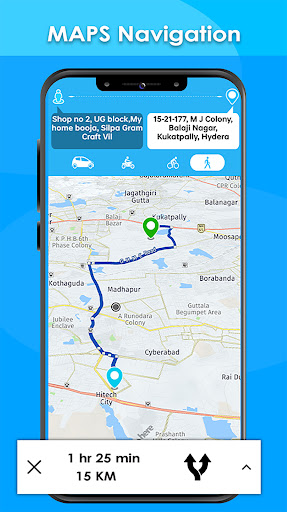
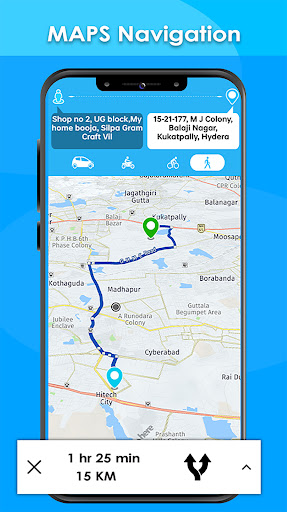
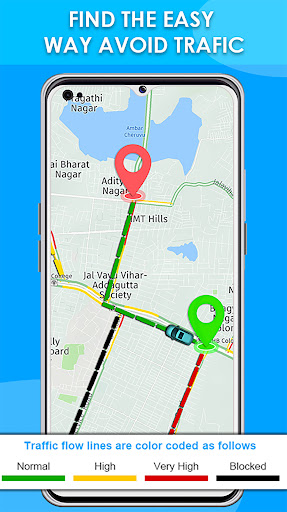
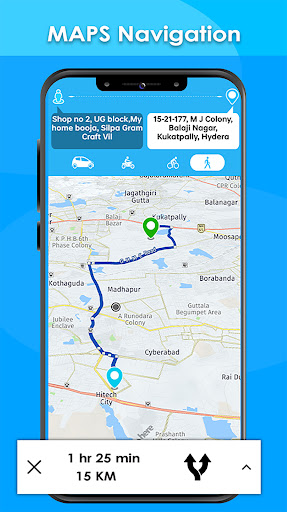
Reliable real-time navigation and live traffic updates help you avoid delays and reach destinations faster. The app recalculates routes instantly for accidents, road closures, or heavy congestion, offering accurate ETAs and alternate paths. Optimized turn-by-turn directions and lane guidance reduce stress on long drives and city commutes.
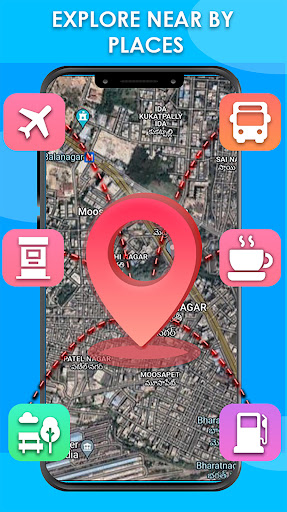
Flexible route planning lets you customize trips with multiple stops, avoid tolls, and prioritize scenic or fastest routes. Offline maps save data and provide full navigation without a signal, while regularly updated map data and points-of-interest help you discover gas stations, restaurants, and parking options along the way.
Designed for safer driving, the app provides clear voice-guided, hands-free directions, lane guidance, speed-limit alerts, and automatic rerouting to keep your focus on the road. Seamless integration with car systems and battery-optimized navigation minimizes distractions and delivers dependable arrival-time estimates for stress-free travel.
Cons
Maps Driving Directions can occasionally provide inaccurate or outdated routing information. Construction, new roads, or closed lanes may not appear promptly, leading to wrong turns or longer detours. Missing or incorrect points of interest and delayed traffic updates undermine reliability, especially in rapidly changing urban environments.
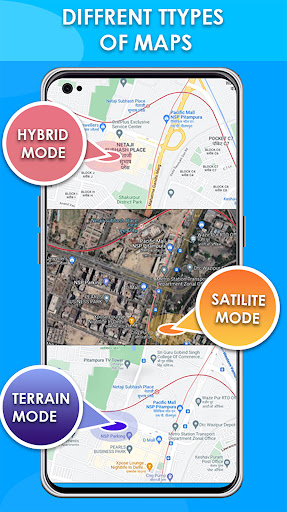
Real-time navigation with live traffic, satellite imagery, and voice guidance can quickly drain battery and consume significant mobile data. Users relying on long drives or limited data plans may experience device overheating, reduced phone performance, or unexpected charges. Constant GPS use also shortens battery life and may require frequent charging stops.
Maps Driving Directions collects location, search history, and usage data to improve routes, but this raises privacy concerns. Without clear opt-outs or simple data controls, users may unknowingly share sensitive travel patterns with third parties. Those who prioritize privacy may find the app's data retention and sharing practices difficult to manage.


