

Pros
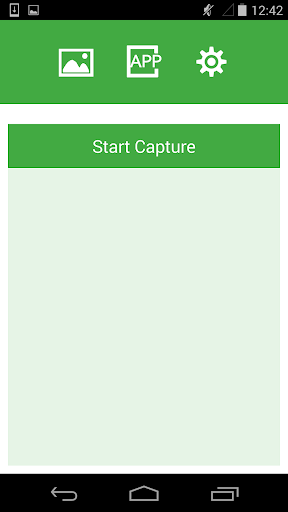
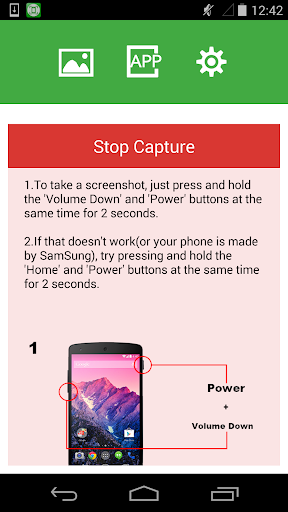
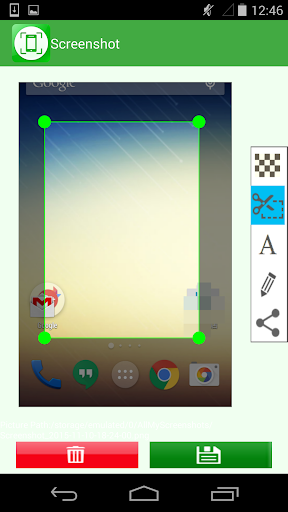
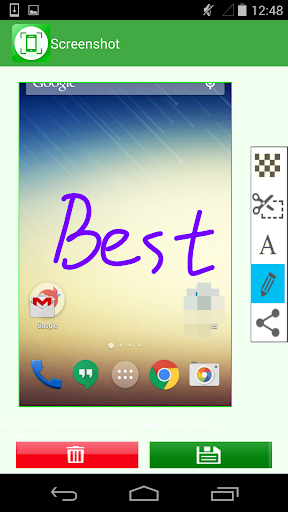
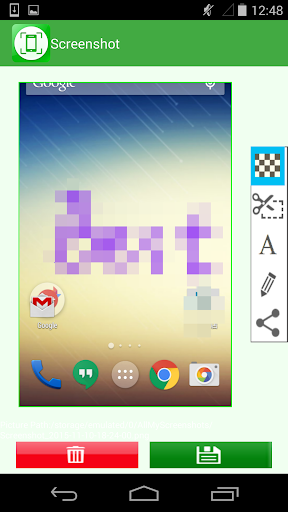
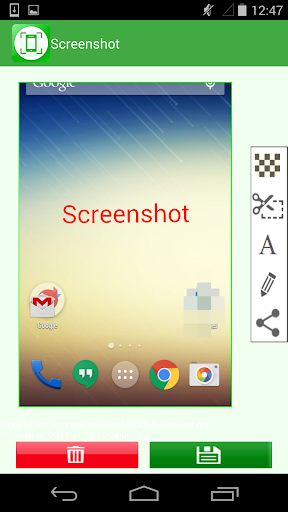
Fast, precise capture and powerful editing tools let Screenshot grab full screens, windows, or custom regions with one click. Built-in crop, annotation, blur and highlight features make clarifying or hiding details effortless. Edits are non-destructive and instant, helping users create polished visuals for tutorials, bug reports, and presentations.
Advanced capture features include scrolling screenshots, timed captures, screen-to-GIF and high-quality video recording. Integrated OCR extracts editable text from images, speeding up note-taking and data collection. Intelligent auto-crop, file naming and compression streamline workflows so teams can document processes quickly without extra editing or file management steps.
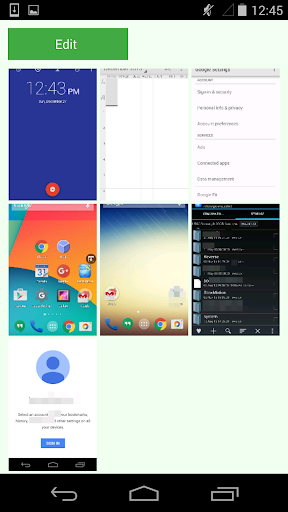
One-click sharing, direct uploads to cloud services, and native integrations with Slack, Google Drive, and email keep Screenshot content accessible and organized. Searchable history, tagging and folders simplify asset management, while robust privacy controls and local storage options ensure sensitive captures stay secure across devices and collaborators.
Cons
Screenshot apps often automatically save or sync captures to cloud services, increasing the risk of accidental sharing or data leakage. If permissions aren’t managed carefully, sensitive information like passwords, IDs, or financial details can be exposed to third-party servers or unauthorized apps, creating privacy and compliance concerns.
Many screenshot apps provide only basic cropping, highlighting, and text tools, lacking advanced annotation, precise pixel editing, or reliable OCR. This forces users to export images to other editors for complex tasks, slowing workflows and reducing productivity—especially for professionals who need detailed markups, versioning, or layered edits.
Screenshot tools can consume considerable storage and battery life, especially when saving high-resolution images or recording screen video. They may also perform inconsistently across devices and operating system versions, producing misaligned captures, scaling artifacts, or failures with protected content—creating frustration and additional steps to achieve accurate results.


