

Pro
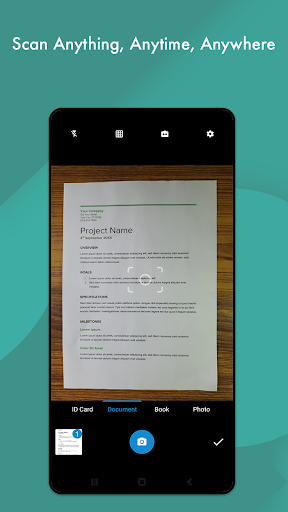
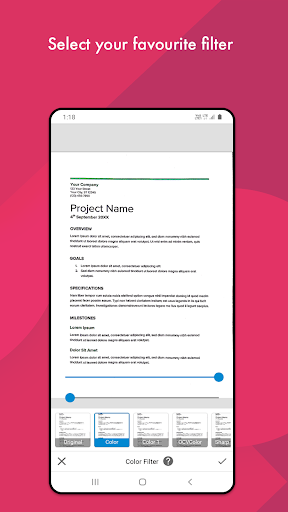
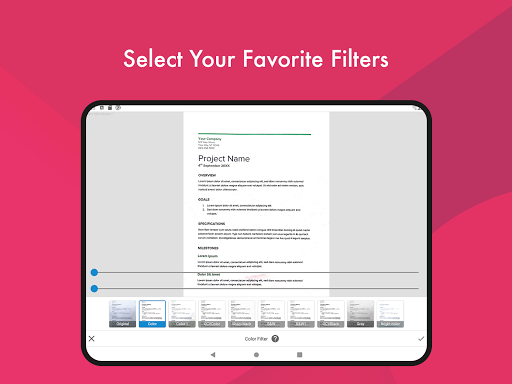
1. High-Quality Scanning: Document Scanner - PDF Creator utilizes advanced image processing algorithms to ensure that scans are clear and high-resolution, resulting in professional-quality PDF documents that are indistinguishable from those scanned by traditional hardware scanners.
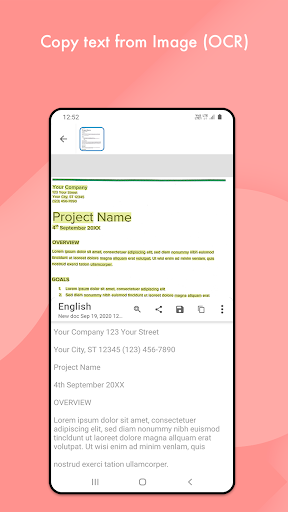
2. OCR Text Recognition: The application features Optical Character Recognition (OCR) technology, enabling it to extract text from scanned documents. This facilitates easy text searching, editing, and sharing, streamlining the workflow for users who handle a lot of text-based information.
3. Convenience and Portability: Users can transform their smartphones into a powerful scanning tool, eliminating the need for a separate device. This saves space, reduces hardware costs, and allows for scanning and sharing documents on-the-go, increasing productivity for mobile workers and those without access to standard office equipment.
Con
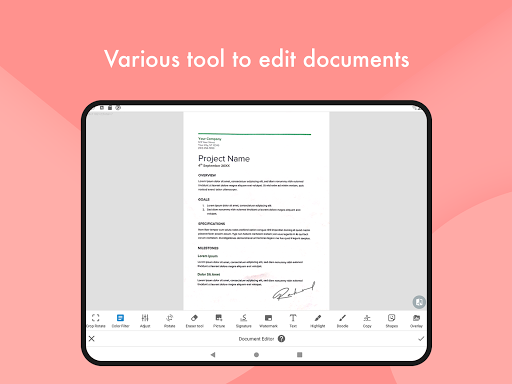
1. Limited Features in Free Version: Document Scanner - PDF Creator offers essential scanning features with its free version, but advanced functions such as OCR (Optical Character Recognition), batch scanning, or document editing require purchasing the premium version.
2. Intrusive Ads: Users of the free tier often report the application displays intrusive advertisements that can disrupt the scanning process and diminish the overall user experience, pushing for a paid upgrade to remove them.
3. Compatibility and Performance Issues: Some users experience compatibility issues with specific devices or operating systems, leading to crashes or performance hiccups. This inconsistency can be a hurdle for users seeking a reliable document scanning tool.


