



Unleash Your Inner Artist in the Blocky World
For any dedicated Minecraft player, their skin is their identity. It’s the digital representation of themselves or their fantastical alter-ego within the blocky universe. While the base game offers limited customization, the Skin Editor 3D for Minecraft app emerges as a powerful and intuitive tool that transforms skin creation from a chore into a creative joy. This app empowers both novices and seasoned builders to design, edit, and import unique skins with unprecedented ease and precision.
A Seamless and Intuitive 3D Editing Experience
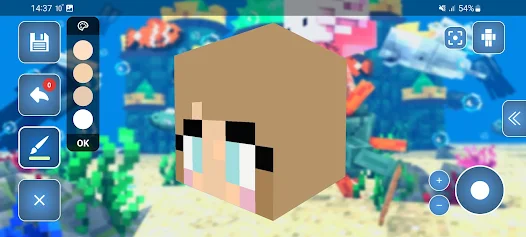
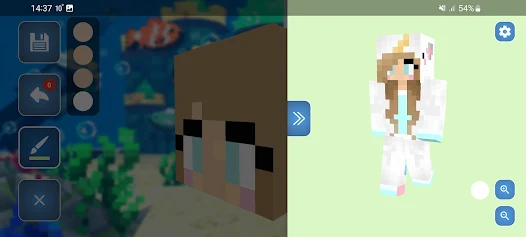
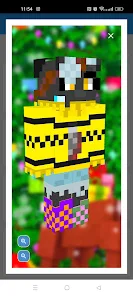
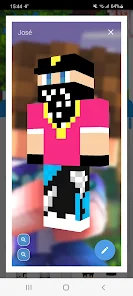
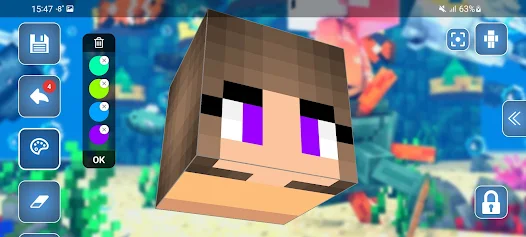
The standout feature of Skin Editor 3D is, as the name implies, its true three-dimensional editing environment. Unlike traditional 2D skin editors that require you to paint on a flat, often confusing, template, this app lets you work directly on a 3D model of your character. You can simply rotate, zoom, and pan around the model, applying colors and designs exactly where you want them. This eliminates the guesswork of mapping a 2D image onto a 3D form, making the process incredibly intuitive. Whether you're adding a logo to a character's chest or designing intricate patterns on a sleeve, you see the results in real-time from every angle.
Powerful Tools at Your Fingertips
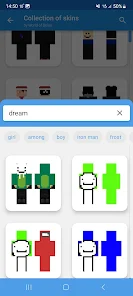
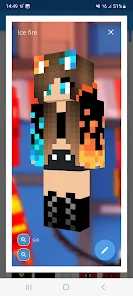
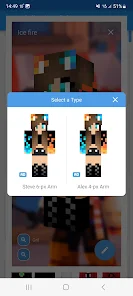
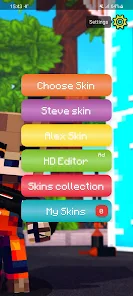
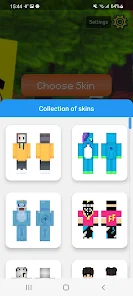
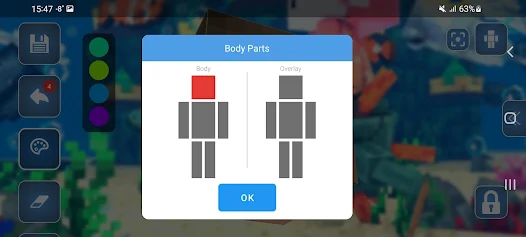
Beyond the 3D view, the app is packed with a robust set of features that cater to all levels of creativity. For beginners, there are pre-made templates and a vast library of community-created skins to use as a starting point or to import directly. For the more ambitious, the editing tools are comprehensive. You get a full color palette, a precision pencil for fine details, a bucket fill tool for large areas, and an eraser to correct mistakes. Advanced features like symmetry mode ensure that your designs are perfectly mirrored on both sides of the character, saving immense time and effort. The ability to work on both the outer layer and the inner layer (for character body parts like arms) provides a depth of customization previously unavailable in simpler editors.
From Concept to Your Minecraft World in Seconds
The true test of any utility app is its workflow efficiency, and Skin Editor 3D excels. Once your masterpiece is complete, exporting and importing it into Minecraft is a seamless process. The app generates the necessary .png file and provides clear, step-by-step instructions on how to apply it to your character in the Minecraft game. This direct integration means the gap between having a creative idea and seeing it come to life in your world is just a few taps away. It effectively bridges the gap between a standalone creative tool and the live game environment.
Who Is Skin Editor 3D For?
This app is a must-have for a wide range of Minecraft enthusiasts. It is perfect for younger players who want to easily create a skin of their favorite superhero or original character without technical hurdles. It is equally valuable for content creators and server owners who need unique skins to establish a brand or a themed event. Ultimately, anyone who has ever wanted more personalization than what the Minecraft marketplace offers will find immense value and creative freedom in this application.
Final Verdict: The Definitive Skin Creation Tool
Skin Editor 3D for Minecraft is more than just an editor; it's a gateway to unparalleled self-expression within one of the world's most popular games. By combining a user-friendly 3D interface with a powerful set of editing tools and a streamlined export process, it removes all barriers to custom skin creation. It empowers every player to become an artist and define their digital identity with precision and flair. For anyone serious about personalizing their Minecraft experience, this app is an essential download.


