



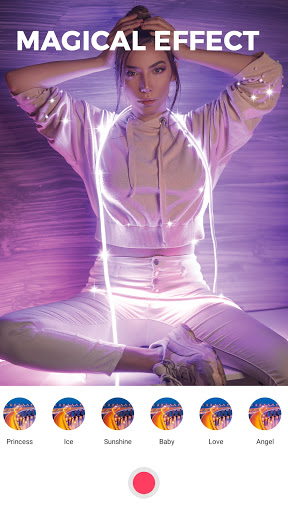
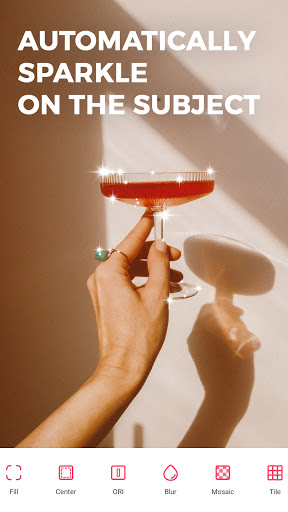
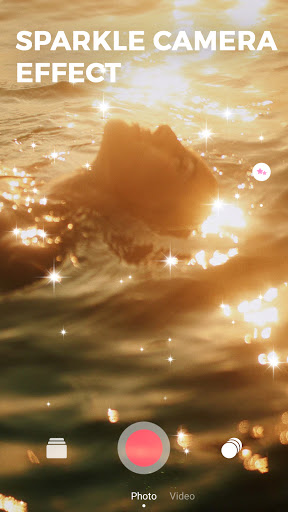
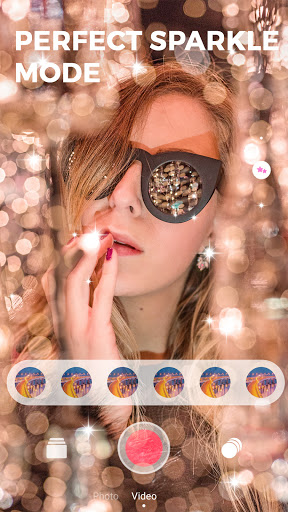
KiraKira+ is probably the name many young people mentioned in the past days by the magic that this "virtually live" app brings. Have you updated this new trend?
The glittering, glistening photography brings amazing animations to the photographer. This is also the reason why not only the famous stars that anyone who knows this software is hard to ignore
Along with the dizzying changes in telephone technology, self-portraits have also been upgraded. One of the most popular photography trends lately is the twinkling of the KiraKira+
KiraKira+ software is probably doing a great job as the owner of the photo becomes more brilliant than ever.
KiraKira+ video capture, now available on the App Store for users to download and use. Accordingly, the application will work independently on the device and you can mix while recording video.
As soon as it is available on the App Store, the app has been downloaded and used by many, especially celebrities, fashion bloggers, makeup artists because the video will become much more attractive.
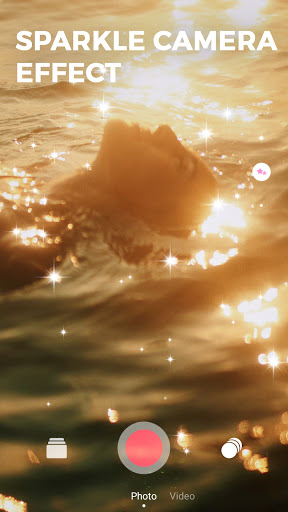
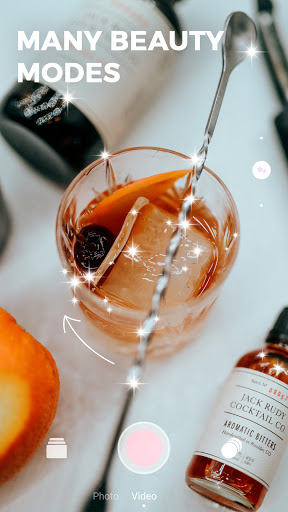
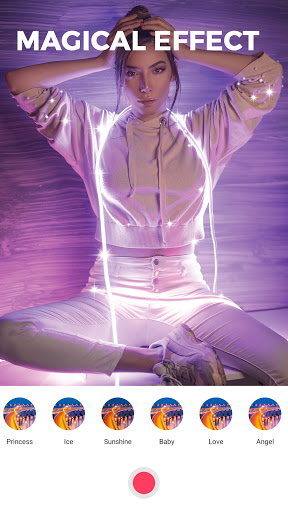
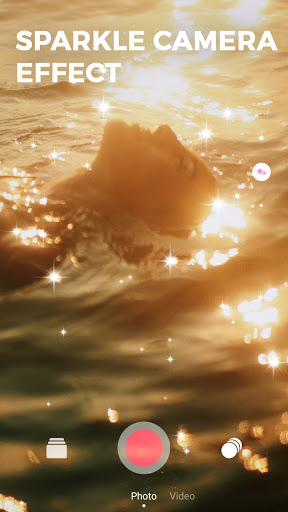
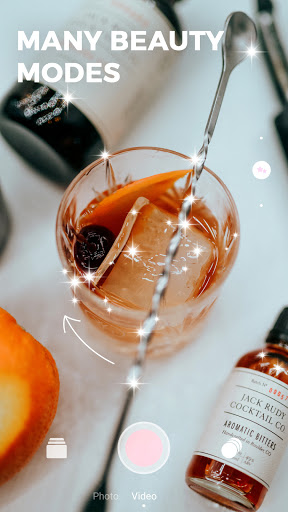
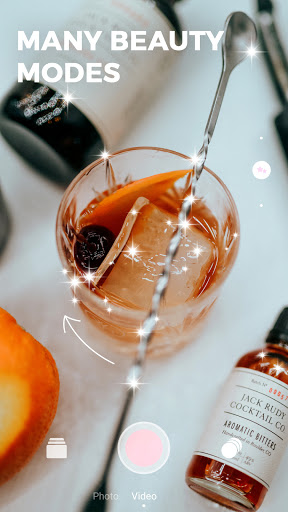
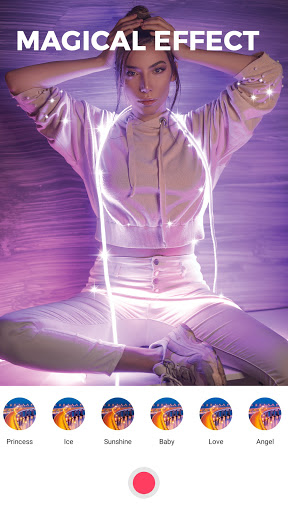
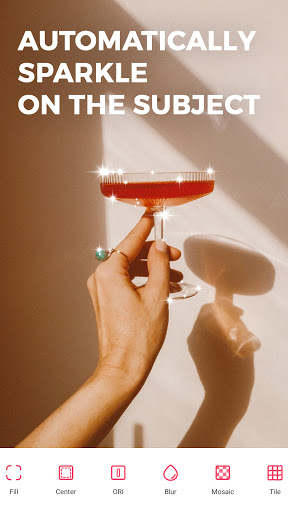
This application identifies any object with metal or light in the image and adjusts to the sparkling effect that is extremely eye-catching. Not to mention, you can freely choose for yourself the sparkling colors that yourself prefer
Usage of the KiraKira+ application is also extremely simple. You just need to identify any shining or metallic object in the frame and add it to the real-life sparkle effect. This app can be applied to both stills and videos, but it looks like the video is favoured.
Step 1
️After we download the application on the device and click on the icon to launch. At the first interface, users will need to agree to let KiraKira+ use the Microphone and Camera on the device.
Step 2
️Then take a photo or video on KiraKira+. You bring the camera to the object you want to capture, video and will see the sparkle effect is added automatically. Finally press the capture is done. We can use the camera before or after.
️When you switch to Square mode, there will be a custom bar for the sparkle effect on the right side of the screen. Scroll up or down to select the level of sparkle effect, or change the color of the sparkling light.
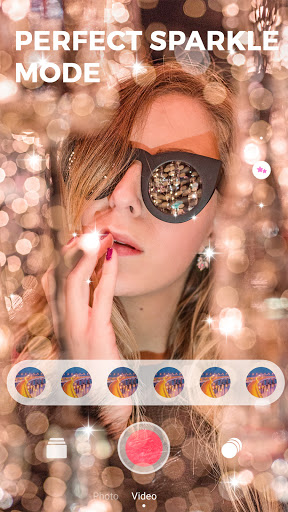
The sparkle effect on KiraKira+ is used for more video, as you will see the special when shooting video. In addition, the application also provides some additional image filters for users to choose
With KiraKira+, you can choose to take pictures (usually or square), video recording with the camera before or after.
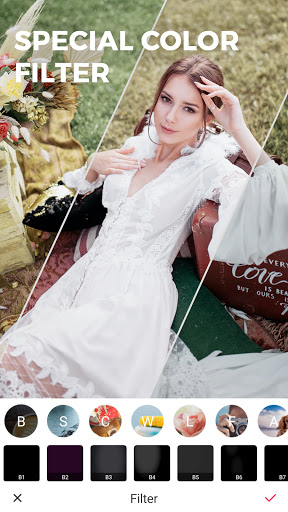
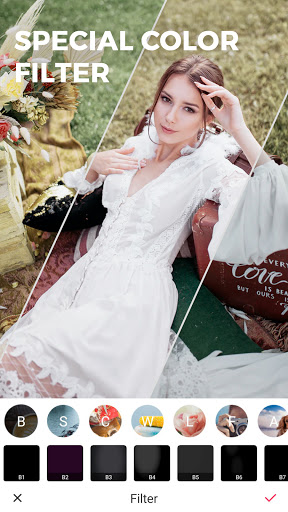
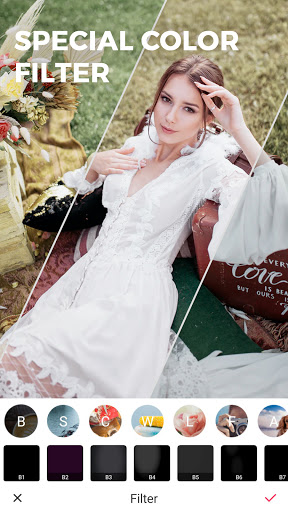
There are many filters in the app to choose from. You can change the color and brightness of the sparkling light.
Any widgets that were taken with the application will be automatically saved in the camera roll, and then manually uploaded to the social network
Did you plan on catching up with this photoshoot? Please bring yourself a little fun in your life nhé! This is also a way to relieve stress or stress after a long day of work, children. We look forward to the pictures from you


