






Pros
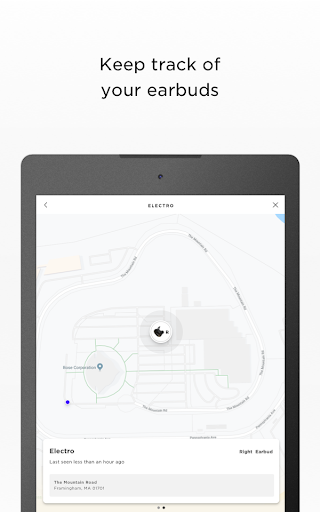
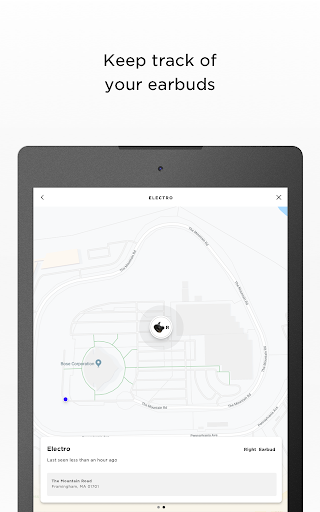
Bose Connect streamlines Bluetooth device management, making pairing and switching between multiple Bose products fast and intuitive. The app shows battery levels, connection status, and quick access controls so you can launch playback, manage calls, or switch devices without digging through phone settings — ideal for users with several Bose accessories.
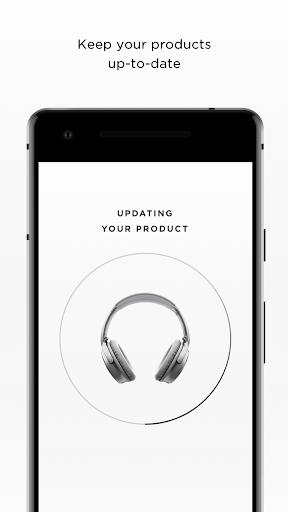
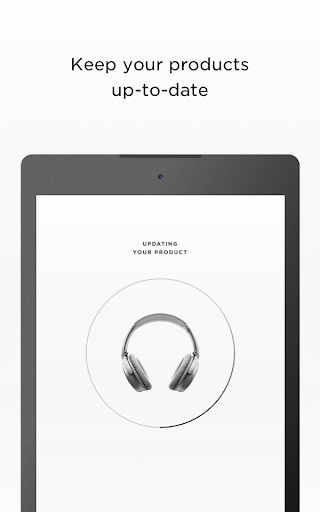
Regular over-the-air firmware updates keep Bose headphones and speakers current with bug fixes, new features, and performance improvements. Bose Connect also offers device-specific controls and personalization such as noise-cancellation presets, device naming, and easy product registration, plus built-in user guides and support resources to simplify setup and troubleshooting.
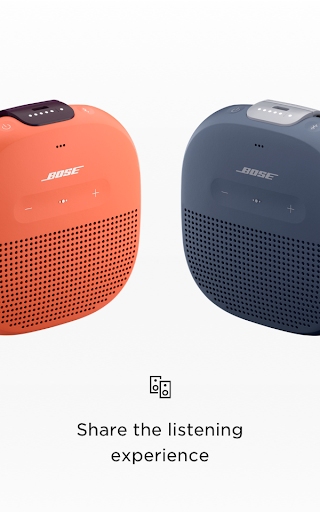
The app enhances shared listening and multi-speaker setups by enabling Party Mode and Stereo Mode on supported Bose speakers, plus SimpleSync pairing for compatible home systems. You can share audio with friends, manage multiple devices from one place, and create synchronized playback for parties or multi-room listening when supported.
Cons
The app supports only Bose products and some older or newer models may not be compatible, forcing users to juggle multiple apps. This limited device compatibility reduces convenience for households with mixed brands and can cause confusion when features are split across Bose Connect and other Bose apps, complicating setup and updates.
Audio customization is basic: equalizer options are minimal or unavailable on many models, and advanced sound tuning features found in rival apps are missing. Audiophiles may find the lack of granular EQ presets, sound profiles, and custom firmware settings frustrating, limiting the ability to tailor listening experiences to personal preferences.
Users report occasional stability and connectivity issues, including Bluetooth dropouts and slow pairing, which can interrupt playback. Error messages and bugs sometimes persist between updates, and the app’s update cadence is inconsistent. This can undermine reliability for daily use, especially during calls, travel, or shared listening sessions.


