









Introduction to APKMirror Installer
In the diverse ecosystem of Android, accessing apps outside the official Google Play Store is a common need for many users. Whether you're seeking an older version of an app, a region-locked application, or a beta release, APK files are the key. This is where APKMirror Installer comes into play. Developed by the trusted team behind the renowned APKMirror website, this app serves as a secure and streamlined companion for installing APK and APKM bundle files, simplifying a process that can often be cumbersome for less tech-savvy users.
Seamless Installation Made Simple
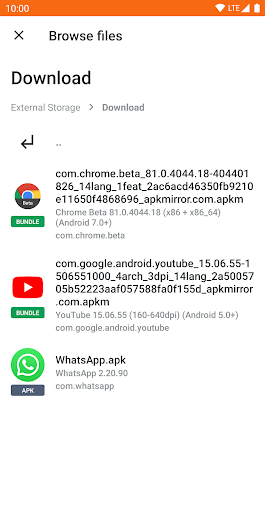
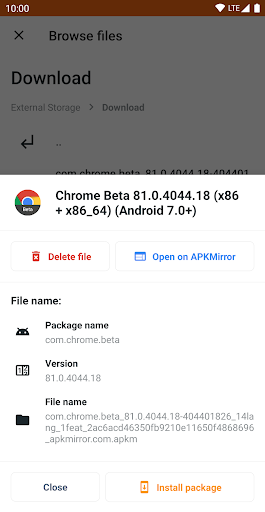
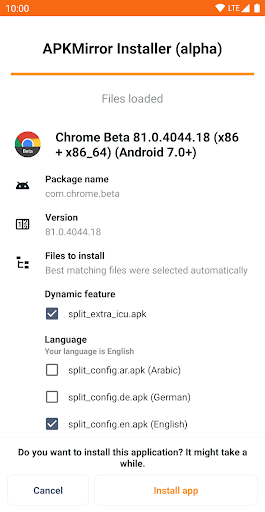
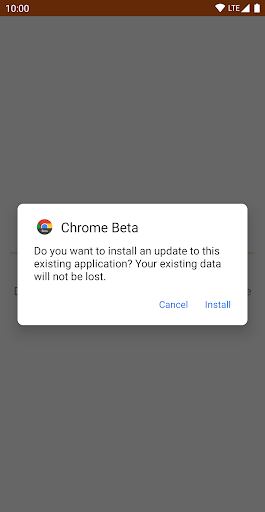
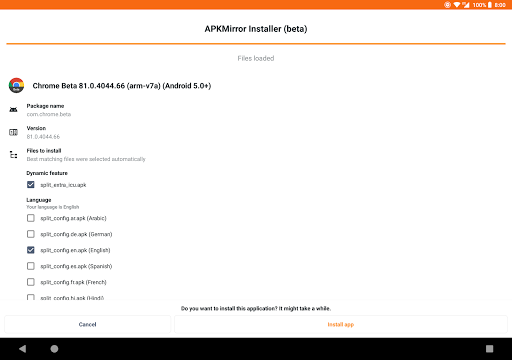
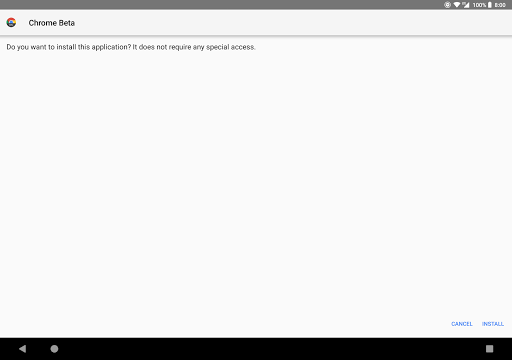
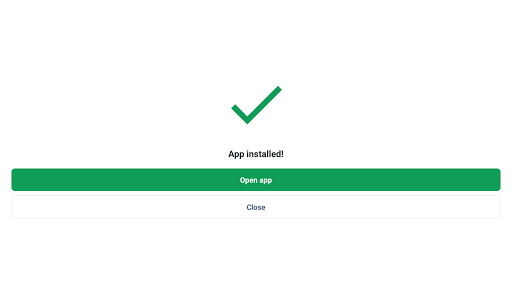
The core function of APKMirror Installer is to demystify the APK installation process. Traditionally, installing an APK involves enabling "Unknown Sources," downloading the file, locating it in a file manager, and proceeding with the installation—a multi-step procedure that can be intimidating. This app elegantly automates much of this workflow. Once you have downloaded an APK file from the APKMirror website or any other trusted source, simply opening the file will prompt the APKMirror Installer to take over. It handles the parsing of the package and guides you through a clean, straightforward installation interface, reducing the process to just a few taps.
A Pillar of Security and Trust
In a landscape where downloading APKs from random websites can pose significant security risks, the trustworthiness of APKMirror Installer is its greatest asset. The APKMirror platform is widely respected for its rigorous verification process. Every APK uploaded to its repository is cryptographically checked to ensure it matches the original file released by the developer, guaranteeing that it hasn't been tampered with or injected with malware. By using the official installer from this team, you are leveraging that same commitment to security, adding a crucial layer of confidence when sideloading applications.
Key Features and Advantages
Beyond basic installation, the app offers several thoughtful features. It excels at handling APKM bundles (split APKs), which are increasingly used by developers to reduce app size. Installing these bundles manually is complex, but APKMirror Installer manages the process seamlessly. It also includes a helpful "Apps" tab that shows all applications installed through the tool, and it can check for updates for those specific apps, acting as a useful supplement to the Play Store. The interface is clean, ad-free, and focused purely on functionality, which is a refreshing contrast to many other installer tools cluttered with ads and bloatware.
Who Should Use APKMirror Installer?
This app is an essential tool for Android enthusiasts, beta testers, and anyone who values control over their device. It is perfect for users who frequently download apps from APKMirror.com, as the integration is seamless. It's also highly recommended for those who need to roll back to a previous, more stable version of an app, or for users in regions where certain apps are unavailable on the official store. While beginners will appreciate its simplicity, power users will value its reliability and security pedigree.
Final Verdict
APKMirror Installer is not just another APK installer; it is the official, security-focused gateway to the world of trusted APK files. It transforms a technical process into a user-friendly experience while upholding the highest standards of safety. For anyone who ventures outside the Google Play Store, having this installer on your Android device is a wise decision. It provides peace of mind, exceptional convenience, and upholds the integrity of the apps you install, making it an indispensable utility in any advanced Android user's toolkit.


