


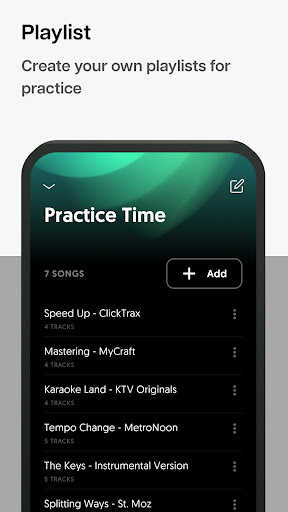
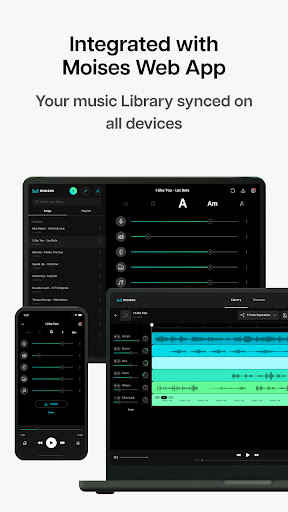

Elevate your music creativity and practice with the Moises App. Discover the secret of leading artists using the Worlds #1 App for music track separation. Isolate or extract voice and instruments from any song, change pitch and speed in real-time, and instantly generate click tracks for any tune.
Features
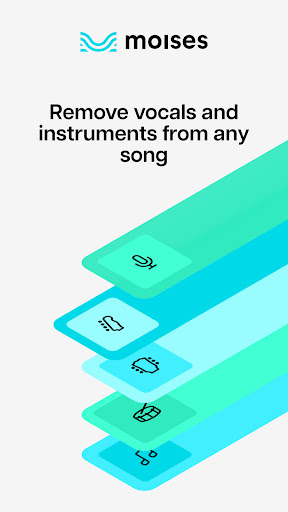
• Extract and remove vocals from any song
• Isolate instruments from any audio/video file
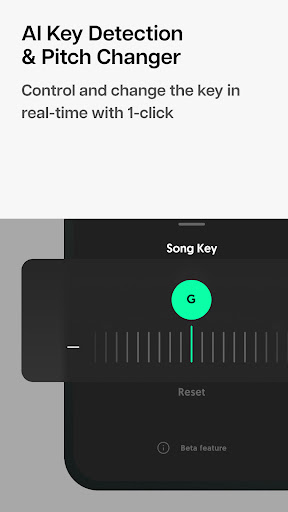
• Pitch changer: transpose music to your key of choice
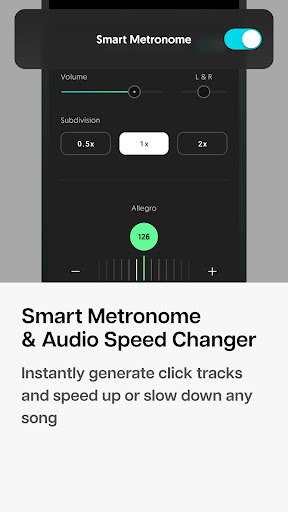
• Smart metronome: automatically generate synchronized click tracks
• Speed changer: speed up or slow down a song
• AI Chords detection: play along with synchronized chords
• Remix drums, guitars, bass lines, piano, and other instruments
• Count in: set the count-in period that precedes the playback
• Trim and loop music parts: control and choose when the music starts and ends
Create samples, mashups, remixes, and backing tracks powered by Artificial Intelligence. Practice and make music like never before!
Moises is perfect for:
• Producers
• Music students and teachers
• Karaoke enthusiasts
• DJs and music performers
With Moises, you can create, practice, and perform anywhere:
• Master your craft with drumless, guitarless, and bassless tracks.
• Remove vocals and create instrumentals for Karaoke.
• Create your own backing tracks for any song with synchronized click tracks.
• Produce, remix, create mashups with high-fidelity audio stems in WAV format.
Go beyond removing vocals and instruments:
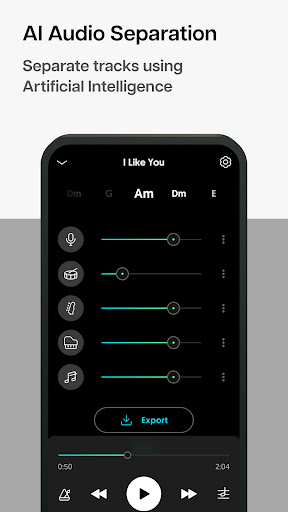
• Get voice and instruments separated into individual tracks (vocals, drums, bass, piano, and more).
• Adjust volume, change pitch, tempo, and export your own play-along tracks with the power of our Mixer.
How Moises works in 4 easy steps:
1- Upload a song or import it using an URL
2- Separate tracks
3- Use the music mixer
4- Download individual tracks or an entire mix
You can import files from your Google Drive, Dropbox, or import files by pasting any URL. The accepted formats are:
Audio:
• MP3, AAC3, AAC
• WAV, FLAC, AIFF (aif)
• OGG, WMA
Video:
• MP4, M4A, M4V, M4R
• MPEG (MPG), FLV
• MOV, MKV, WEBM
You can download your file in M4A or WAV (Premium users only).
About our Plans:
Some features are limited in the free plan. To enjoy the maximum potential of Moises, upgrade to Premium.
Premium:
• Unlimited uploads
• 20 minutes duration (per file)
• Files stored forever
• WAV and M4A download
• All instruments separation
• Fast processing queue
• Advanced settings
• Mixer
• Smart Metronome
• Chords detection
• Lyrics (coming soon)
• Pitch change
• Playback speed
• Count in up to 16 beats
• Trim
Free User:
• 5 uploads per month
• 5 minutes duration (per file)
• M4A 320Kps download
• Limited instruments separation
• Standard processing queue
• Mixer
• Smart Metronome (1 min)
• Chords detection (1 min)
• Lyrics (coming soon)
• Limited pitch change
• Limited playback speed
• Count in limited up to 4 beats
• Trim
Download the Moises App and create music like never before!
------------------
For Terms and Conditions, Privacy Terms, and FAQ, please visit:
https://moises.ai/terms
https://moises.ai/privacy
https://help.moises.ai


